> ## Documentation Index
> Fetch the complete documentation index at: https://help.kajabi.com/llms.txt
> Use this file to discover all available pages before exploring further.
# Log in with Google
> Use Google to sign into a Kajabi account.
**Google sign-in** lets you log in without managing a separate password. You can connect Google to an existing account.
## Connect Google to a Kajabi account
To connect Google to your existing Kajabi account:
1. Go to [**Settings > Sign in & security**](https://app.kajabi.com/admin/settings/security).
2. In the Social Accounts section, click **Connect to Google**.
3. Enter your Kajabi password to verify your identity.
4. Select the Google account you wish to connect to Kajabi.
## Log in with Google
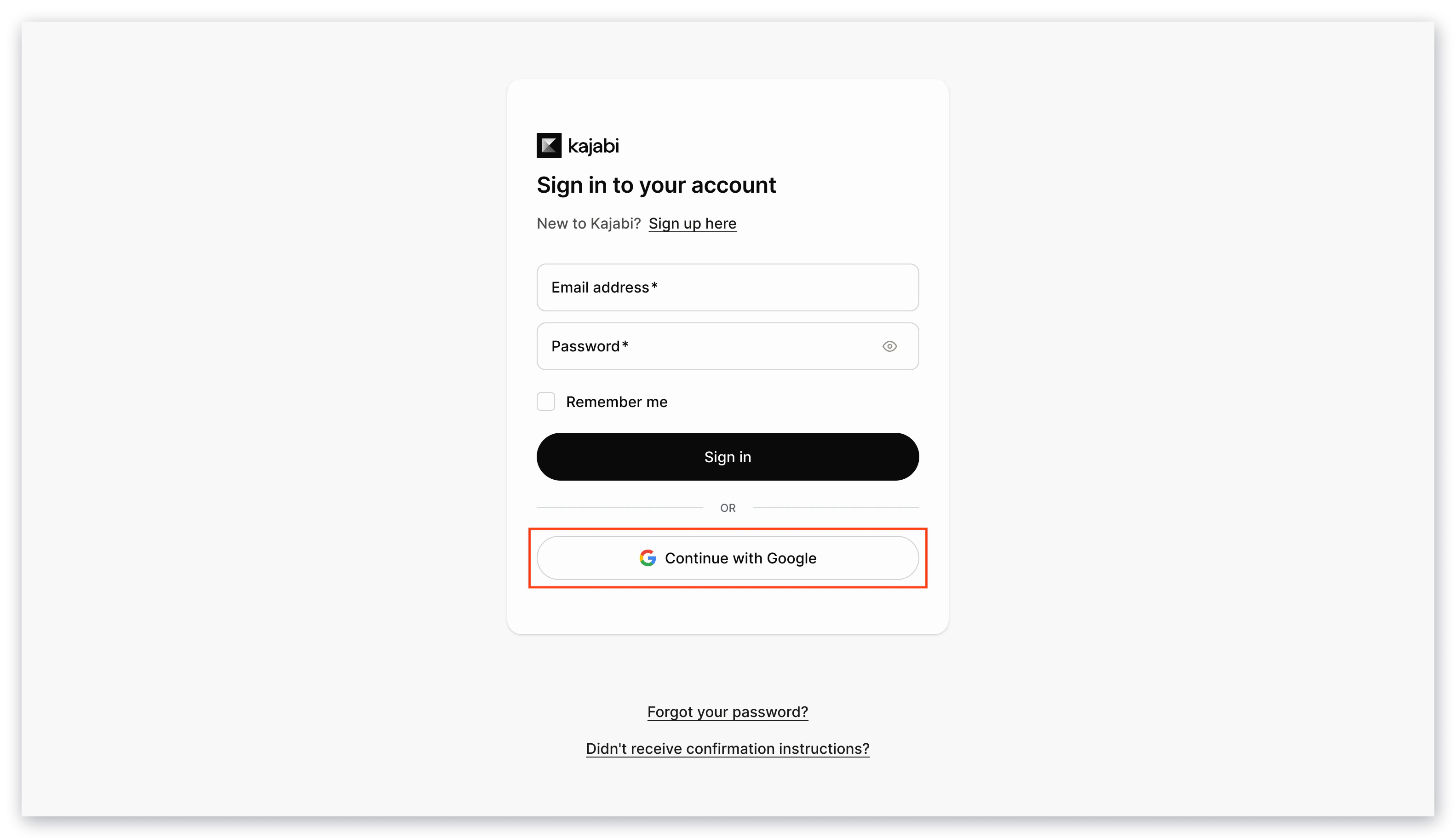
1. Open the [Kajabi login page](https://app.kajabi.com/login).
2. Click **Continue with Google**.
 ## Disconnect a Google account
To disconnect Google from your existing Kajabi account:
1. Go to [**Settings > Sign in & security**](https://app.kajabi.com/admin/settings/security).
2. In the Social Accounts section, click **Disconnect** next to Google.
3. Enter your Kajabi password to verify your identity.
## Disconnect a Google account
To disconnect Google from your existing Kajabi account:
1. Go to [**Settings > Sign in & security**](https://app.kajabi.com/admin/settings/security).
2. In the Social Accounts section, click **Disconnect** next to Google.
3. Enter your Kajabi password to verify your identity.