> ## Documentation Index
> Fetch the complete documentation index at: https://help.kajabi.com/llms.txt
> Use this file to discover all available pages before exploring further.
# Report: Payments by pricing type
> Track payments by pricing type including one-time, subscriptions, and payment plans.
**Payments by pricing type** is the report of different pricing types upon purchase, including one-time payments, subscriptions, payment plan, free, and pay what you want.
## View Payments by Pricing Type
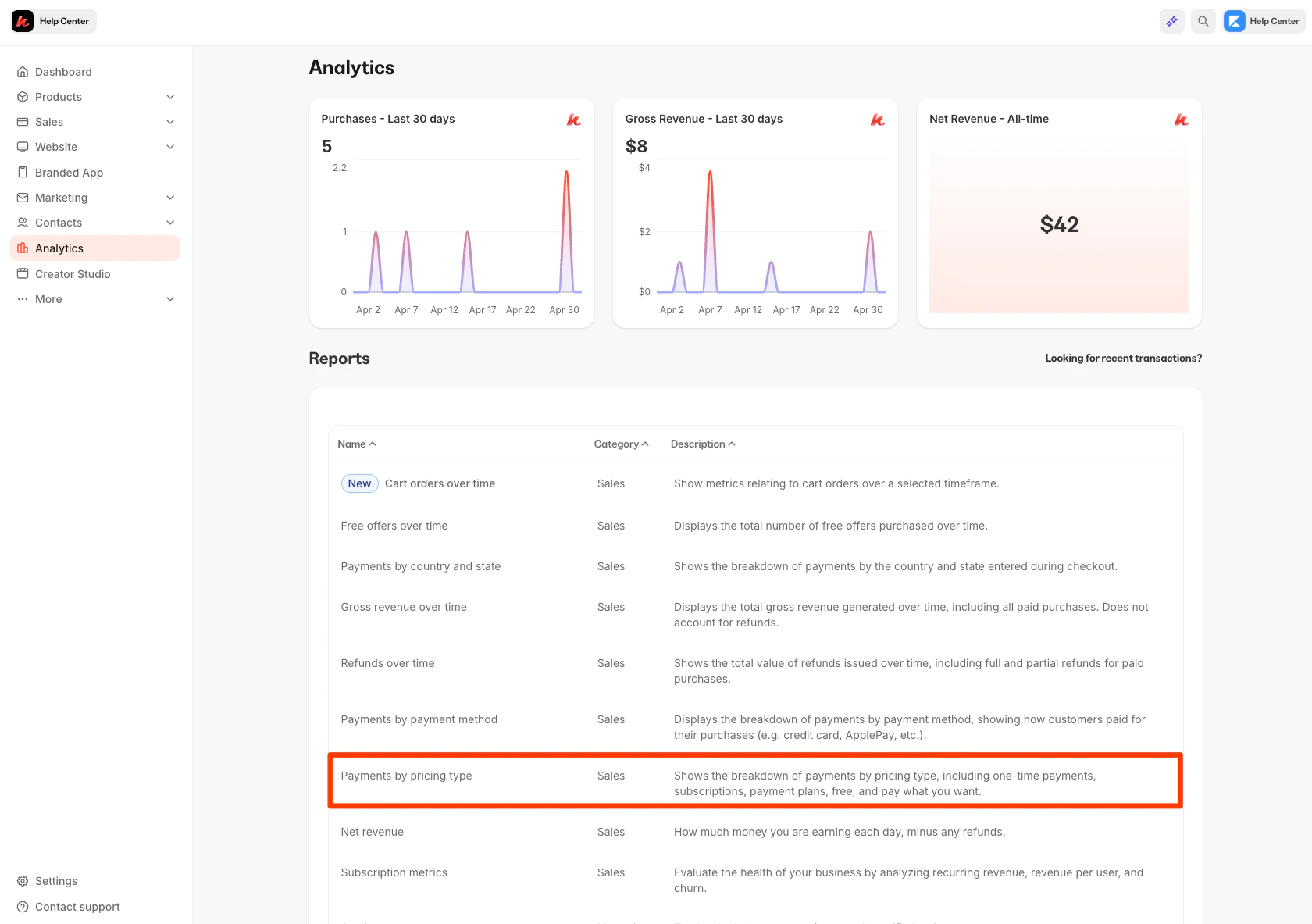
To access your Payments by pricing type report:
1. Open the **Analytics** tab from your Dashboard
2. Click **Payments by Pricing Type**
 ## Understand the Payments by Pricing Type report
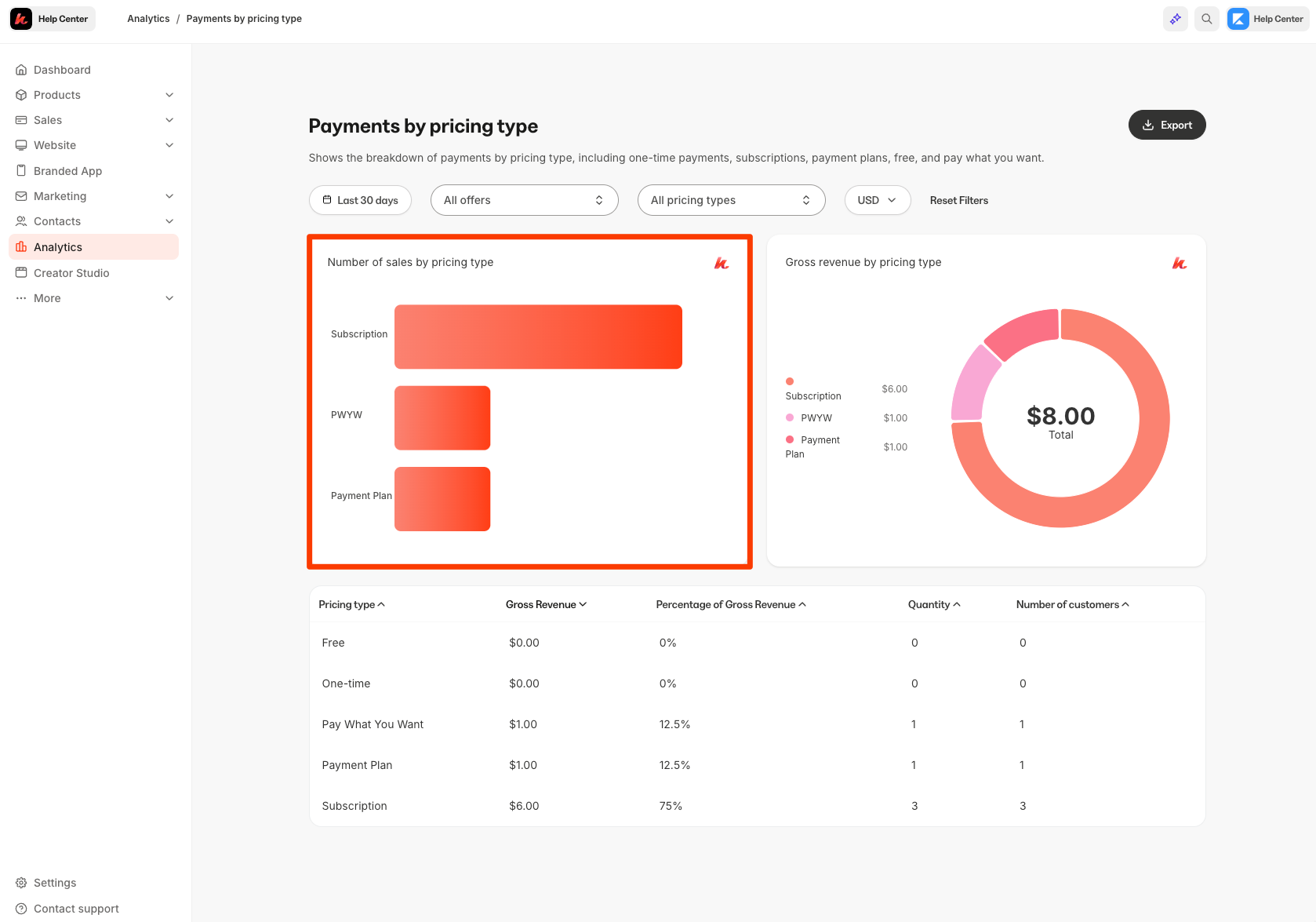
### Number of sales by pricing type
View your number of sales by pricing type.
Each pricing type and the number of sales completed by that pricing type will be shown:
## Understand the Payments by Pricing Type report
### Number of sales by pricing type
View your number of sales by pricing type.
Each pricing type and the number of sales completed by that pricing type will be shown:
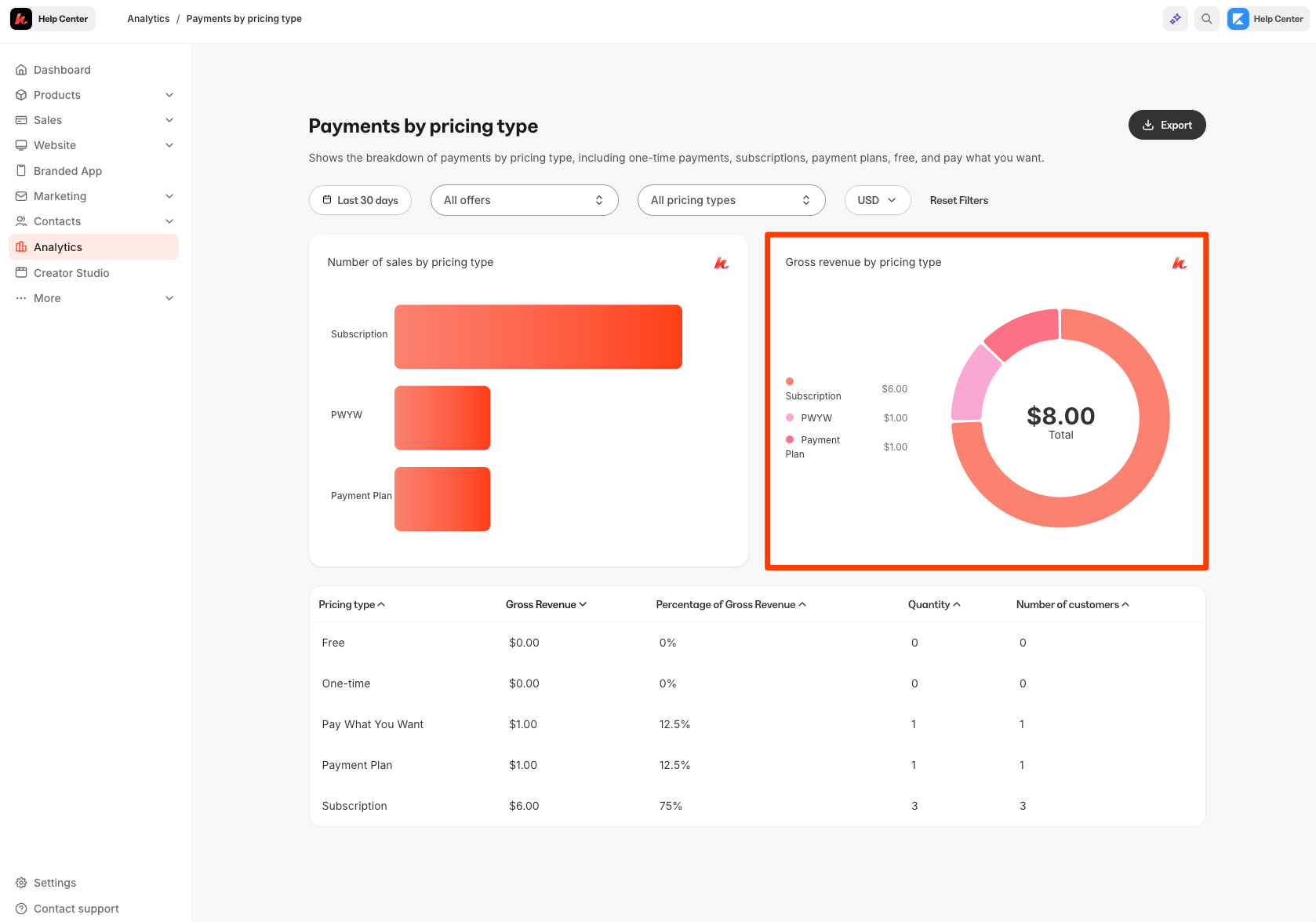
 ### Gross Revenue by Pricing Type
Your gross revenue by pricing type will be shown in a circle graph form:
### Gross Revenue by Pricing Type
Your gross revenue by pricing type will be shown in a circle graph form:
 ### Using filters
Using the filter bar on the top of the page, you can alter your entire data set by currency, date, and offer:
### Using filters
Using the filter bar on the top of the page, you can alter your entire data set by currency, date, and offer:
## Export the Payments by Pricing Type report
Export your Payments By Pricing Type report to share, file, and record your Payments by Pricing Type report.
### Export Payments by Pricing Type
1. Open the **Analytics** tab from your Dashboard
2. Click **Payments By Pricing Type**
3. Located toward the top of the page, click **Export**
Access your exported report from your downloaded files on your hard drive.
**Note:**
Exporting this report will notify the owner of the Kajabi account if the owner has selected to receive notifications data is exported from their account. [Learn to update email notification settings.](/articles/account-settings/notifications/update-email-notifications)
## Exported data
The following data is exported with the Payments by Pricing Type report:
* Pricing Type
* Quantity
* Gross Revenue Amount
* Gross Revenue Currency
* Gross Revenue Percentage
* Number of Customers