> ## Documentation Index
> Fetch the complete documentation index at: https://help.kajabi.com/llms.txt
> Use this file to discover all available pages before exploring further.
# View all transactions in PayPal
> View PayPal transactions directly in your PayPal account for complete transaction records.
All **PayPal** transactions that take place within Kajabi are tracked through both Kajabi and PayPal. If you wish to view your PayPal transactions directly in PayPal, you can do so by logging into your PayPal account.
## View transactions in PayPal
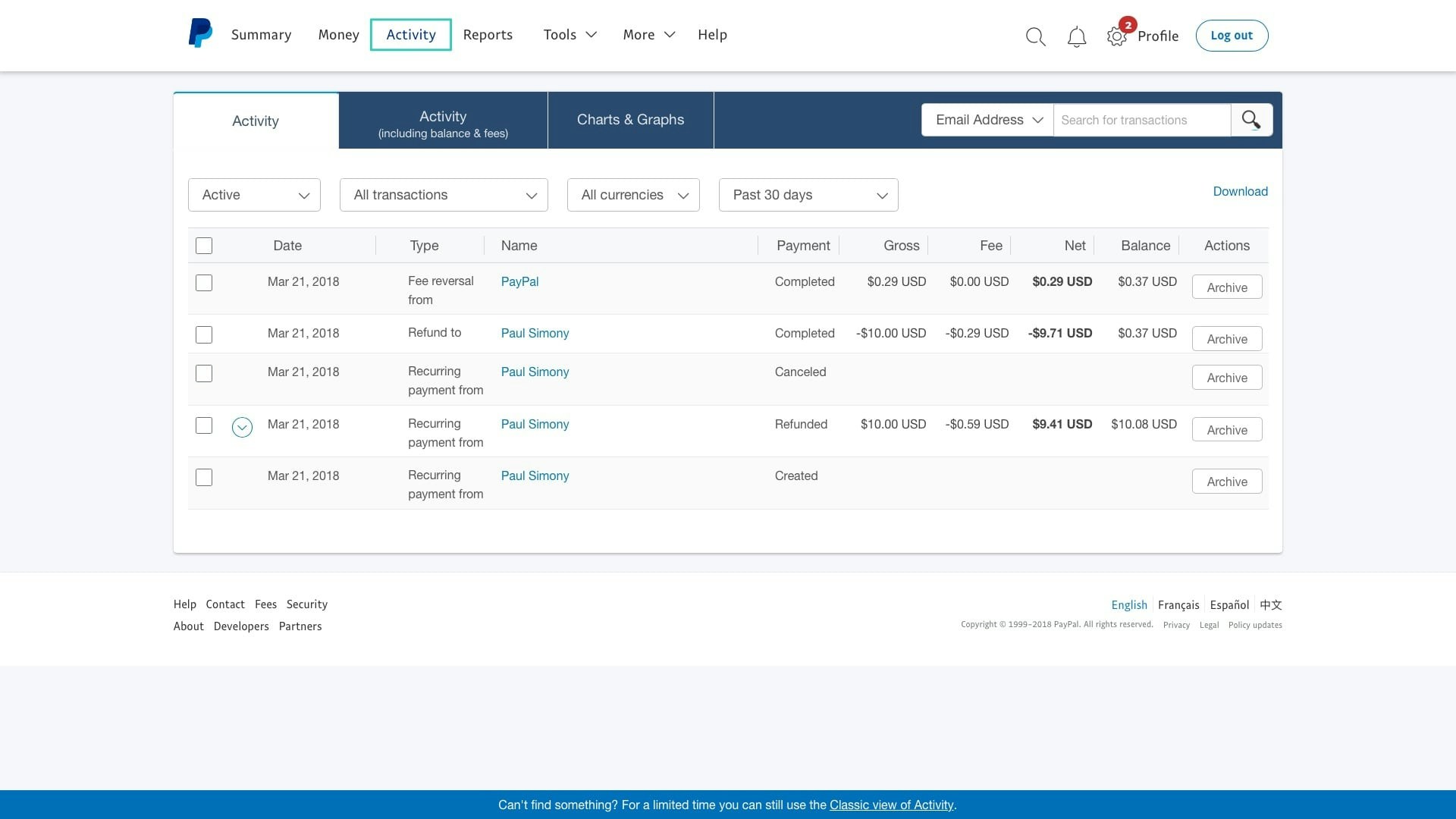
* Log into your PayPal business account
* Click the **Activity** tab in the header
* Then, select **All Transactions**
 **Tip:** Unfortunately, PayPal doesn't automatically update changes made to Offer Titles in customer invoices. Consequently, if the title of your offer is changed, the former title will still be shown on the invoice. Because of this issue, we recommend creating a new offer with the new title to ensure consistency for your customer purchases and invoices.