> ## Documentation Index
> Fetch the complete documentation index at: https://help.kajabi.com/llms.txt
> Use this file to discover all available pages before exploring further.
# Distinguish between Insights and Analytics
> Understand the difference between People Insights and Site Analytics to make better data-driven decisions.
Kajabi provides two tools for understanding your audience and how they engage with your site and marketing materials: Insights and Analytics. Both provide aggregated data to help you analyze your unique statistics and implement best practices.
## Insights
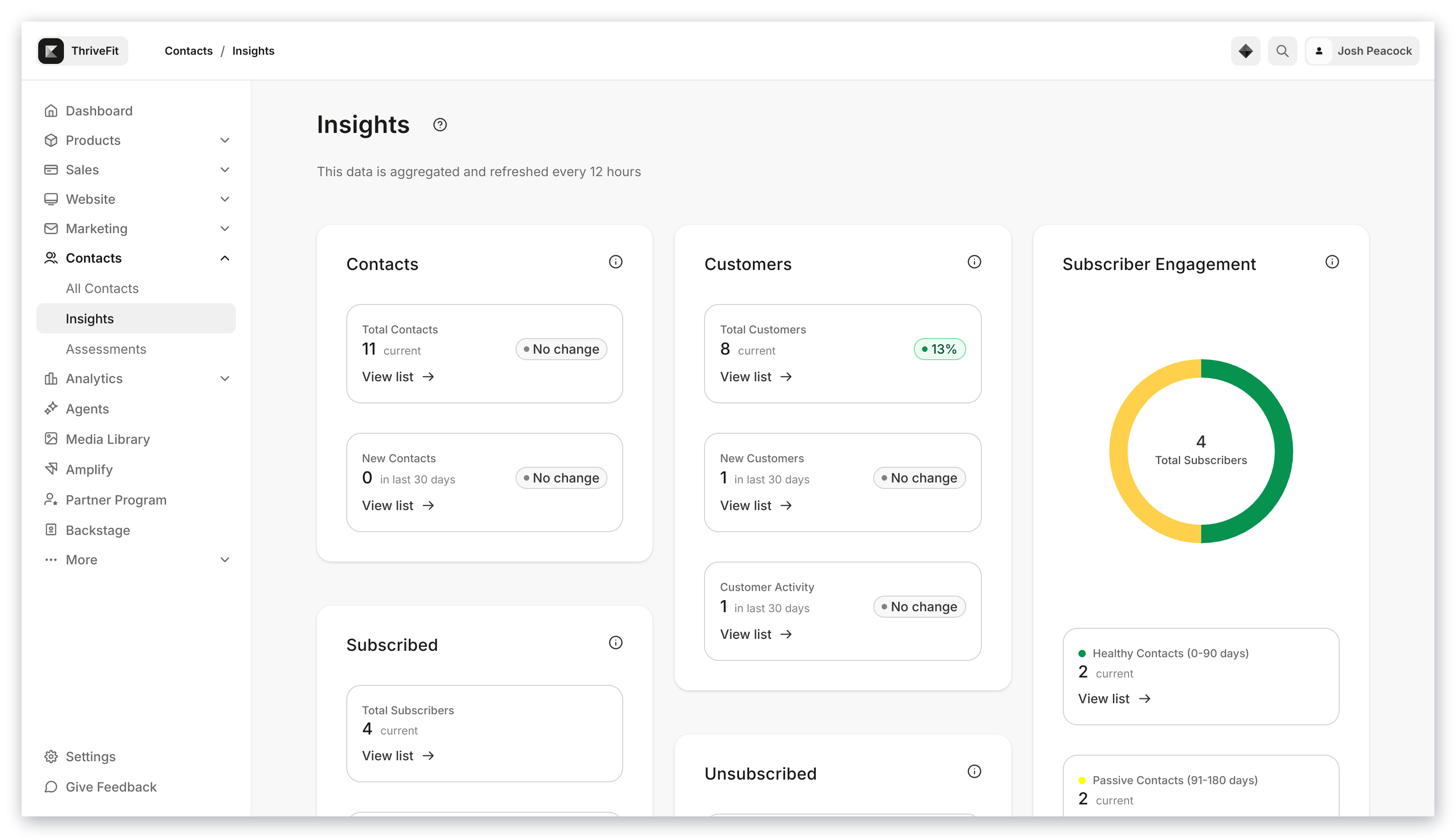
Insights is Kajabi's feature that allows you to view a breakdown of your contact and member engagement with your email marketing.
[Explore Insights](../../analytics/insights-overview).
 ## Site Analytics
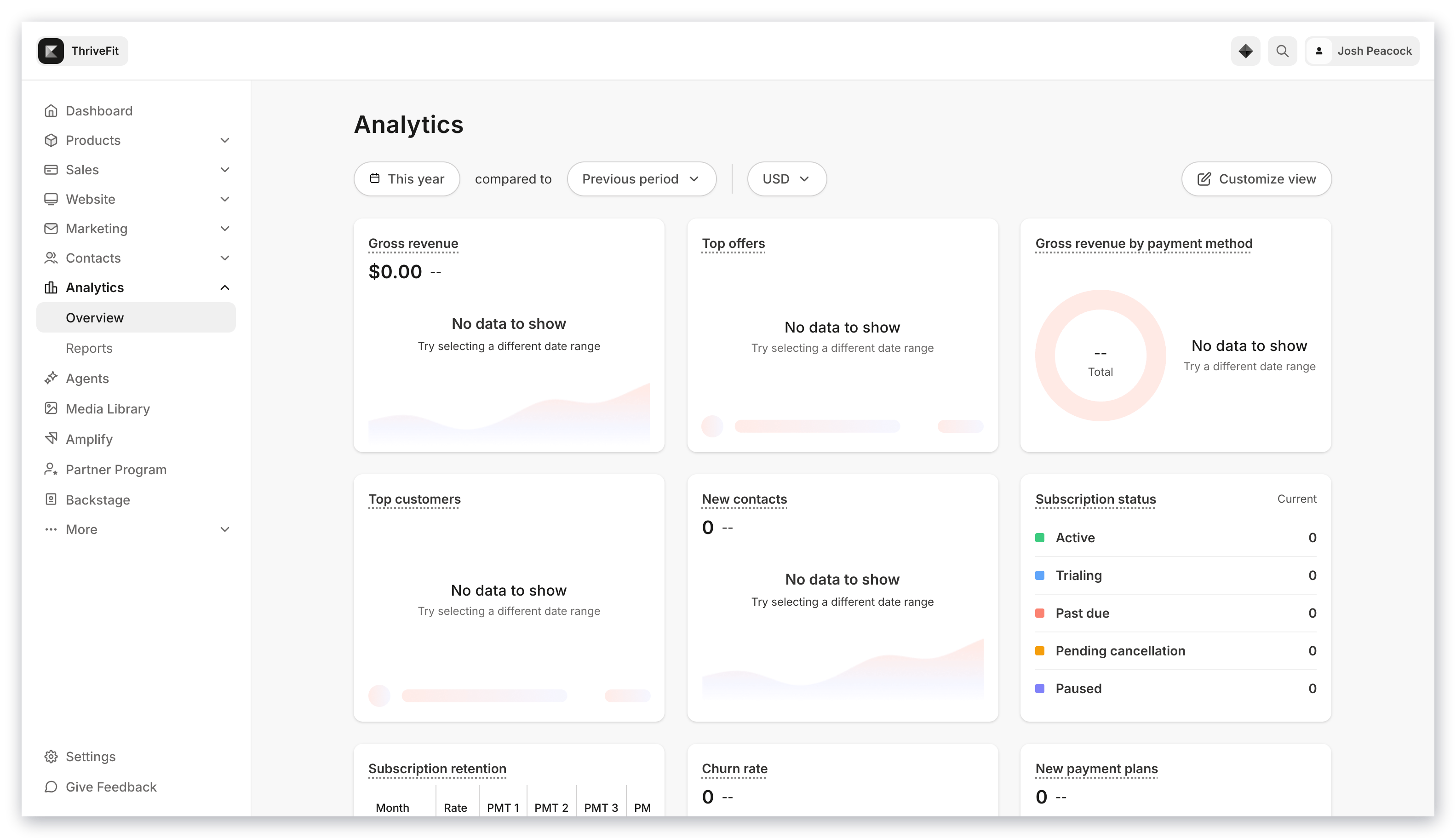
Site Analytics help you assess your Net Revenue, Subscription Metrics, Opt-ins, Page Views, Offers Sold, Affiliates, and Recent Transactions all in one convenient location.
Within your Analytics Dashboard you can view your most important statistics and dive deeper into each Analytic widget to understand the success of your site and continue to improve your data.
[Explore Analytics](../../analytics/analytics-overview).
## Site Analytics
Site Analytics help you assess your Net Revenue, Subscription Metrics, Opt-ins, Page Views, Offers Sold, Affiliates, and Recent Transactions all in one convenient location.
Within your Analytics Dashboard you can view your most important statistics and dive deeper into each Analytic widget to understand the success of your site and continue to improve your data.
[Explore Analytics](../../analytics/analytics-overview).