> ## Documentation Index
> Fetch the complete documentation index at: https://help.kajabi.com/llms.txt
> Use this file to discover all available pages before exploring further.
# Change the language for email footer elements
> Update the language for the View in Browser button and address in the email footer.
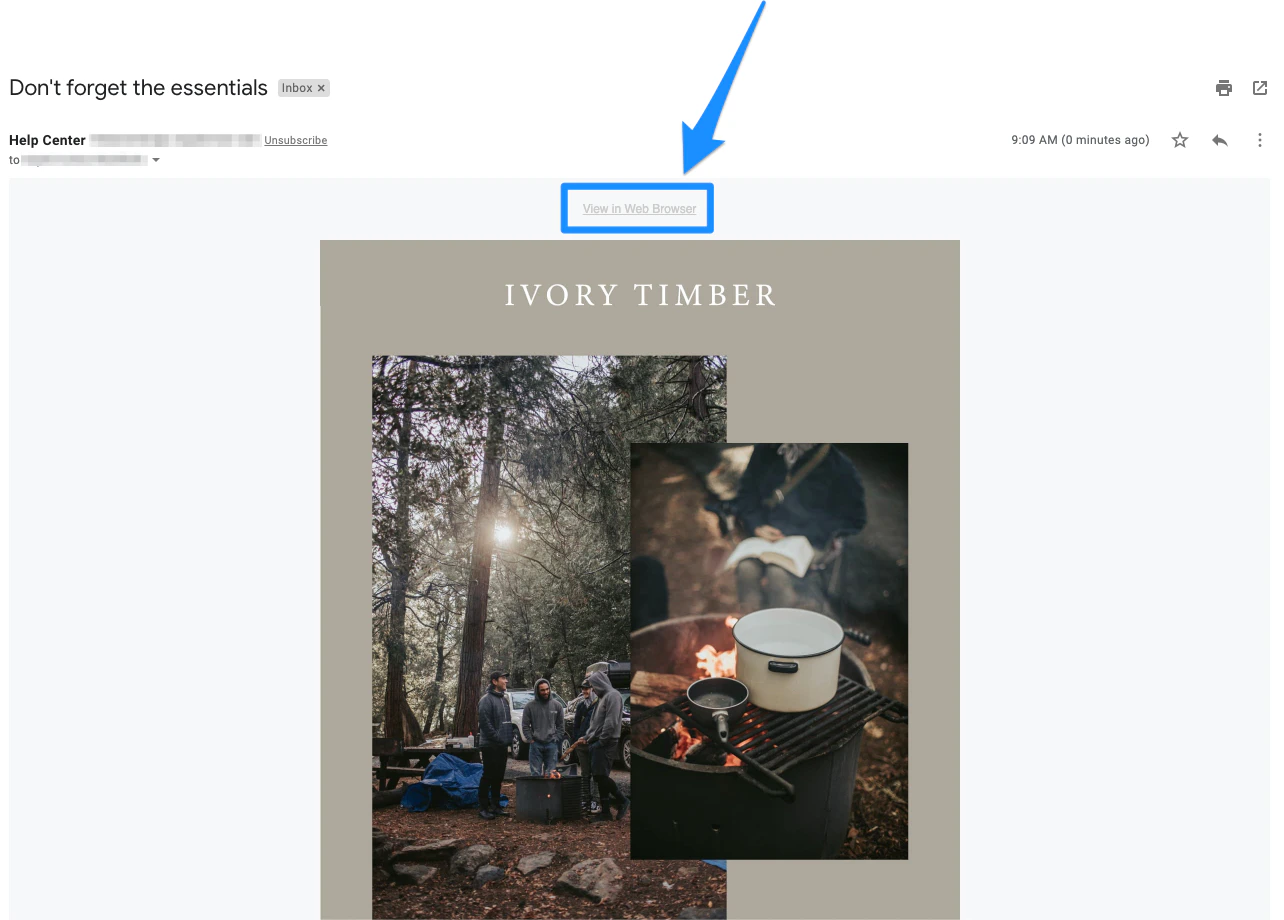
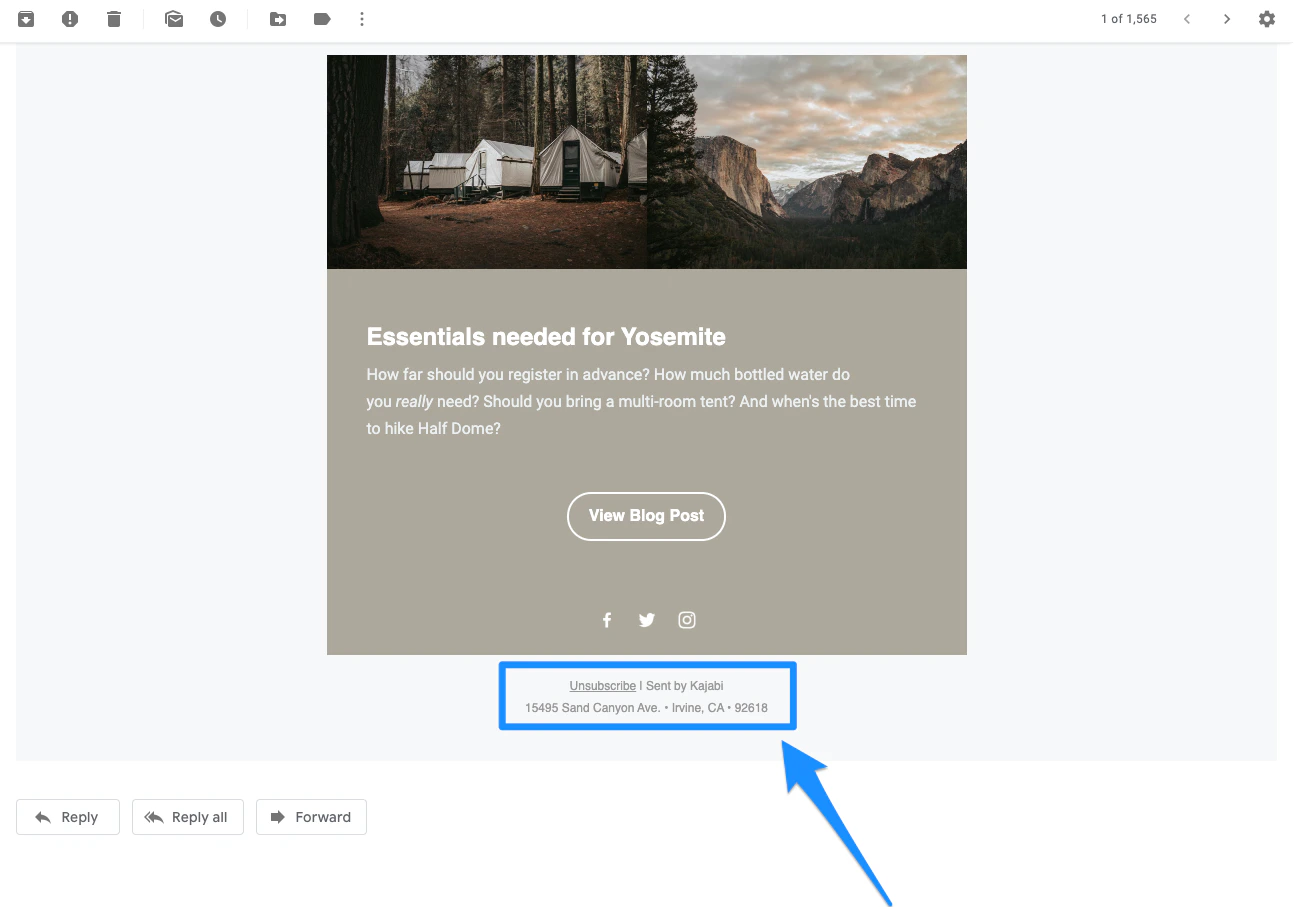
The **View in Browser** button and Marketing Contact Address found in the footer of your email are generated based on your site's language settings and can be changed by updating the language settings.
Read [Change site language settings](../../account-settings/my-kajabi/change-your-site-language) for details.
Looking to update your mailing address displayed in the footer?
[Learn how to update your marketing contact address](/articles/marketing/email-campaigns/how-to-customize-your-marketing-settings).
## View in browser link
 ## Email footer
 [Learn to update your marketing contact address](/articles/marketing/email-campaigns/how-to-customize-your-marketing-settings).