> ## Documentation Index
> Fetch the complete documentation index at: https://help.kajabi.com/llms.txt
> Use this file to discover all available pages before exploring further.
# Edit an email after sending
> Understand editing limitations for sent emails and learn how to send updated versions.
After an **email** (e.g., Email Broadcast, Email Sequence email, Event email, or an Automation email) has been sent, the email cannot be changed.
**Note:**
Emails in an Email Sequence can be updated for future sequence subscribers. In the same way, emails surrounding an event or email sent from an Automation can be edited for future recipients. However, you cannot retroactively edit an email for recipients that have already received the email. [Learn to edit emails in an email sequence](/articles/marketing/email-campaigns/create-an-email-sequence).
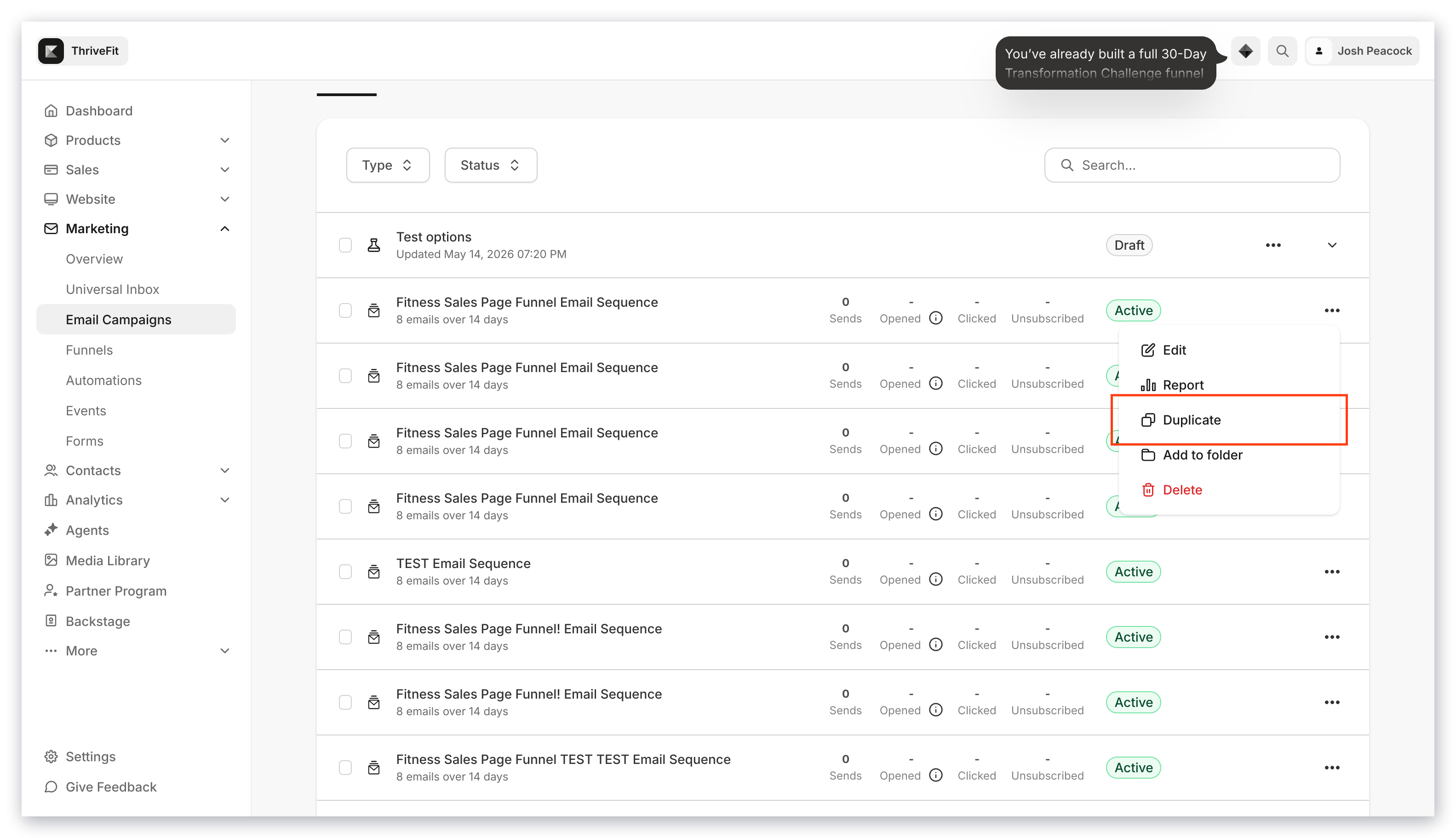
Although a sent email cannot be edited, you can duplicate the sent email to send an updated version to your recipients:
 When crafting your email campaigns be sure to finalize, preview, and test your emails before sending. [Learn to test send your emails](/articles/marketing/email-campaigns/how-to-test-send-your-emails).