> ## Documentation Index
> Fetch the complete documentation index at: https://help.kajabi.com/llms.txt
> Use this file to discover all available pages before exploring further.

<AgentInstructions>

## Submitting Feedback

If you encounter incorrect, outdated, or confusing documentation on this page, submit feedback:

POST https://help.kajabi.com/feedback

```json
{
  "path": "/articles/marketing/email-campaigns/how-to-add-and-customize-a-text-section-in-email-campaigns",
  "feedback": "Description of the issue"
}
```

Only submit feedback when you have something specific and actionable to report.

</AgentInstructions>

# Add and customize a Text section in Email Campaigns

> Add a Text section to communicate with contacts in emails.

Text is where the magic happens in email marketing, guiding the reader from initial interest to taking action. Add a **Text section** to your emails to communicate with contacts, market content, and describe your value.

<div className="w-full aspect-video">
  <iframe src="https://fast.wistia.net/embed/iframe/hiehxgrcwb" allow="autoplay; fullscreen" allowFullScreen className="w-full h-full" />
</div>

<br />

## Add a text section

Communicate your message to your email recipients by adding a Text Section.

### Add a Text section to an email

* Open the **Marketing** tab from the Dashboard.
* Select the email you wish to edit.
* Move your cursor over the Email Content and click **Edit content**.
* In the sidebar, select **Add Section**.
* From the list, select **Text** and click **Add**.
* Your newly created Text Section will be generated at the bottom of the email.
* Click **Save** to keep your changes:

<div className="w-full aspect-video">
  <iframe src="https://fast.wistia.net/embed/iframe/ipftlzdxqa" allow="autoplay; fullscreen" allowFullScreen className="w-full h-full" />
</div>

<br />

## Customize text

### Sidebar Text Editor options

* Use **Cofounder** to help generate your text content. Click the **Cofounder icon** in the text editor sidebar to open Cofounder. [Learn more about Cofounder](/articles/cofounder/cofounder-overview).

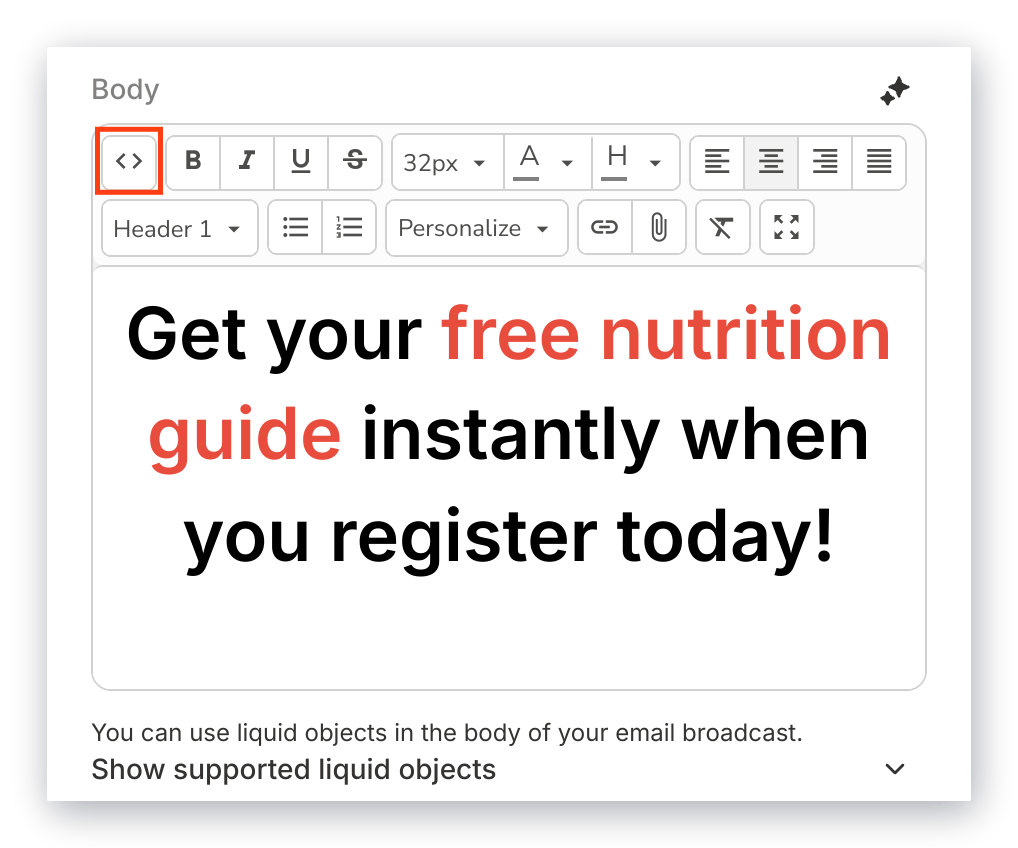
* Access your Email **source code** to manually modify the HTML code for your email:

<img src="https://mintcdn.com/kajabi-support/km6s0kSe4aDFzY4R/articles/images/a2b50b9f_upload_13154426521996062151.png?fit=max&auto=format&n=km6s0kSe4aDFzY4R&q=85&s=dbacad98b8b4cde2d4c488188923aa07" alt="Source Code Button" width="868" height="954" data-path="articles/images/a2b50b9f_upload_13154426521996062151.png" />

[Learn more about how to add custom HTML to your emails](/articles/marketing/email-campaigns/how-to-add-custom-html-to-your-emails).

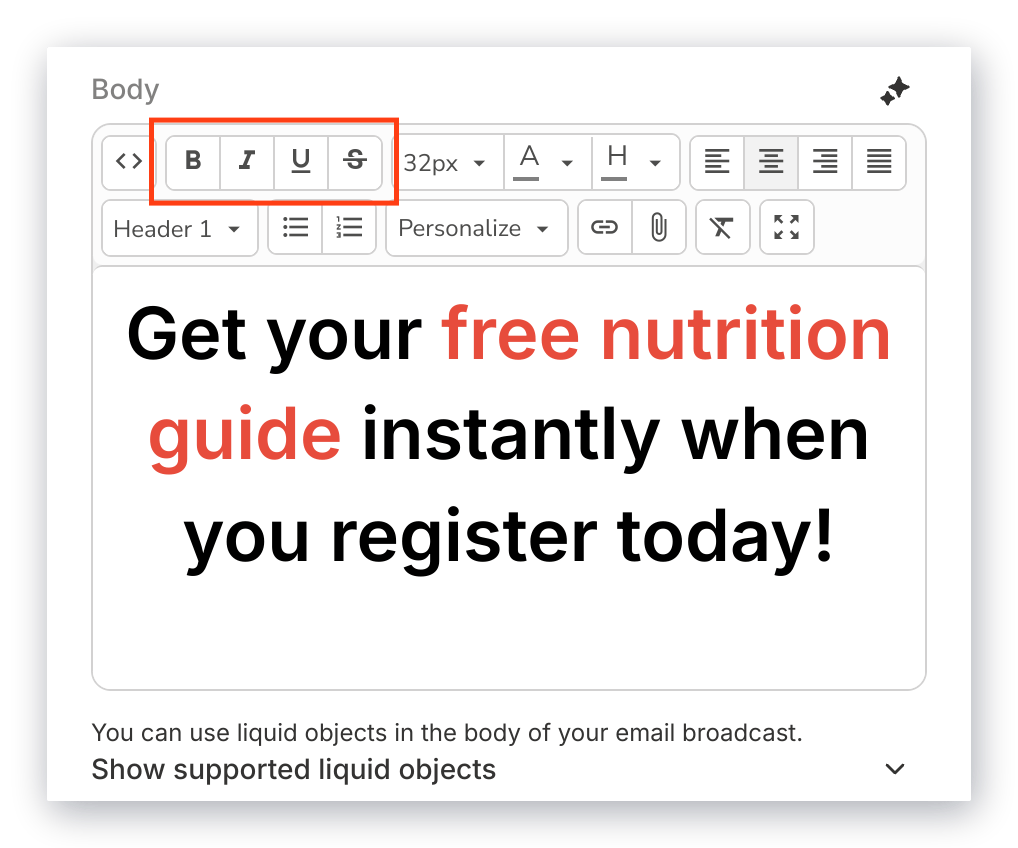
* Customize the appearance of your text by formatting it as **bold**, **italicized**, or **strikethrough:**
<img src="https://mintcdn.com/kajabi-support/km6s0kSe4aDFzY4R/articles/images/a6db9f74_upload_11694315933847551886.png?fit=max&auto=format&n=km6s0kSe4aDFzY4R&q=85&s=5b066c42230366d866ac4ae27a4b67bb" alt="Appearance Button" width="868" height="954" data-path="articles/images/a6db9f74_upload_11694315933847551886.png" />

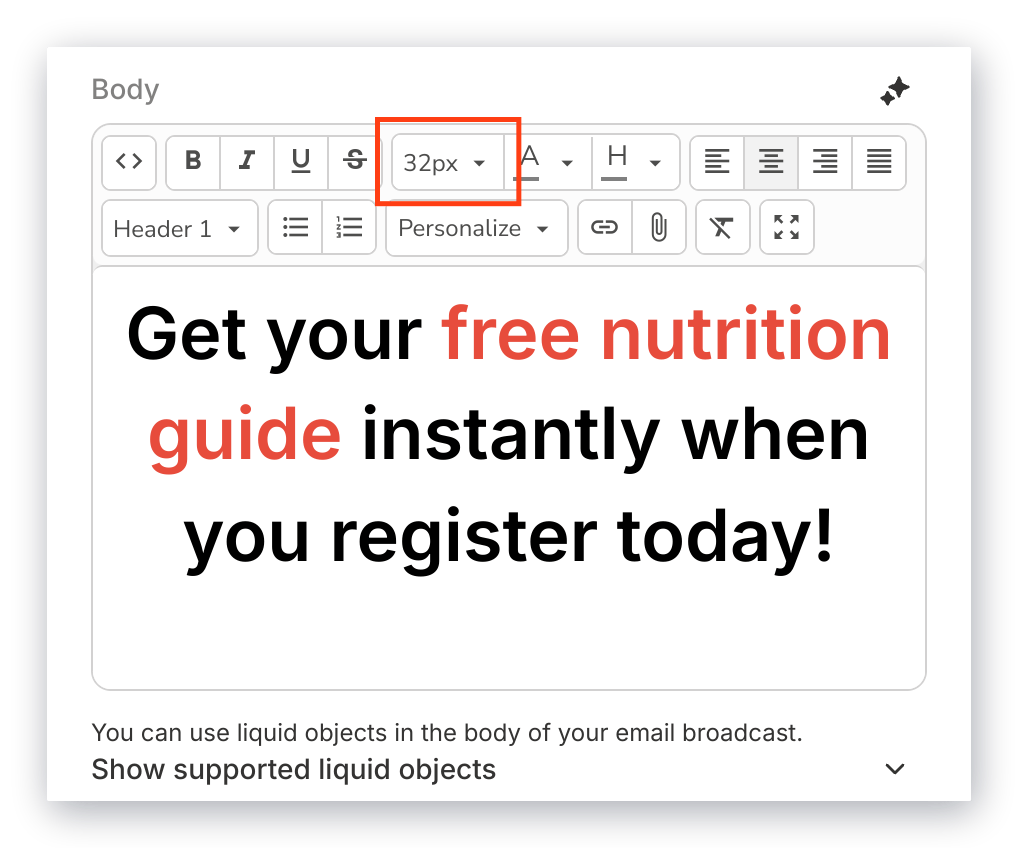
* Adjust your **font size**:

<img src="https://mintcdn.com/kajabi-support/6TFaxWIe5VAJvaKV/articles/images/3bf689c1_upload_13611188808878265234.png?fit=max&auto=format&n=6TFaxWIe5VAJvaKV&q=85&s=ed82cfaaaeec6bfd5f13f72dd6c37b40" alt="Font Size Button" width="868" height="954" data-path="articles/images/3bf689c1_upload_13611188808878265234.png" />

We recommend adjusting the size of your text based on your recipient's reading experience.

Are you copying and pasting content from an external source, like a Word document? Use the Clear Formatting button to remove any unwanted formatting that was copied over with your Text.

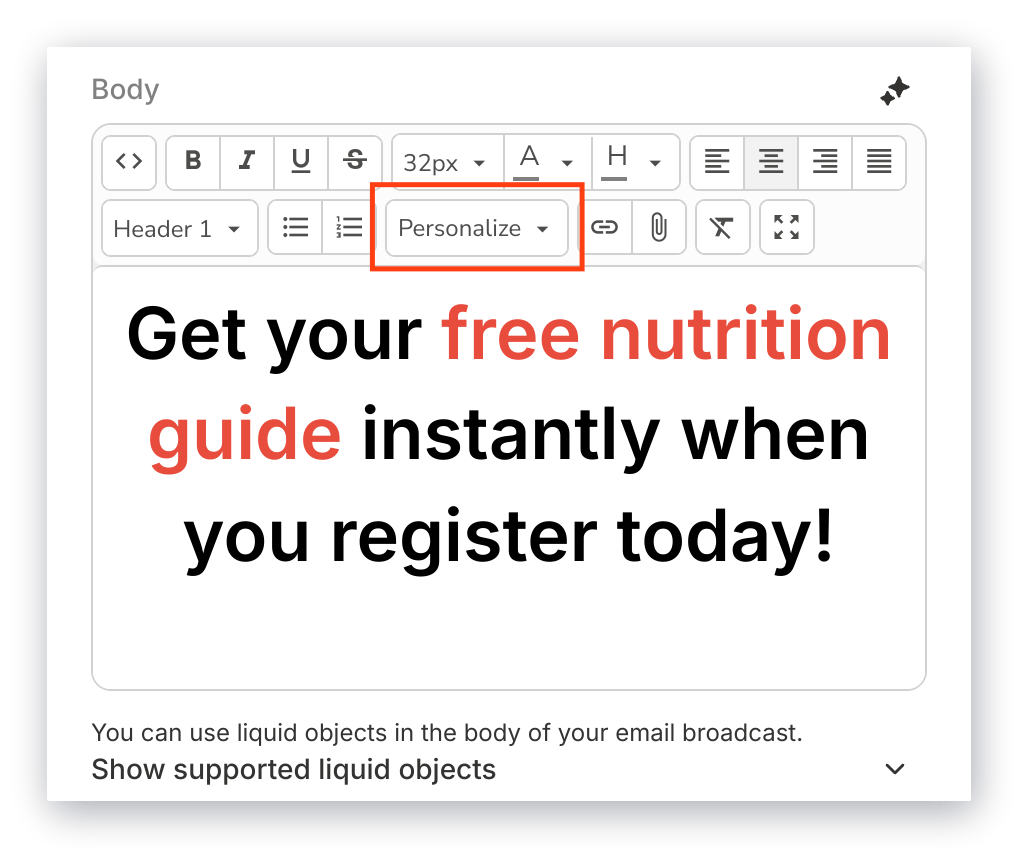
* **Personalize** your email with the customer information captured through your Forms and converted to Liquid Objects:
<img src="https://mintcdn.com/kajabi-support/ErhhF8cXbpvObQwR/articles/images/e76f2690_upload_155861296291150054.png?fit=max&auto=format&n=ErhhF8cXbpvObQwR&q=85&s=5c93fa8ebd2b61d19b84edf3752cf867" alt="Personalize Button" width="868" height="954" data-path="articles/images/e76f2690_upload_155861296291150054.png" />

[Learn more about how to use Liquid Objects in your email marketing](/articles/marketing/email-campaigns/how-to-create-and-use-liquid-objects-in-email-marketing).

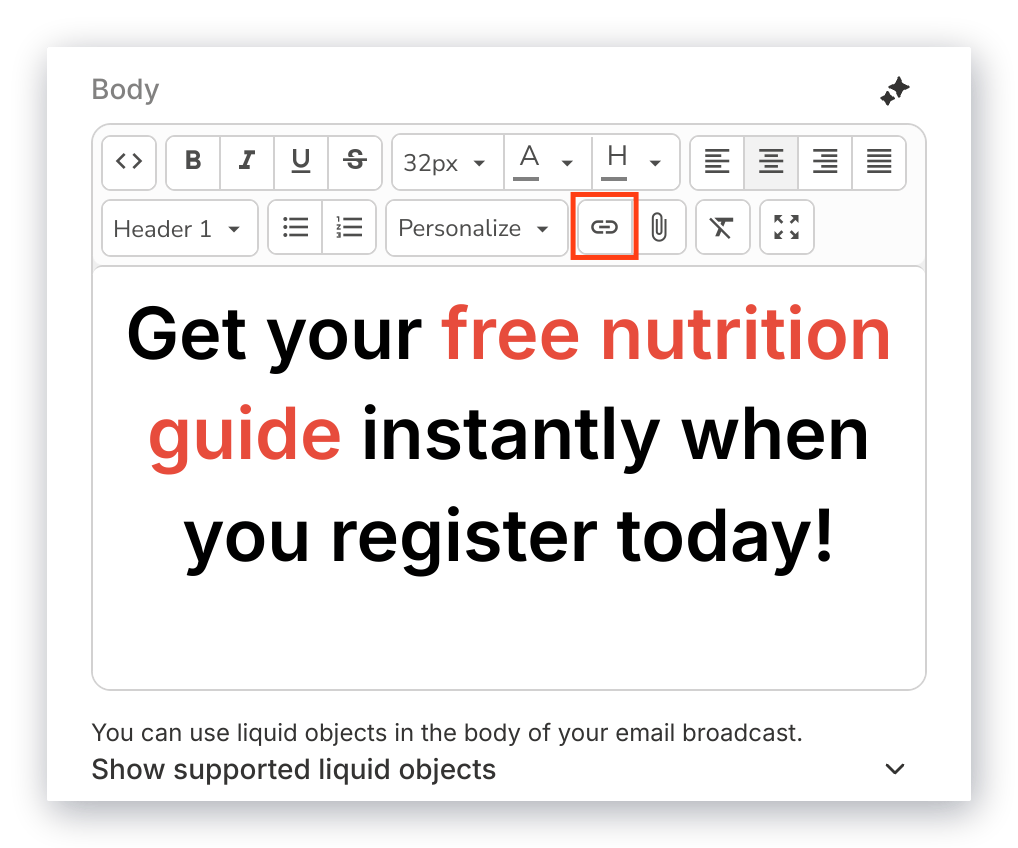
* Insert a clickable **URL** in your text to link out to a web page:
<img src="https://mintcdn.com/kajabi-support/ulOk3PjSKir43Xg0/articles/images/140eac96_upload_14365898333187611607.png?fit=max&auto=format&n=ulOk3PjSKir43Xg0&q=85&s=44b2e622700bb3e27dab4598a5659b5e" alt="Hyperlink Button" width="868" height="954" data-path="articles/images/140eac96_upload_14365898333187611607.png" />

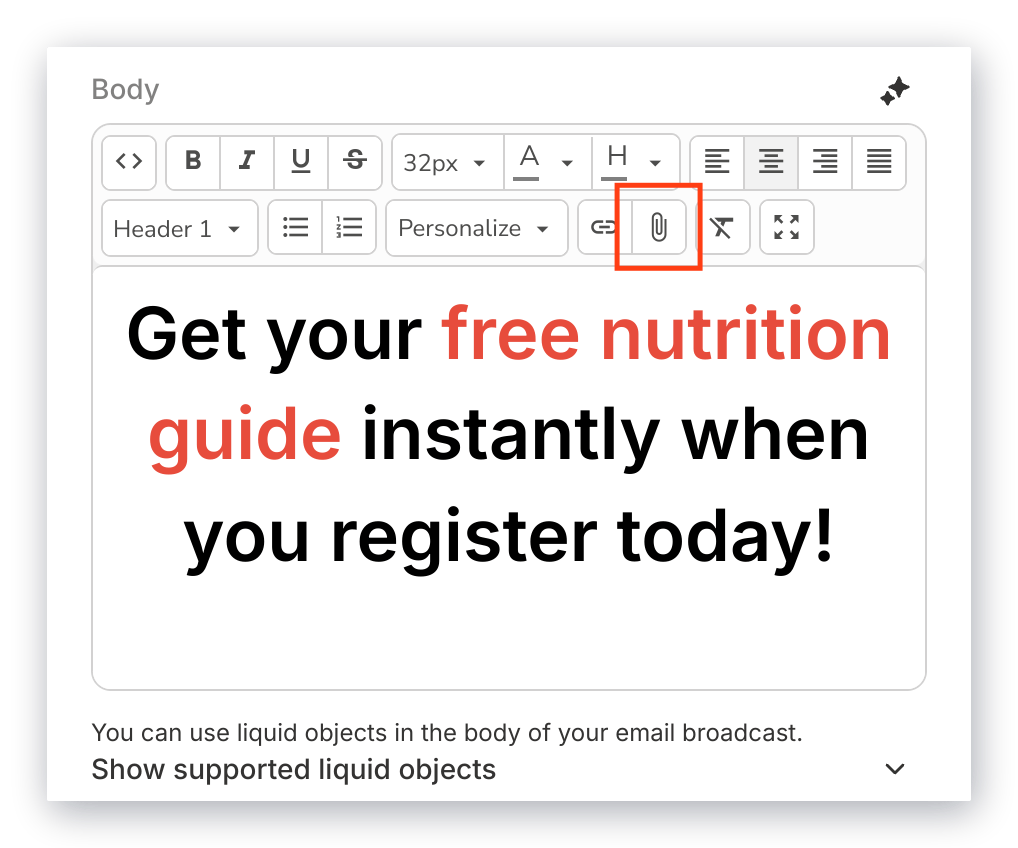
* **Upload a file** into the body of your email for your recipients to download:
<img src="https://mintcdn.com/kajabi-support/bZNMdsaL_lttmKcY/articles/images/7bd8306f_upload_11848478919618360720.png?fit=max&auto=format&n=bZNMdsaL_lttmKcY&q=85&s=20d4288c53f906636bd019a7278b500d" alt="Attachment Button" width="868" height="954" data-path="articles/images/7bd8306f_upload_11848478919618360720.png" />

<Warning>
  **Warning:**
  Attaching large files can cause an email to trigger your recipients' spam filters.
</Warning>

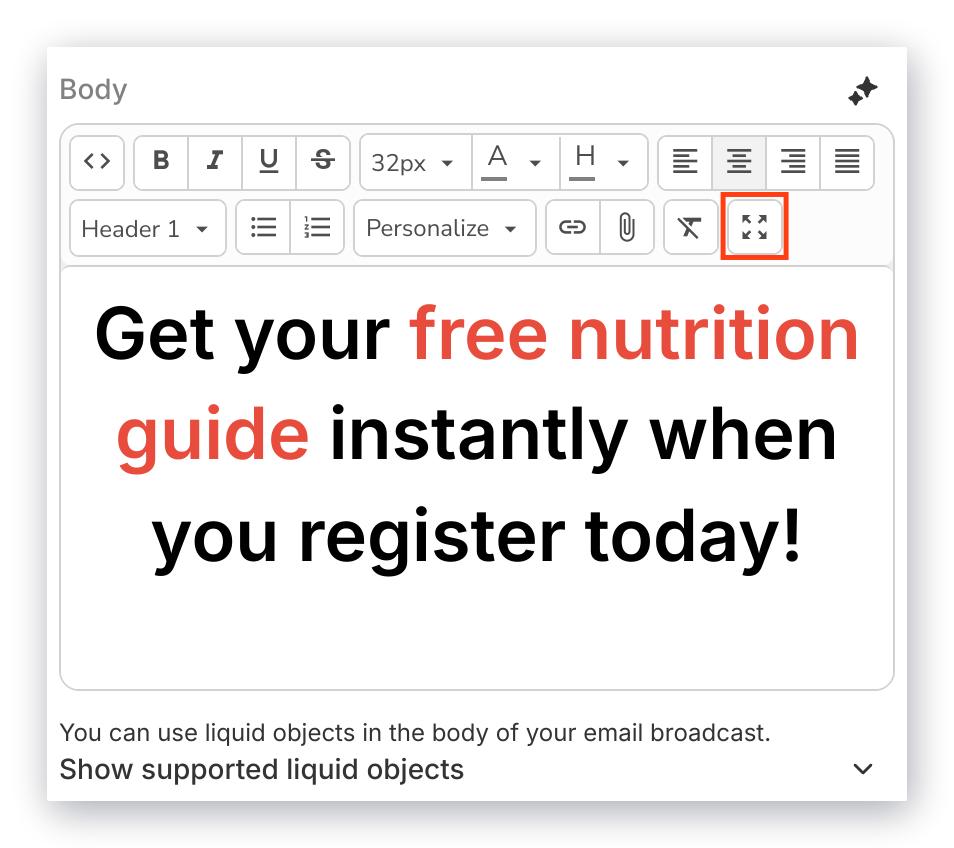
* Click **Fullscreen** to **maximize** the size of the Text Editor to better view your edits, then click again to **minimize** the Text Editor back to the sidebar:

<img src="https://mintcdn.com/kajabi-support/eksT-QgQCtdu-eQT/articles/images/f94e525b_upload_12797205292983286797.png?fit=max&auto=format&n=eksT-QgQCtdu-eQT&q=85&s=4089f87a5435bd5fa605cb308d933b4a" alt="Fullscreen Button" width="868" height="954" data-path="articles/images/f94e525b_upload_12797205292983286797.png" />

### Section settings

Customize the background color of the Text section and adjust how the section appears on desktop and mobile devices by using the section settings at the bottom of the sidebar editor.

[Learn to edit your Section background](/articles/marketing/email-campaigns/how-to-edit-the-section-background-in-email-campaigns).

[Learn to customize your mobile and desktop layout](/articles/marketing/email-campaigns/how-to-customize-your-mobile-and-desktop-layout-in-email-campaigns).