> ## Documentation Index
> Fetch the complete documentation index at: https://help.kajabi.com/llms.txt
> Use this file to discover all available pages before exploring further.
# Remove text formatting with the Clear Formatting button
> Remove unwanted text formatting with a single click using the Clear Formatting button.
Remove unwanted **text formatting** in your Email or Web Page with a single click using the Clear Formatting button.
## What is text formatting?
Text formatting controls the visual appearance of your text, such as the color of the text, whether it appears as italicized or bolded, and more.
Behind the scenes, formatting is controlled by HTML and CSS code. But unless you're updating your text source code in the Code Editor, you may not know which types of formatting have been applied:
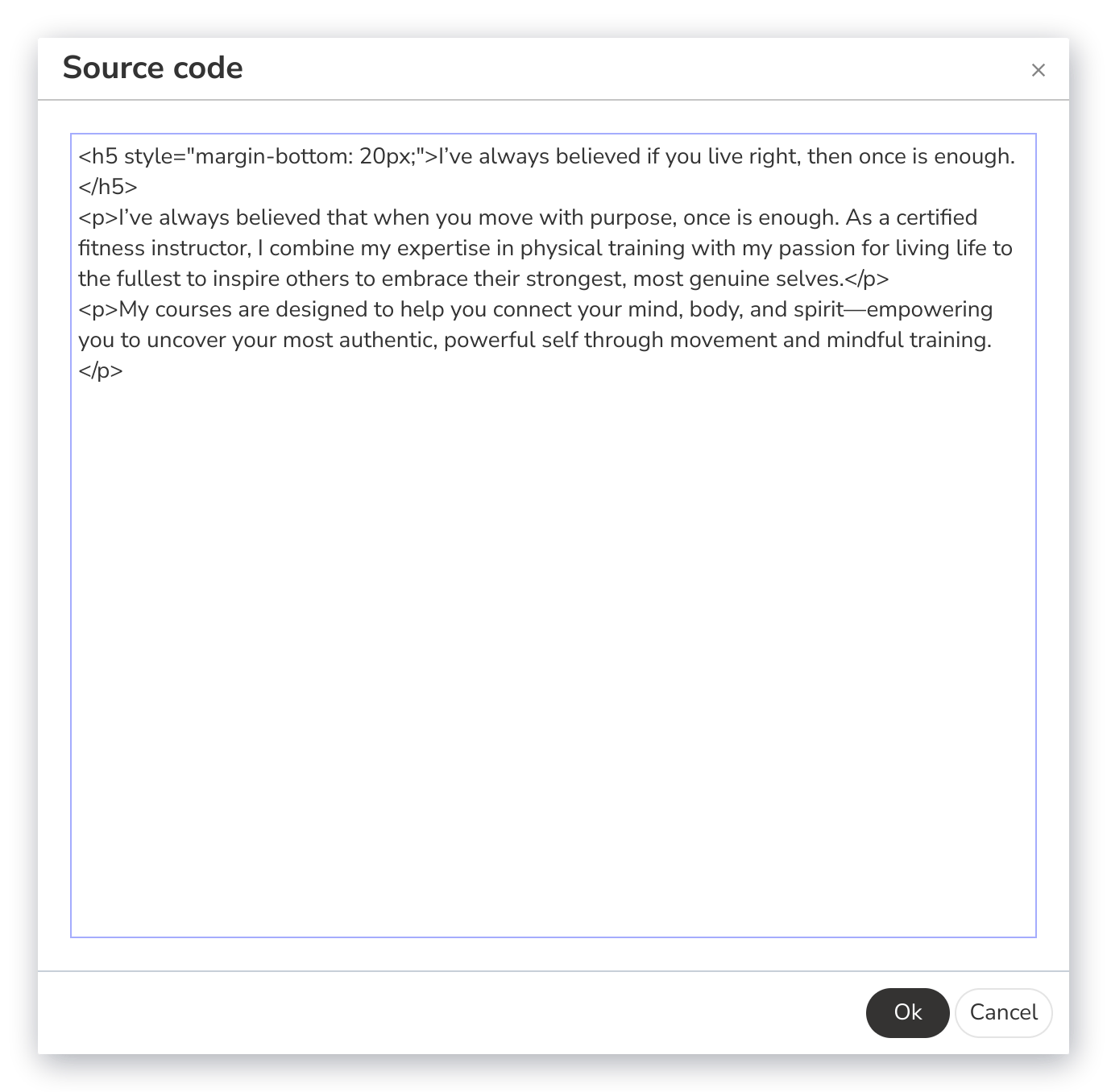 This can be especially problematic when you copy and paste text from another source like a Google or Word document, or an external website or email platform. When you copy the text, you might also copy the formatting code. This can cause your text to render differently in the pasted location.
## Remove formatting from text
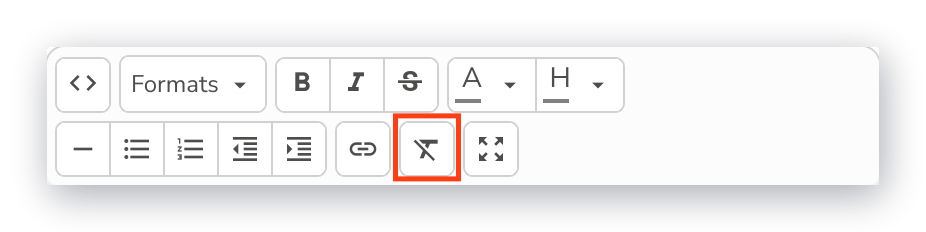
The Clear Formatting button in the Kajabi Text Editor enables you to remove unwanted formatting from your text with a single click:
This can be especially problematic when you copy and paste text from another source like a Google or Word document, or an external website or email platform. When you copy the text, you might also copy the formatting code. This can cause your text to render differently in the pasted location.
## Remove formatting from text
The Clear Formatting button in the Kajabi Text Editor enables you to remove unwanted formatting from your text with a single click:
 ### Web Page text
**To clear the formatting from Web Page text:**
1. Select the **Website** tab from the Dashboard.
2. Select either **Website Pages** or **Landing Pages**.
3. Open the Page where you want to unformat your text.
4. Navigate to your Text Block and click **Edit**.
5. In the sidebar Text Editor, select the text you want to unformat.
6. Click the **Clear Formatting** button.
7. Click **Save** to apply your changes:
### Web Page text
**To clear the formatting from Web Page text:**
1. Select the **Website** tab from the Dashboard.
2. Select either **Website Pages** or **Landing Pages**.
3. Open the Page where you want to unformat your text.
4. Navigate to your Text Block and click **Edit**.
5. In the sidebar Text Editor, select the text you want to unformat.
6. Click the **Clear Formatting** button.
7. Click **Save** to apply your changes:
### Email text
**To clear the formatting from Email text:**
1. Select the **Website** tab from the Dashboard.
2. Select the **Marketing** tab.
3. Open the Email where you want to unformat your text.
4. Navigate to your Email Content and click **Edit content**.
5. Navigate to your Text Section and click **Edit**.
6. In the sidebar Text Body Editor, select the text you want to unformat.
7. Click the **Clear Formatting** button.
8. Click **Save** to apply your changes:
**Note:**
The Clear Formatting button is only available in the [Email Visual Editor](../../marketing/email-campaigns/email-visual-editor-overview). You will not see this feature if you create your Email using the Classic Editor.