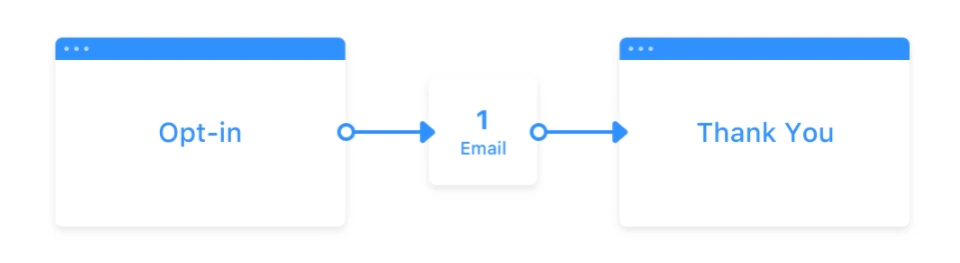
 [Learn more about Funnels in Kajabi](../../marketing/funnels/funnels-in-kajabi).
## PDF file location
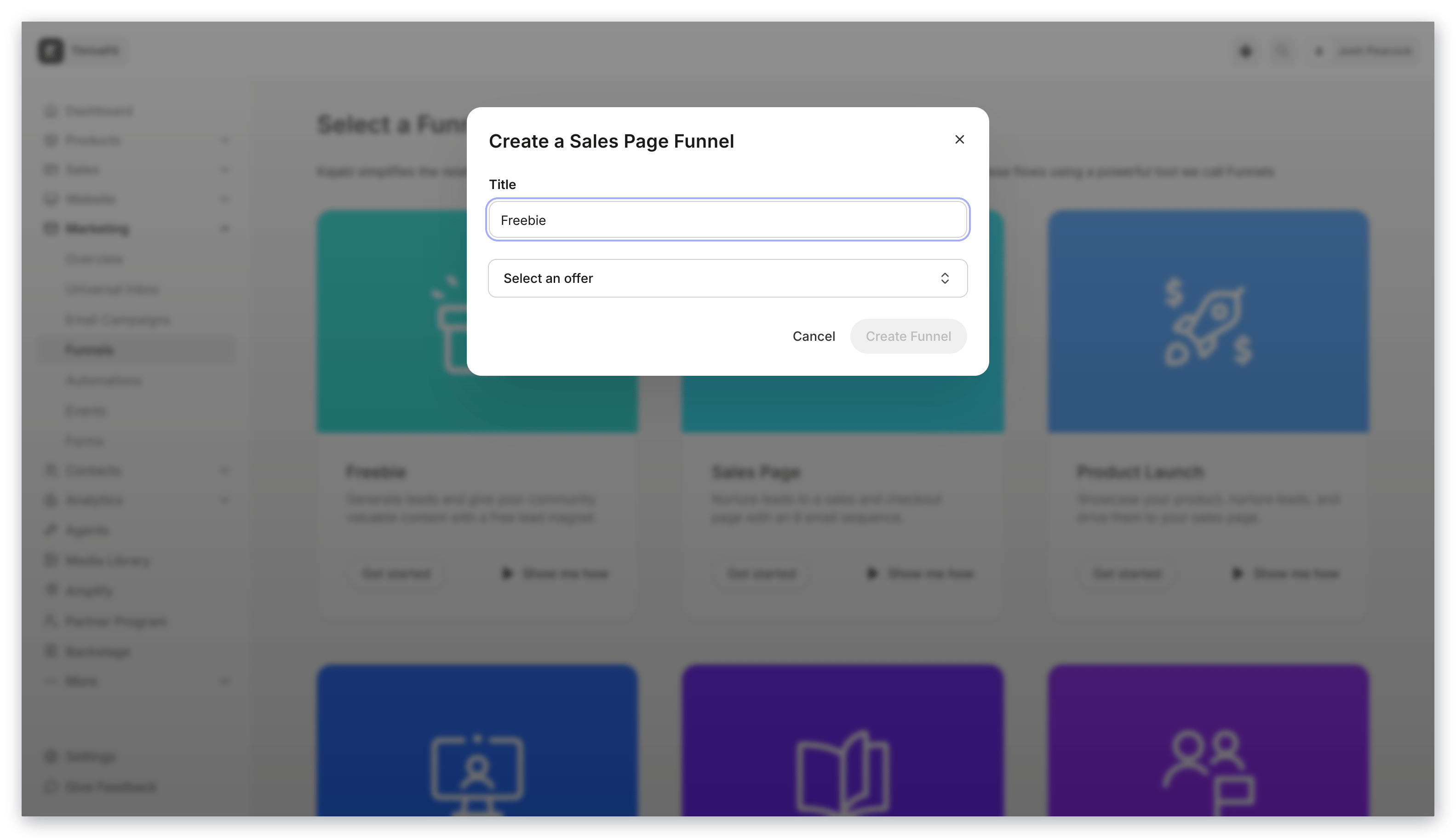
When generating a Freebie Funnel, you are prompted to:
* Name your Funnel
* Upload your freebie file
[Learn more about Funnels in Kajabi](../../marketing/funnels/funnels-in-kajabi).
## PDF file location
When generating a Freebie Funnel, you are prompted to:
* Name your Funnel
* Upload your freebie file
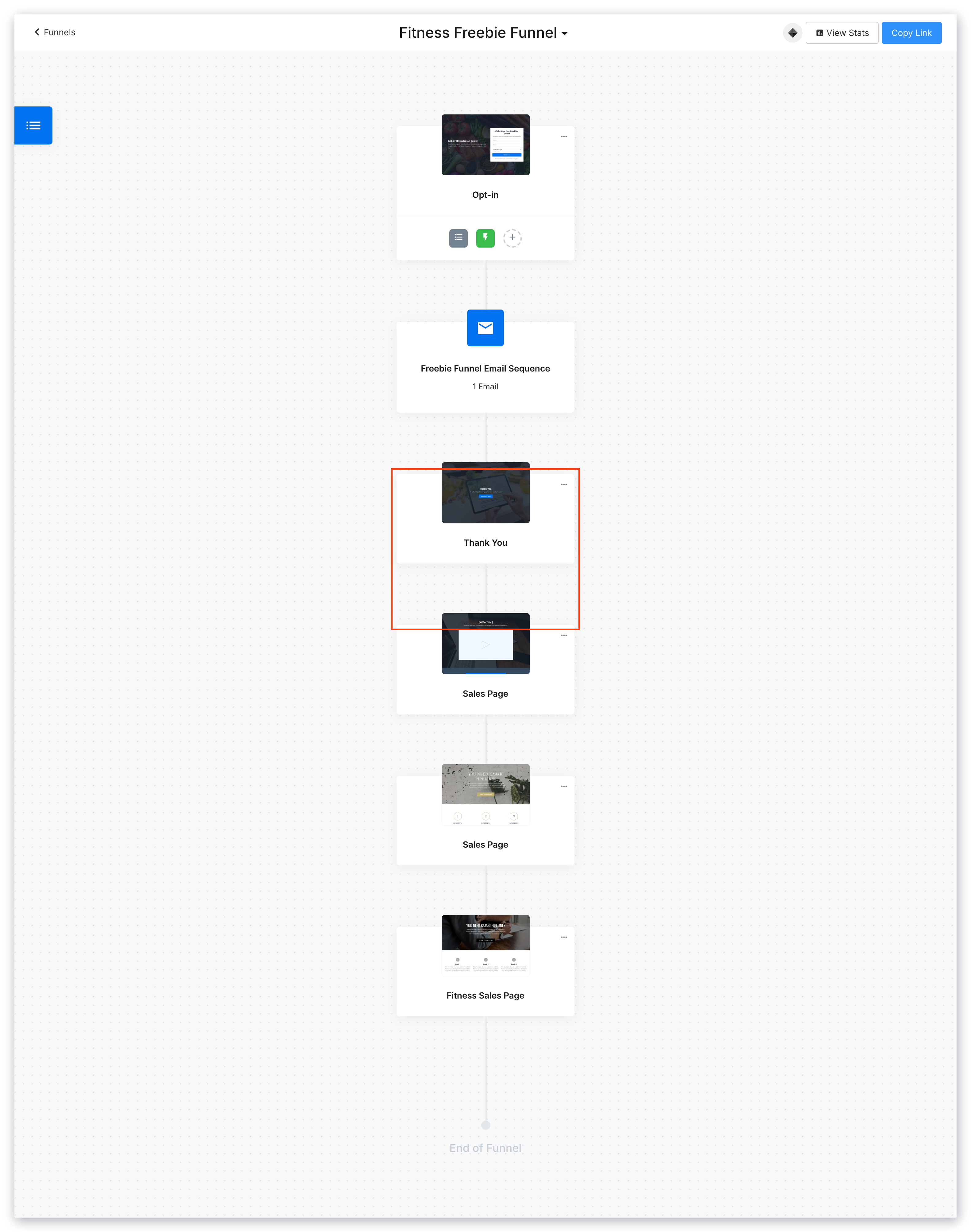
 Your uploaded freebie file will be added as a download on the thank you page of your Funnel:
 ## Replace the downloadable file
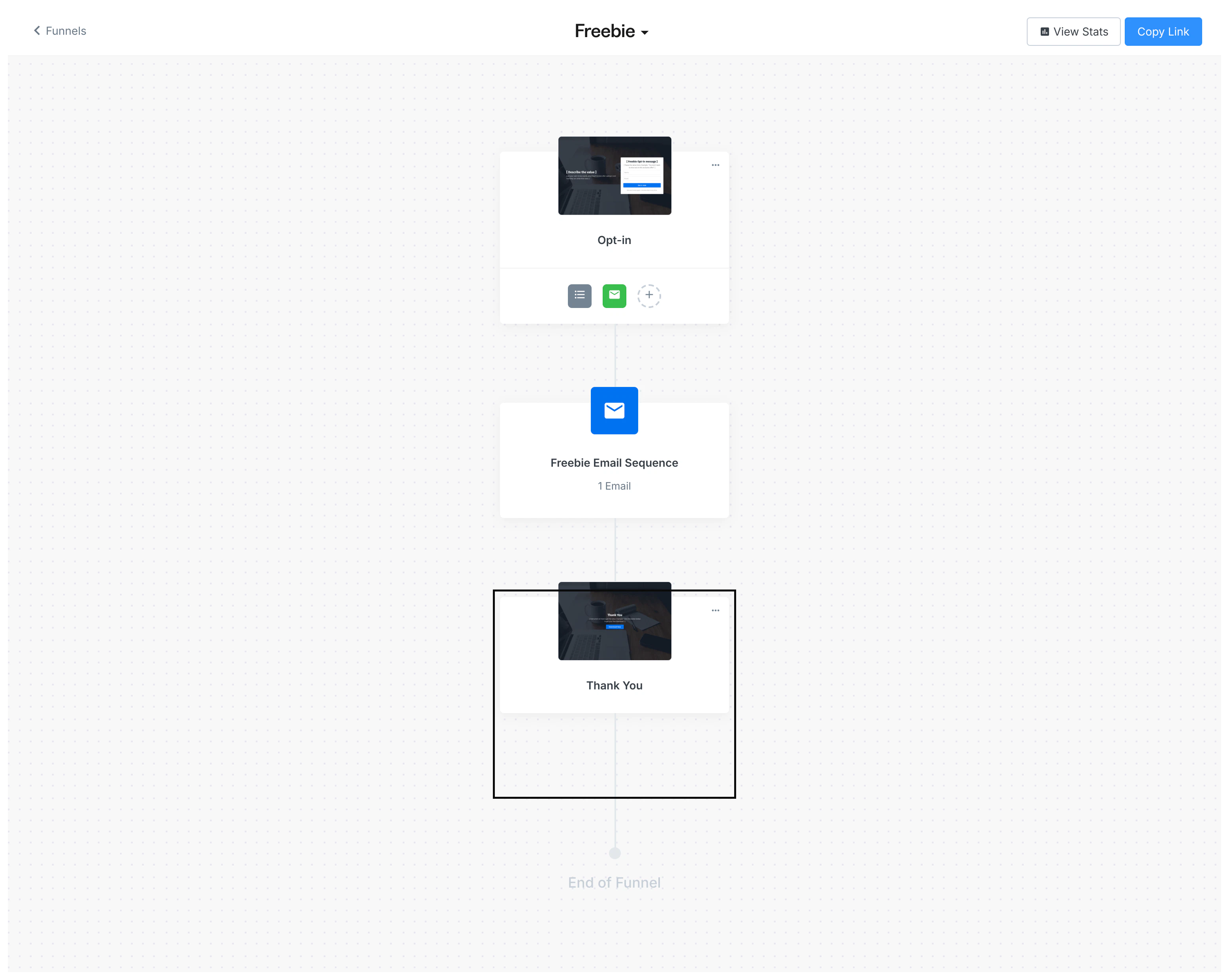
Change your downloadable PDF file in a Freebie Funnel by replacing the original file in the Thank You Page of your Funnel.
### Navigate to the Freebie Funnel builder
1. Open the **Marketing** tab from the Dashboard
2. Click **Funnels**
3. Select your Freebie Funnel
## Replace the downloadable file
Change your downloadable PDF file in a Freebie Funnel by replacing the original file in the Thank You Page of your Funnel.
### Navigate to the Freebie Funnel builder
1. Open the **Marketing** tab from the Dashboard
2. Click **Funnels**
3. Select your Freebie Funnel
 ### Upload the file
Your visitors will access your PDF file by clicking the **Download Now** call to action button in the Thank You page:
### Upload the file
Your visitors will access your PDF file by clicking the **Download Now** call to action button in the Thank You page:
 Open the Call to Action editor to change out the downloadable file:
1. Click **Download Now** to edit
2. Navigate to the sidebar editor
3. Locate the Call To Action block settings in the sidebar
4. Under Button Action, click **Pick File**
5. Select the file from the file picker to replace your original PDF
6. Click **Save** to keep and apply your changes
Open the Call to Action editor to change out the downloadable file:
1. Click **Download Now** to edit
2. Navigate to the sidebar editor
3. Locate the Call To Action block settings in the sidebar
4. Under Button Action, click **Pick File**
5. Select the file from the file picker to replace your original PDF
6. Click **Save** to keep and apply your changes