> ## Documentation Index
> Fetch the complete documentation index at: https://help.kajabi.com/llms.txt
> Use this file to discover all available pages before exploring further.
# Customize a Branded App
> Design a Branded App with customizable onboarding, welcome screens, widgets, and more.
With Kajabi, you can design your **Branded App** directly from your Kajabi account by utilizing the Design tab. Create a seamless, branded experience for your mobile users with customizable onboarding, welcome screens, widgets, and more.
## Branded App design
With Kajabi, you can design your app directly from your Kajabi account by utilizing the Design tab.
### Customize the Branded App
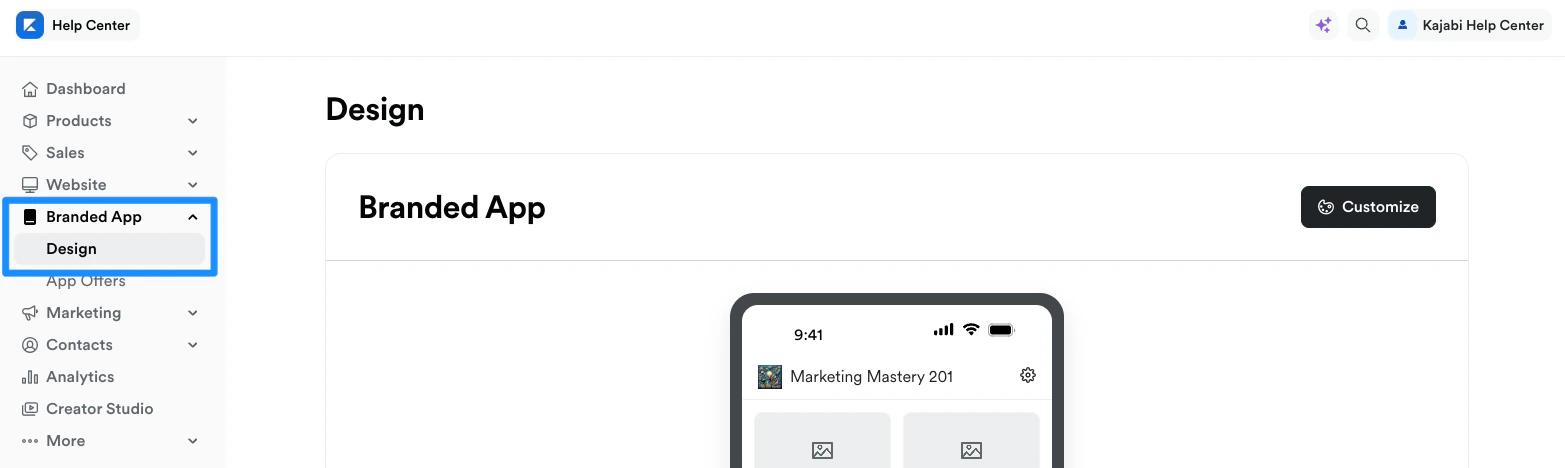
1. Open the **Branded App** tab from the Dashboard.
2. Click **Design**.
3. Select **Customize**:
 ## Branded App customizations
Create a seamless, branded experience for your mobile users.
Customize the Onboarding and Welcome experiences, add custom links, and add Product widgets to the Branded App.
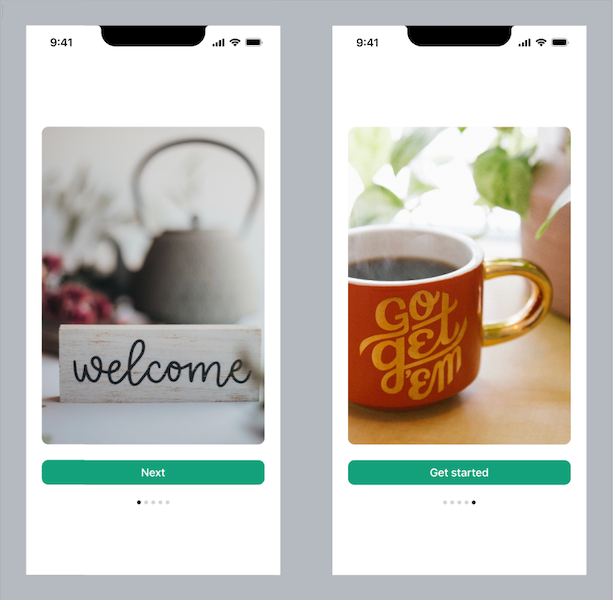
### Onboarding
Create a welcome carousel for customers. When they first open the app, they can view a carousel of images to onboard them to the app. [Learn more](/articles/mobile-apps/branded-app/how-to-add-an-onboarding-carousel-to-your-branded-app).
## Branded App customizations
Create a seamless, branded experience for your mobile users.
Customize the Onboarding and Welcome experiences, add custom links, and add Product widgets to the Branded App.
### Onboarding
Create a welcome carousel for customers. When they first open the app, they can view a carousel of images to onboard them to the app. [Learn more](/articles/mobile-apps/branded-app/how-to-add-an-onboarding-carousel-to-your-branded-app).
 ### Welcome
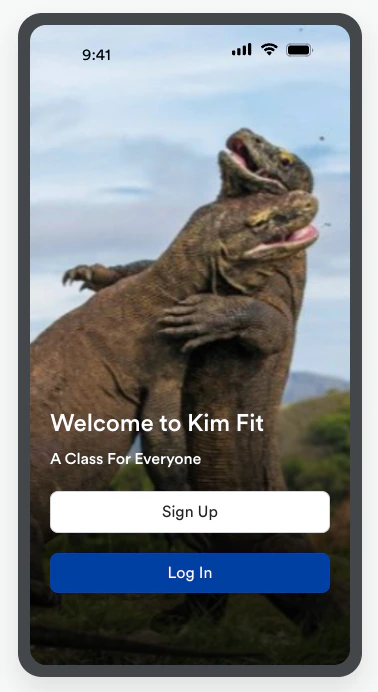
Customize the welcome screen with your own branding and enable users to create a member account directly from the welcome screen. [Learn more](/articles/mobile-apps/branded-app/how-to-set-up-a-branded-app-welcome-screen-where-new-users-can-create-an-account).
### Welcome
Customize the welcome screen with your own branding and enable users to create a member account directly from the welcome screen. [Learn more](/articles/mobile-apps/branded-app/how-to-set-up-a-branded-app-welcome-screen-where-new-users-can-create-an-account).
 ### Custom links
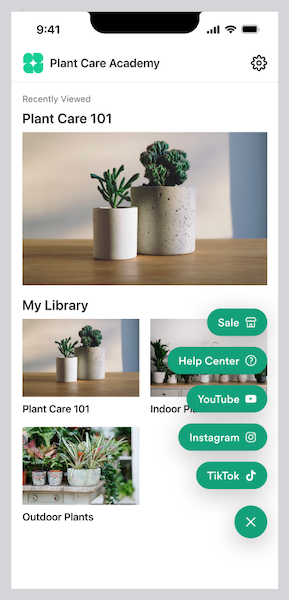
Add a floating action button to the Branded App to include a menu of custom page links. [Learn more](/articles/mobile-apps/branded-app/how-to-add-custom-links-to-your-branded-app).
### Custom links
Add a floating action button to the Branded App to include a menu of custom page links. [Learn more](/articles/mobile-apps/branded-app/how-to-add-custom-links-to-your-branded-app).
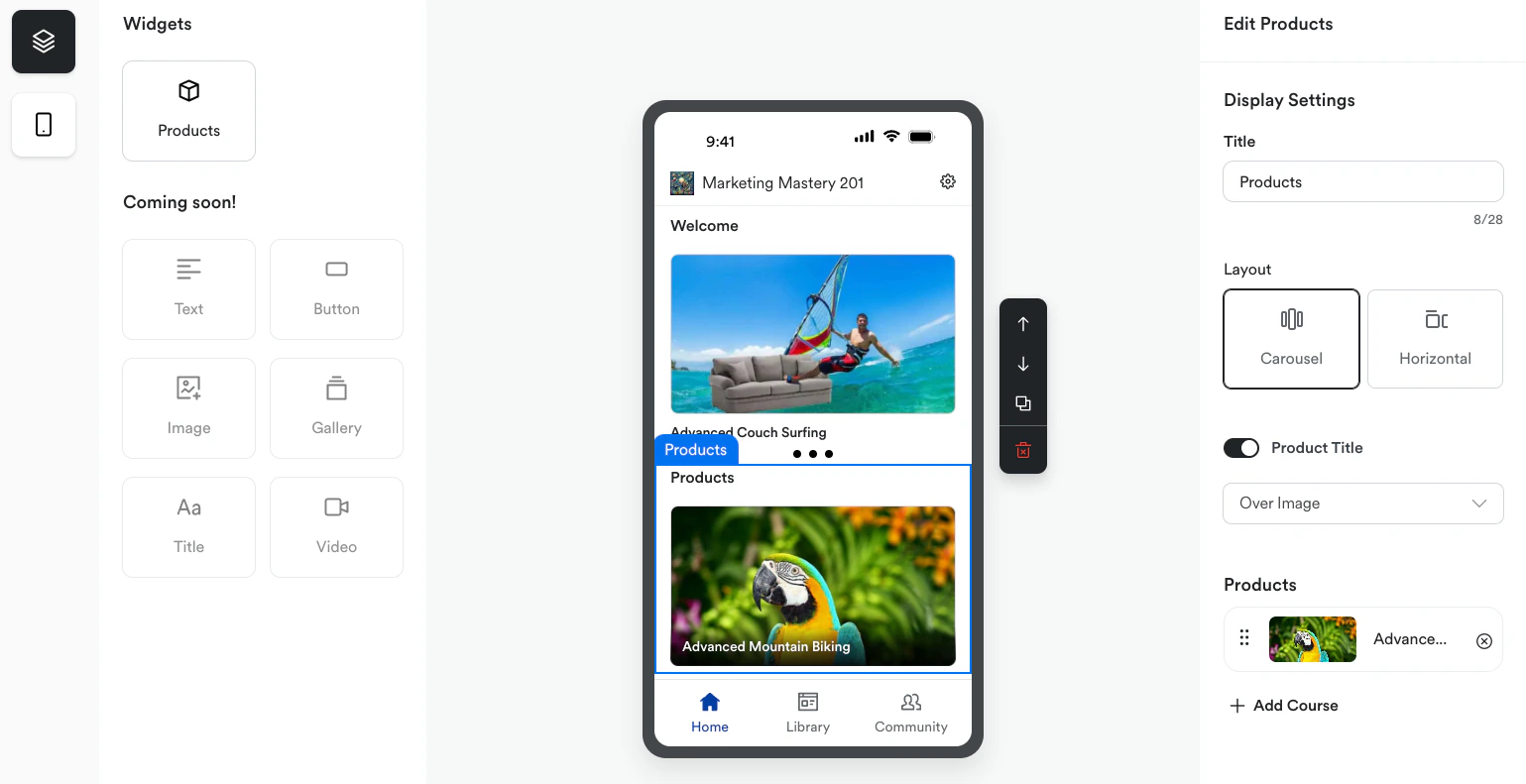
 ### Widgets
Add widgets to the Home screen to enhance the customer experience with the app. [Learn more](/articles/mobile-apps/branded-app/how-to-create-custom-screens-for-your-branded-mobile-app).
### Widgets
Add widgets to the Home screen to enhance the customer experience with the app. [Learn more](/articles/mobile-apps/branded-app/how-to-create-custom-screens-for-your-branded-mobile-app).