> ## Documentation Index
> Fetch the complete documentation index at: https://help.kajabi.com/llms.txt
> Use this file to discover all available pages before exploring further.
# Add Coaching resources
> Share videos, files, links, and worksheets to enhance your customer's Coaching experience.
**Coaching resources** let you share videos, files, links, and worksheets to enhance your customer's experience and provide supplementary materials for each session.
**Note:** If you have not connected Calendly to your Coaching Program, your Coaching Dashboard may differ in appearance. If Calendly is not connected, your Coaching Dashboard will display your Programs first and will not present the Upcoming sessions page.
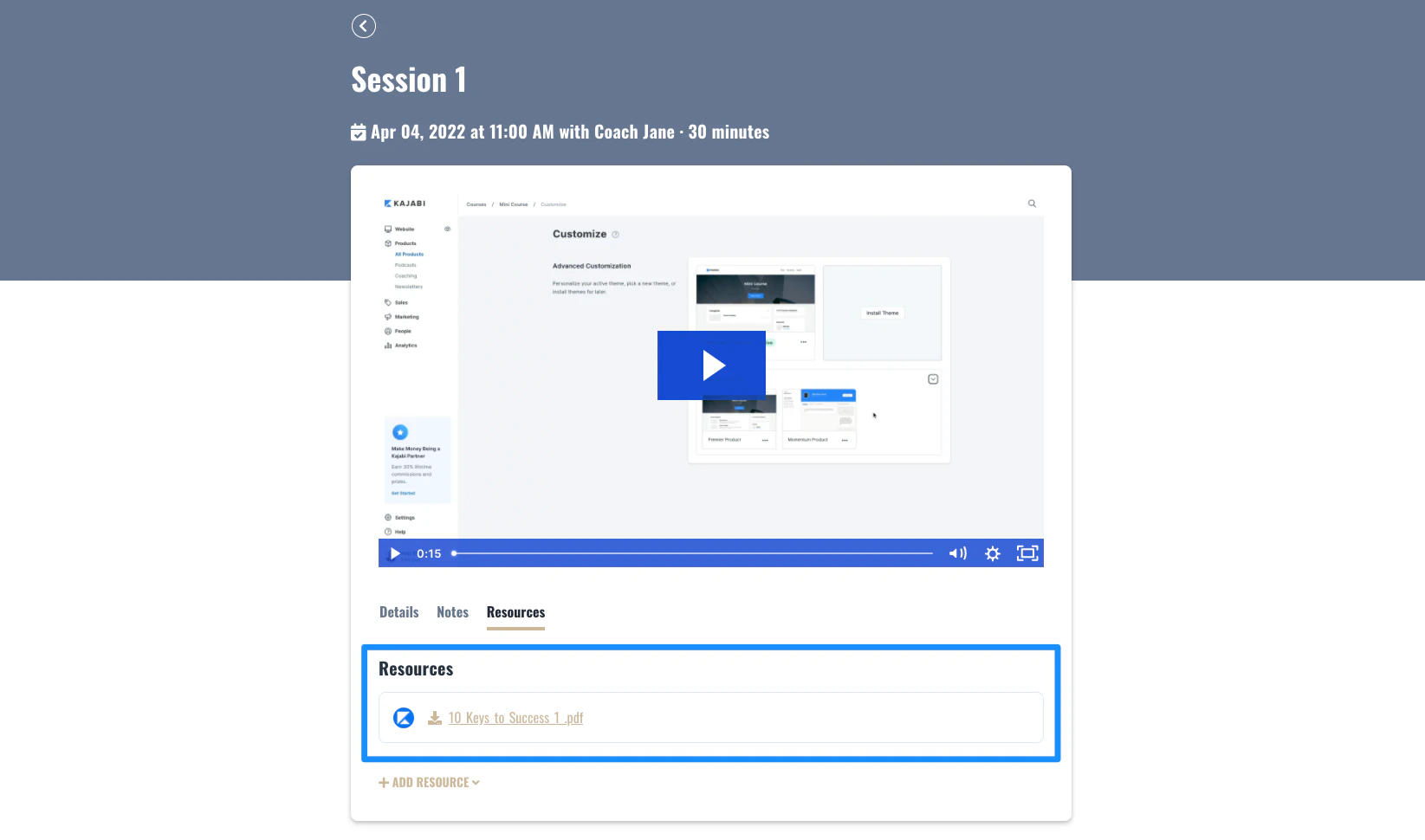 ## Add Coaching resources
1. Open the **Products** tab from your Dashboard
2. Click **Coaching**
3. Click into **Programs**
4. Select the **Coaching Program** you wish to add resources to
5. Select your **Coaching Client**
6. Click into the **Session** you wish to add your resources to
7. Open **Resources**
8. Click **Add resource**
9. Select **File** or **Link**
10. Upload or add your resource
11. Click **Save resource** to keep and apply your changes
## Add Coaching resources
1. Open the **Products** tab from your Dashboard
2. Click **Coaching**
3. Click into **Programs**
4. Select the **Coaching Program** you wish to add resources to
5. Select your **Coaching Client**
6. Click into the **Session** you wish to add your resources to
7. Open **Resources**
8. Click **Add resource**
9. Select **File** or **Link**
10. Upload or add your resource
11. Click **Save resource** to keep and apply your changes