> ## Documentation Index
> Fetch the complete documentation index at: https://help.kajabi.com/llms.txt
> Use this file to discover all available pages before exploring further.
# Schedule Group Coaching sessions
> Set dates and times for Group Coaching sessions using your integrated calendar.
**Group Coaching** allows you to lead guided coaching sessions for multiple participants. This differs from the Coaching Product that allows for exclusive, one-on-one coaching.
Due to the participation of multiple attendees, Group Coaching requires you to set up the dates and times that your group coaching sessions will be held rather than your clients scheduling a date and time to meet with you.
## Schedule Group Coaching sessions
1. Open the **Products** tab from your Dashboard
2. Select **Coaching**
3. Click the **Programs** tab
4. Navigate to your desired **Group Coaching Program**
5. Click **Settings** from the top menu of your program
6. Navigate to **Scheduling**
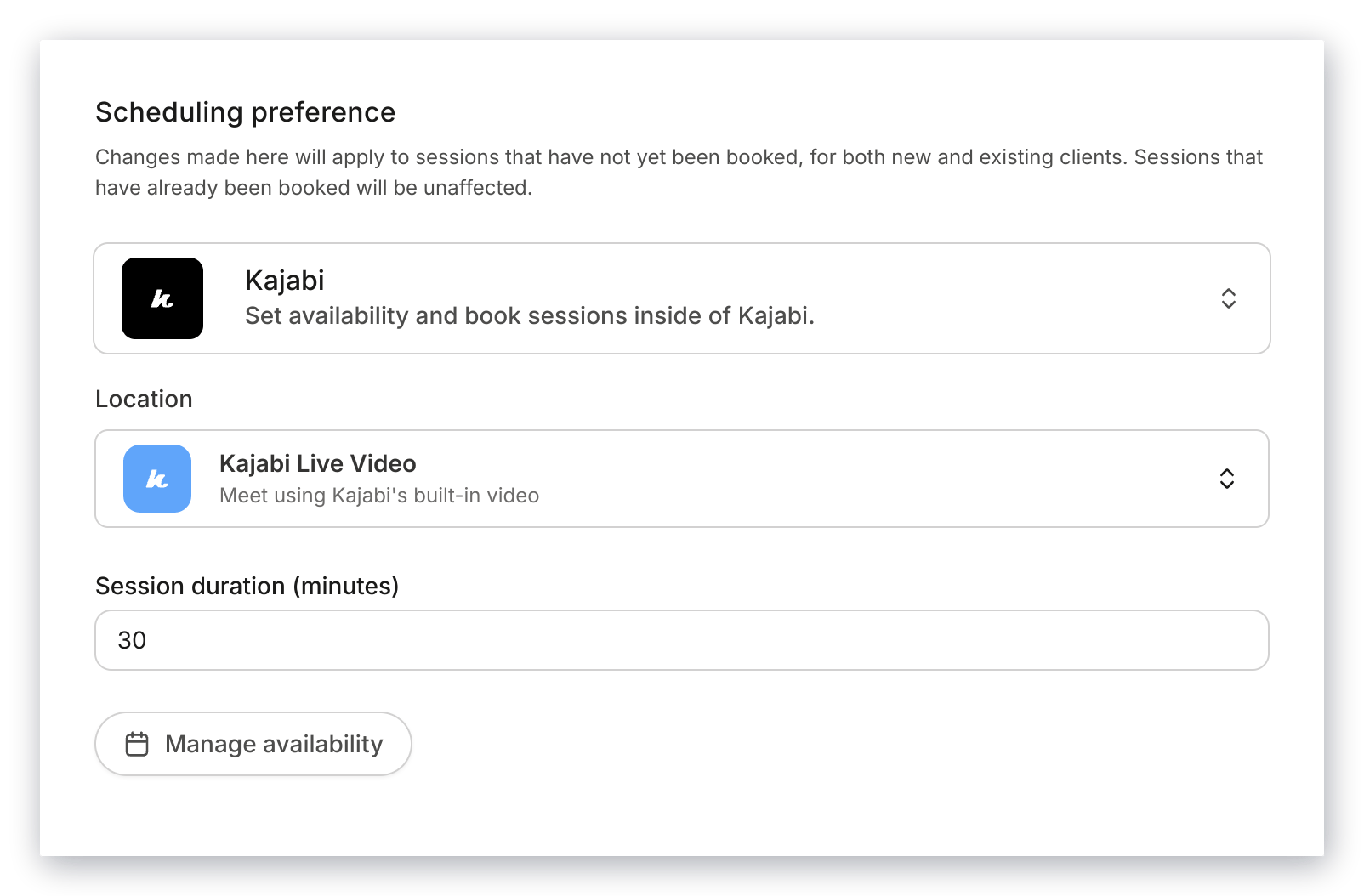
7. Customize your scheduling preferences
8. Click **Save** to keep and apply your changes
9. Navigate to the **Groups** tab
10. Select the **Group** where you want to schedule sessions
11. Select the **session** you want to schedule
12. Click **Schedule session**
13. Complete the prompt for scheduling your session and click **Ok**
14. Manually click into each session that you are ready to schedule
**Note:**
If a member signs up for the program after the sessions have already been scheduled, they will receive email invites to each of the scheduled sessions if you are using the Kajabi Scheduler. [Learn to connect the Kajabi Scheduler to a Coaching Product](../../products/coaching/connect-the-kajabi-scheduler-to-your-coaching-product).
## Override scheduling
By default, the groups in your Group Coaching Program will maintain the scheduling preferences from your Group Coaching Program settings. You can manually customize each group within the program by using the **Override program scheduling preferences** setting within the individual group setting:
 ### Manually schedule each session for a group
1. Open the **Products** tab from your Dashboard
2. Select **Coaching**
3. Click the **Programs** tab
4. Navigate to your desired **Group Coaching Program**
5. Open the **Group** you want to schedule
6. Click **Settings** from within your Group
7. Toggle on **Override program scheduling preferences**
8. Customize your scheduling preferences
9. Click **Save** to keep and apply your override
10. Navigate back to the **Sessions** tab within your Group
11. Select a **session** to schedule
12. Click **Schedule session**
13. Complete the prompt for scheduling your session and click **Ok**
14. Manually click into each session that you are ready to schedule
### Manually schedule each session for a group
1. Open the **Products** tab from your Dashboard
2. Select **Coaching**
3. Click the **Programs** tab
4. Navigate to your desired **Group Coaching Program**
5. Open the **Group** you want to schedule
6. Click **Settings** from within your Group
7. Toggle on **Override program scheduling preferences**
8. Customize your scheduling preferences
9. Click **Save** to keep and apply your override
10. Navigate back to the **Sessions** tab within your Group
11. Select a **session** to schedule
12. Click **Schedule session**
13. Complete the prompt for scheduling your session and click **Ok**
14. Manually click into each session that you are ready to schedule