> ## Documentation Index
> Fetch the complete documentation index at: https://help.kajabi.com/llms.txt
> Use this file to discover all available pages before exploring further.
# Apply text formatting to Community posts and comments
> Customize your feed posts and comments with bold text, italics, ordered lists, and more.
Enhance your Community posts and comments with **text formatting** options. Make your content more readable and visually appealing with bold, italics, lists, and more.
## Available formatting options
With Kajabi Communities, you can apply the following formatting options:
* Bold
* Italics
* Underline
* Ordered Lists (i.e., numbered lists)
* Unordered Lists (i.e., bullet points)
* Headings 1 & 2 (Note: Only available in posts, not in comments.)
* Links (i.e., add a hyperlink to your text)
* Strikethrough
**Note:** Text formatting in your Kajabi Communities is currently available on the web. If you attempt to edit a formatted post on mobile, the formatting will disappear. Be sure to apply your text formatting with the web application.
## Apply text formatting
* Add a feed post or comment to your Kajabi Community.
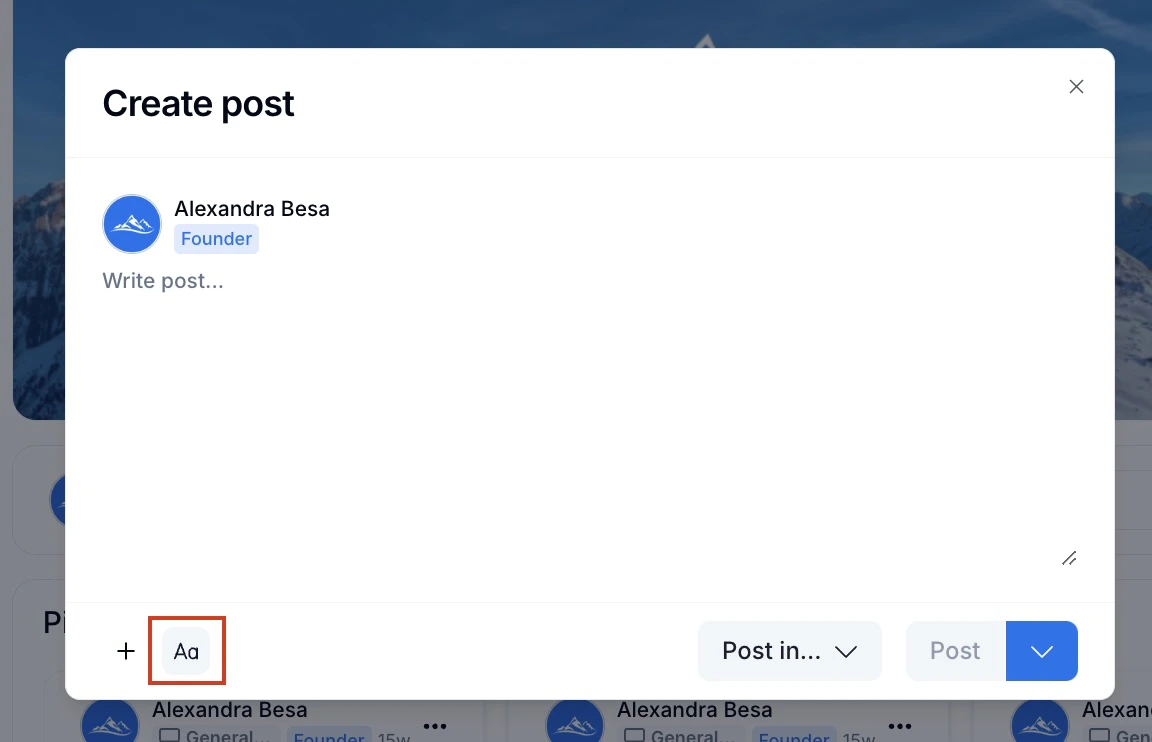
* **Highlight** the text you wish to customize or click the "**Aa**" button to apply rich formatting.
* Select your desired text formatting option.
* Then, click **Post** to publish your post or comment: