> ## Documentation Index
> Fetch the complete documentation index at: https://help.kajabi.com/llms.txt
> Use this file to discover all available pages before exploring further.
# Upload media to a Course lesson
> Add video, audio, or an assessment to a Course lesson.
Craft a [Course lesson](../../products/courses/create-a-lesson) with video, audio, or an assessment to deliver content to customers.
## Media types for Course lessons
Add a single media type to a Course lesson by choosing between:
* Video
* Audio
* Assessment
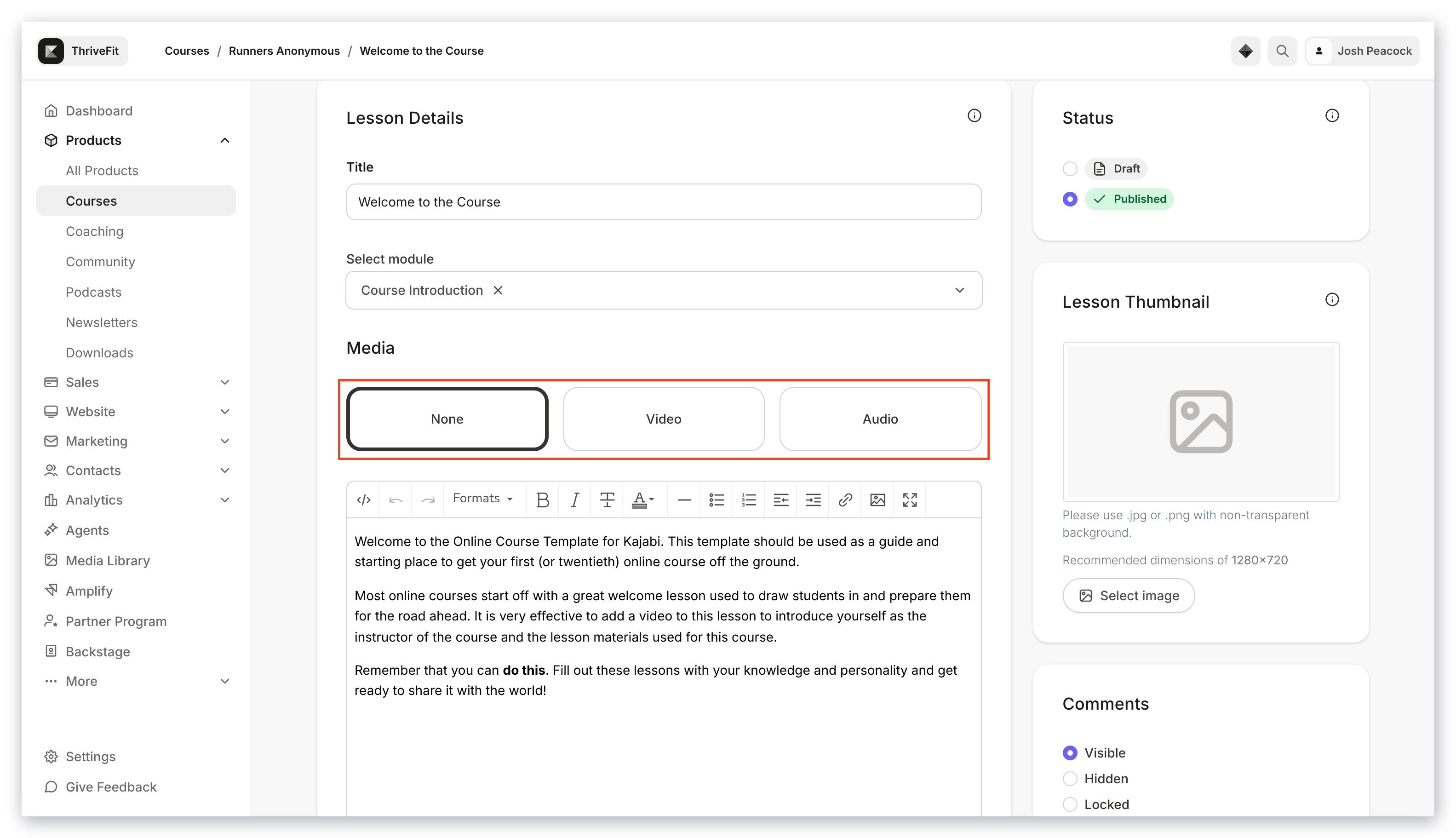
If you wish to create a Course lesson without any media to bring the focus to text content, alternately select **None**:
 ## Video
When you choose a media file to upload, whether from Google Drive, Dropbox, or your local hard drive, our video partner Wistia will encode the video in the right formats to be delivered to all types of devices with varying internet speeds.
**Note:**
Video encoding is the process of compressing and/or reformatting the video for distribution. There may be a short time delay before a newly uploaded video is available to view at the highest quality.
Upload videos to a Course lesson using Dropbox, Google Drive, and or a link (URL). [Learn more](../../products/courses/uploading-videos-to-your-course-product-lessons)
### Video
## Video
When you choose a media file to upload, whether from Google Drive, Dropbox, or your local hard drive, our video partner Wistia will encode the video in the right formats to be delivered to all types of devices with varying internet speeds.
**Note:**
Video encoding is the process of compressing and/or reformatting the video for distribution. There may be a short time delay before a newly uploaded video is available to view at the highest quality.
Upload videos to a Course lesson using Dropbox, Google Drive, and or a link (URL). [Learn more](../../products/courses/uploading-videos-to-your-course-product-lessons)
### Video
 ## Audio
Upload an audio file to a Course lesson to support auditory learners.
[Learn to add audio to a Course lesson](../../products/courses/how-to-upload-an-audio-file-to-a-product-lesson)
### Audio
## Audio
Upload an audio file to a Course lesson to support auditory learners.
[Learn to add audio to a Course lesson](../../products/courses/how-to-upload-an-audio-file-to-a-product-lesson)
### Audio
 ## Assessment
**Note:**
The Assessment feature inside of Courses has been sunset. This feature may still appear in older accounts. The [Quizzes](../../products/courses/course-quizzes) feature is now available inside of Courses and offers advanced functionality. Assessments can still be added to Web Pages.
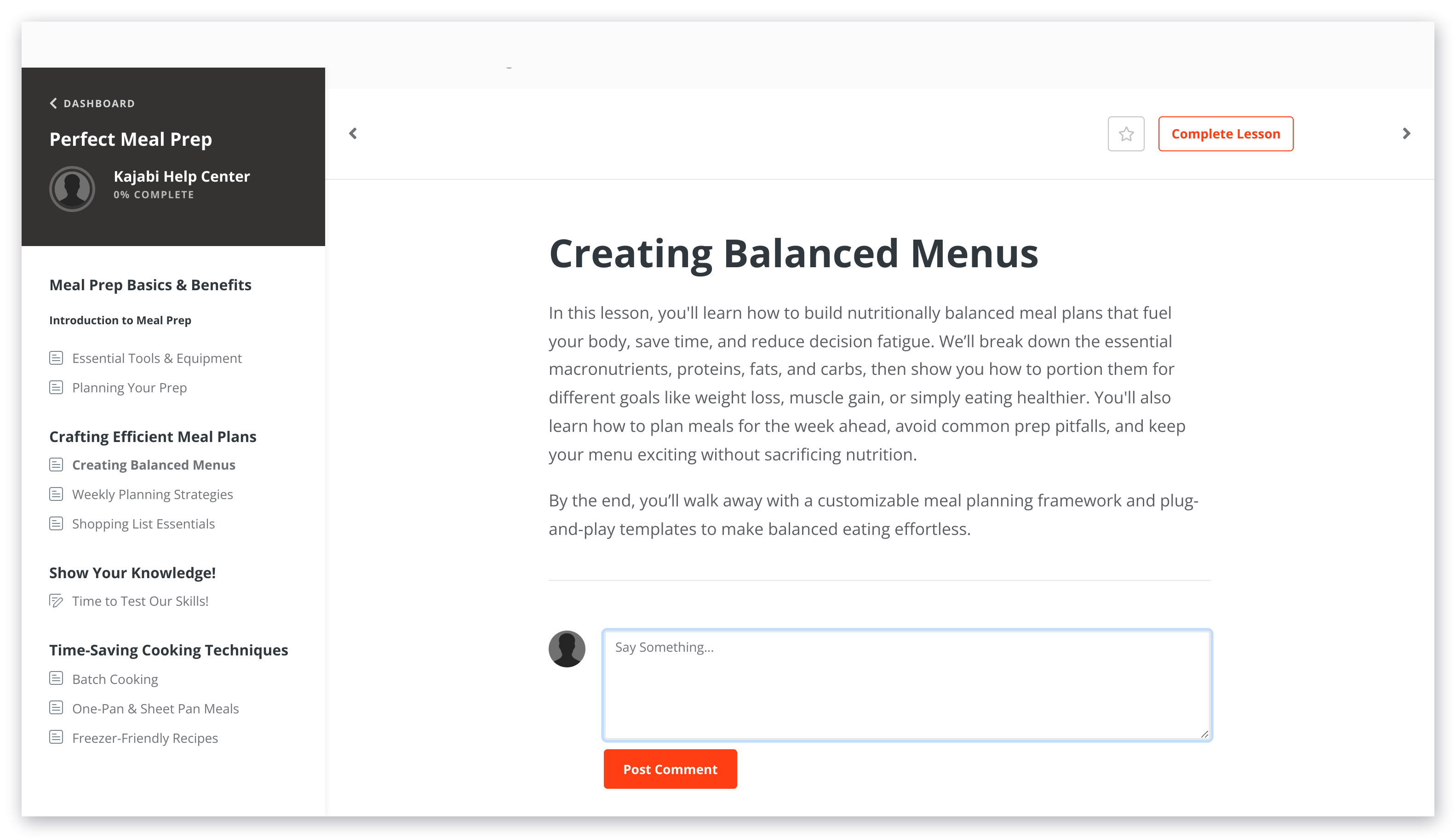
Assessments can be used to create quizzes and surveys in Courses and Web Pages. Keep in mind, each Course lesson can only contain one Assessment.
[Learn to add an Assessment to a Course](../../contacts/create-manage-and-share-assessments/how-to-add-an-assessment-to-your-course-product)
### Assessment
## Assessment
**Note:**
The Assessment feature inside of Courses has been sunset. This feature may still appear in older accounts. The [Quizzes](../../products/courses/course-quizzes) feature is now available inside of Courses and offers advanced functionality. Assessments can still be added to Web Pages.
Assessments can be used to create quizzes and surveys in Courses and Web Pages. Keep in mind, each Course lesson can only contain one Assessment.
[Learn to add an Assessment to a Course](../../contacts/create-manage-and-share-assessments/how-to-add-an-assessment-to-your-course-product)
### Assessment