> ## Documentation Index
> Fetch the complete documentation index at: https://help.kajabi.com/llms.txt
> Use this file to discover all available pages before exploring further.
# Add a link list block
> Learn to add a Link List Block (i.e., navigation menu) to your Sections.
***
## What is a link list?
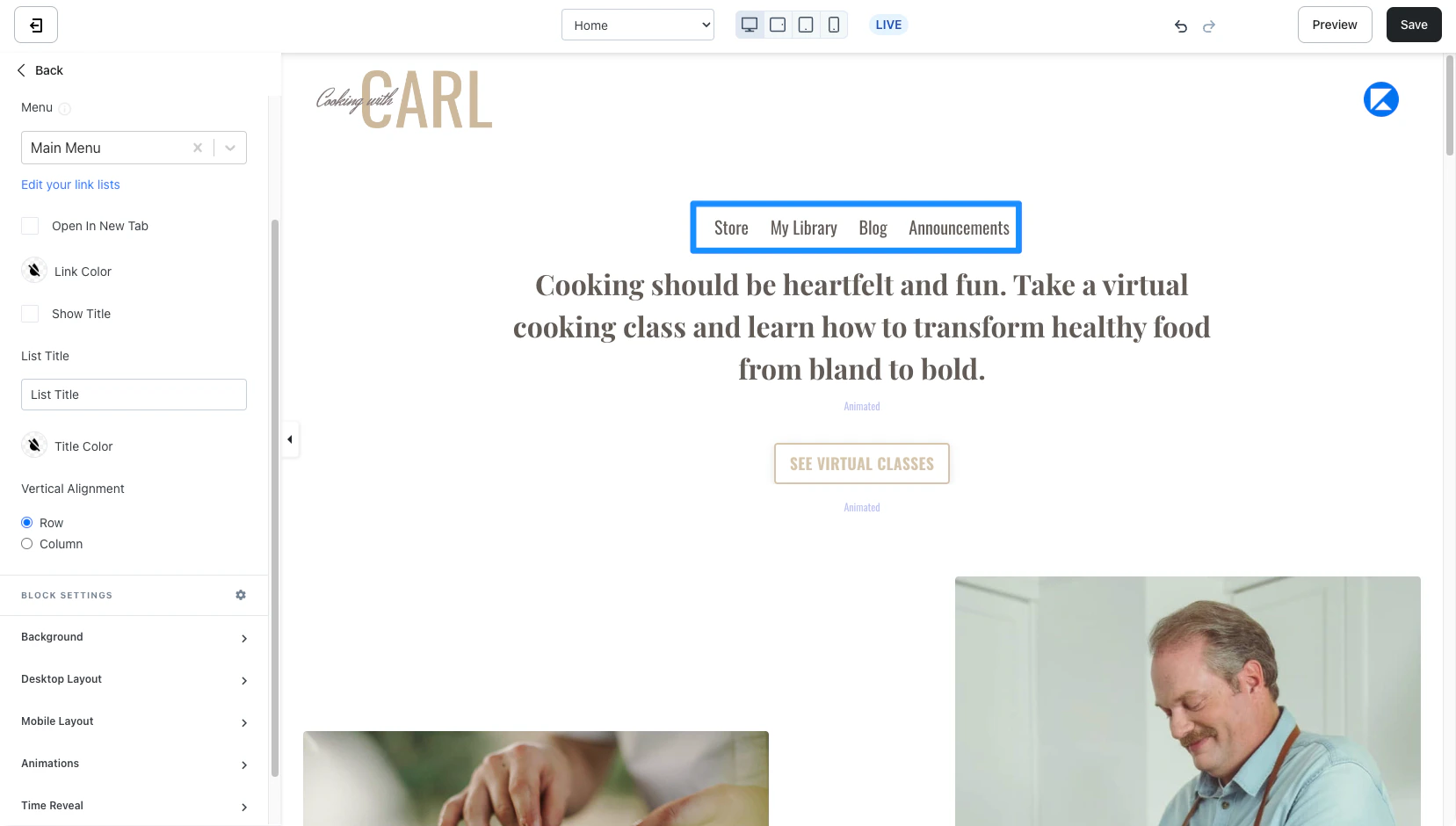
A Link List is a navigation menu built to display your desired links to help your visitors easily navigate across your linked pages:
 ***
## Adding a link list
* Open the **Website** tab from the Dashboard
* Select the **Website Pages** tab or **Landing Page** tab, depending on which page you want to edit
* Open the page editor for your Page. [Learn more](/articles/website/pages/how-to-get-to-the-page-editor)
* In the sidebar panel, click the Section you want to edit or [create a new Section](/articles/website/pages/add-sections-to-your-pages)
* In the sidebar, click **Add Content**
* From the list, select **Link list**
* Your newly created Link List Block will generate at the bottom of the Section
* Click **Save** to keep your changes:
***
## Adding a link list
* Open the **Website** tab from the Dashboard
* Select the **Website Pages** tab or **Landing Page** tab, depending on which page you want to edit
* Open the page editor for your Page. [Learn more](/articles/website/pages/how-to-get-to-the-page-editor)
* In the sidebar panel, click the Section you want to edit or [create a new Section](/articles/website/pages/add-sections-to-your-pages)
* In the sidebar, click **Add Content**
* From the list, select **Link list**
* Your newly created Link List Block will generate at the bottom of the Section
* Click **Save** to keep your changes:
**Note:** The Link List Block may not be available with your page template version. If you don't see the Link List Block, you may need to create a new page with the latest version of the Kajabi Page Builder to include a Link List Block on your page.
***
## Customizing your link list
Customize your Link List Block by adjusting the [width](/articles/website/pages/how-to-customize-the-block-width), selecting your menu, branding your links, adjusting your list vertical alignment, and configuring your [Block Settings](/articles/website/pages/how-to-add-an-accordion-block-to-your-page#block-settings):
### Select menu
Select the Link List (or navigation menu) used for your Block.
To create, customize, and change the menu used in your Link List Block [learn to customize your Website Navigation Menus](https://help.kajabi.com/hc/en-us/articles/360037080193).
**Note:** Quickly navigate to your Website Navigation Menus from the Dropdown Menu Block by clicking **Edit your link lists** directly below the Menu field in the sidebar editor.
### Link color
Brand your link colors by opening the color wheel.
If you prefer to use a custom color, click the color wheel and then either enter your RGB color code or use the sliders to choose your color.
* The **square box** allows you to adjust the brightness and saturation of your color
* The **horizontal rainbow bar** allows you to select the hue
* The **horizontal gradient bar** allows you to select the opacity of your color
### Show title
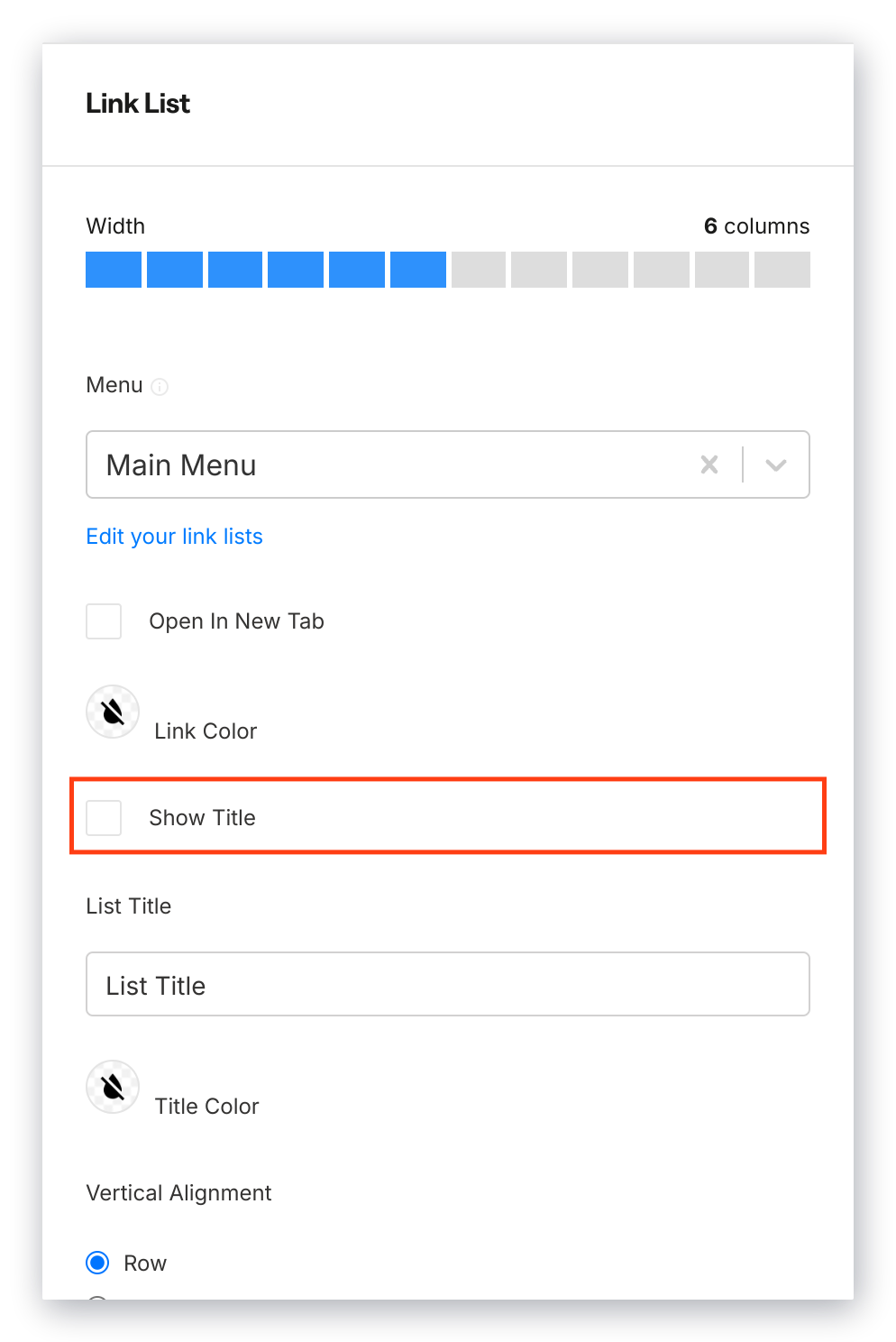
Display a title above your Link List, enter your List Title, and customize the color of your Link List Title.
Be sure to select **Show Title** to display your link list title on your page:
 ### Vertical alignment
Change the appearance of your Link List to display in a row or as a column:
### Vertical alignment
Change the appearance of your Link List to display in a row or as a column:
***
## Block settings
To adjust the look and feel of the Block, configure your Block Settings by customizing:
* [Background](/articles/website/pages/customizing-block-background-settings)
* [Desktop and Mobile Layout](/articles/website/pages/customizing-block-layout-settings)
* [Animations](/articles/website/pages/customizing-block-animations)
* [Time Reveal](/articles/website/pages/customizing-time-reveal-settings)