> ## Documentation Index
> Fetch the complete documentation index at: https://help.kajabi.com/llms.txt
> Use this file to discover all available pages before exploring further.
# Add a marketing & events section
> Learn to add a Marketing & Events Section to your pages built with Kajabi.
## Overview
Your marketing tools can be added to any page without frustrating integrations, APIs, or connections.
This means essential marketing actions like growing your email list, registering users for an event, and more are as simple as adding a Section to your page.
You can find the many marketing tools Kajabi offers in the Marketing & Events category.
***
## Adding a marketing & events section
* Open the **Website** tab from the Dashboard.
* Select either **Website Pages** or **Landing Pages**.
* Open the page editor for your Page. [Learn more](../../website/pages/how-to-get-to-the-page-editor)
* Navigate to the sidebar panel.
* Click **Add Section**.
* Select your Section from **Marketing & Events** to Preview.
* Click **Add** to generate the Preset Section to your Page:
***
## Preset marketing & events sections
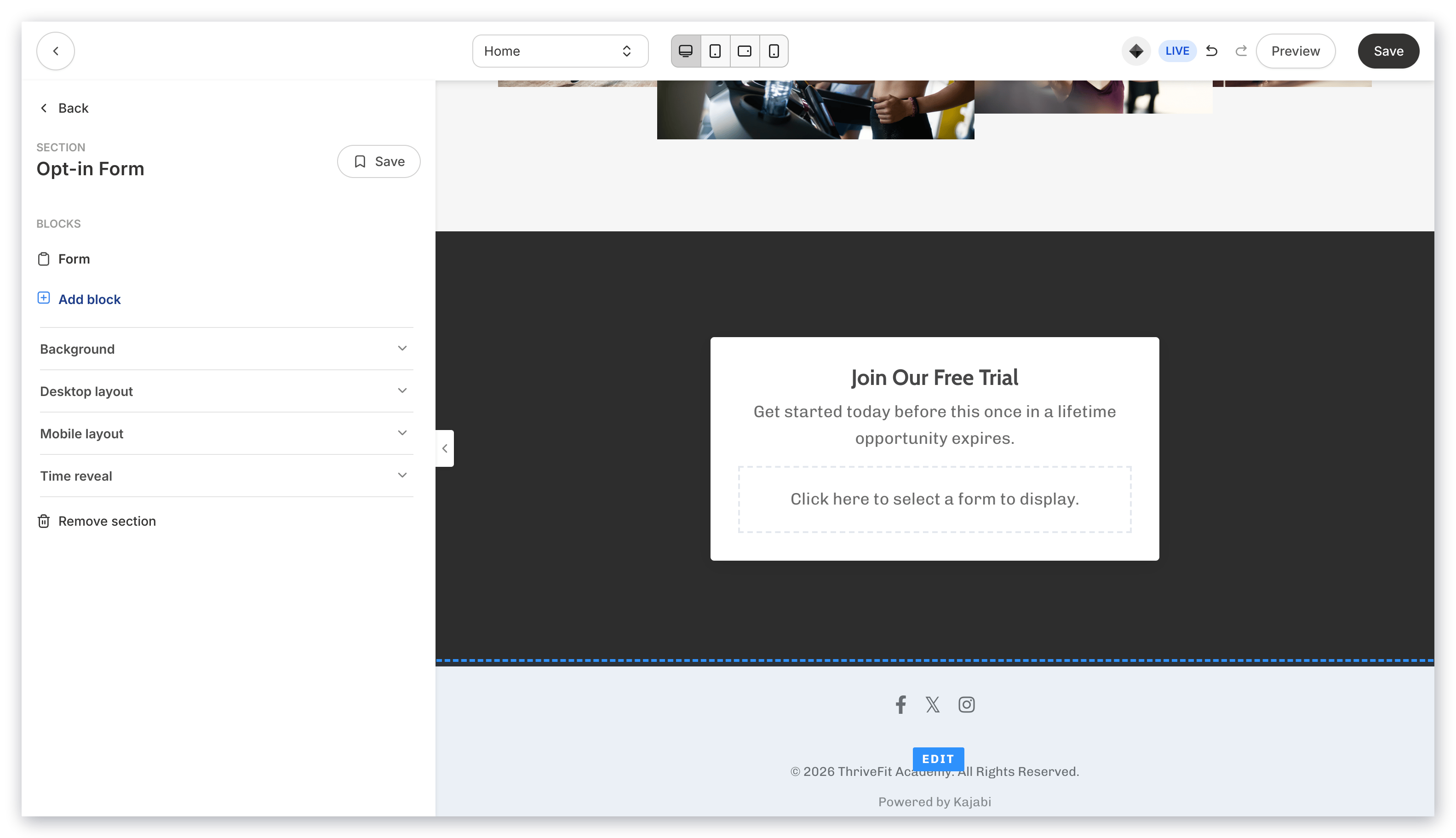
### Forms: Opt-in form & inline opt-in form
On Kajabi, Forms can be used to perform many actions, including subscribing someone to an email sequence, granting an offer, registering a person to an event, and segmenting subscribers based on which Forms they have filled out.
[Learn to customize Forms on your page](../../website/pages/how-to-add-a-form-to-your-page#customize-your-form-block)
 ### Event countdown
Event Countdowns are a great way to make your page visitors aware of an event and let them know how much time they have left to act upon it.
Adding an Event Countdown generates an Event Block and a Countdown Block:
### Event countdown
Event Countdowns are a great way to make your page visitors aware of an event and let them know how much time they have left to act upon it.
Adding an Event Countdown generates an Event Block and a Countdown Block:
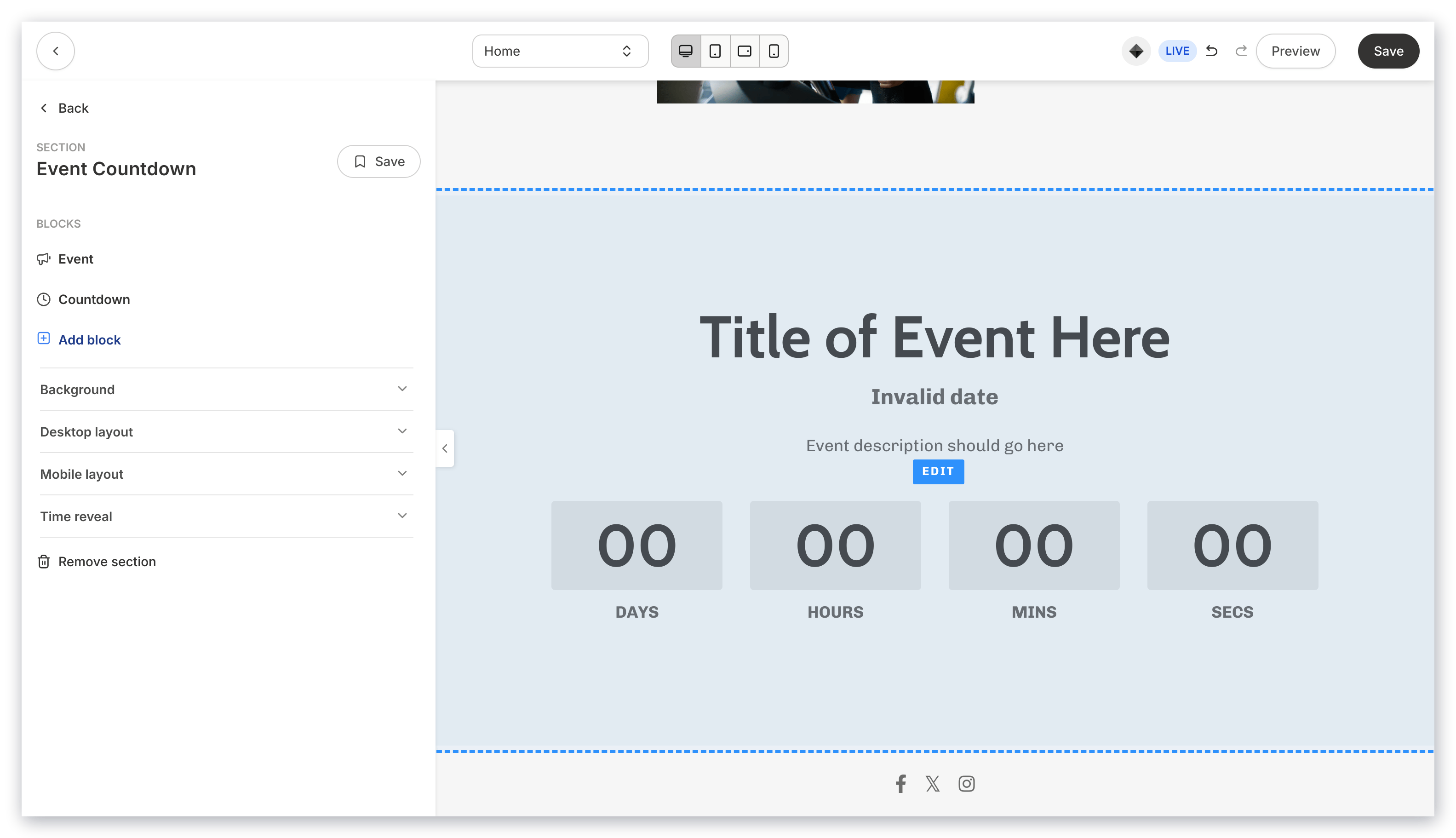 Learn to add and customize an [Event Block](../../website/pages/how-to-add-an-event-to-your-page#customize-your-event-block) and a [Countdown Block](../../website/pages/how-to-add-a-countdown-block-to-your-page#customize-your-countdown-block) on your page.
### Multi-video launch
Adding a Multi-Video Launch Section to your page displays multiple interactive images and a single video to give you the flexibility to design a unique viewing experience for your visitors:
Learn to add and customize an [Event Block](../../website/pages/how-to-add-an-event-to-your-page#customize-your-event-block) and a [Countdown Block](../../website/pages/how-to-add-a-countdown-block-to-your-page#customize-your-countdown-block) on your page.
### Multi-video launch
Adding a Multi-Video Launch Section to your page displays multiple interactive images and a single video to give you the flexibility to design a unique viewing experience for your visitors:
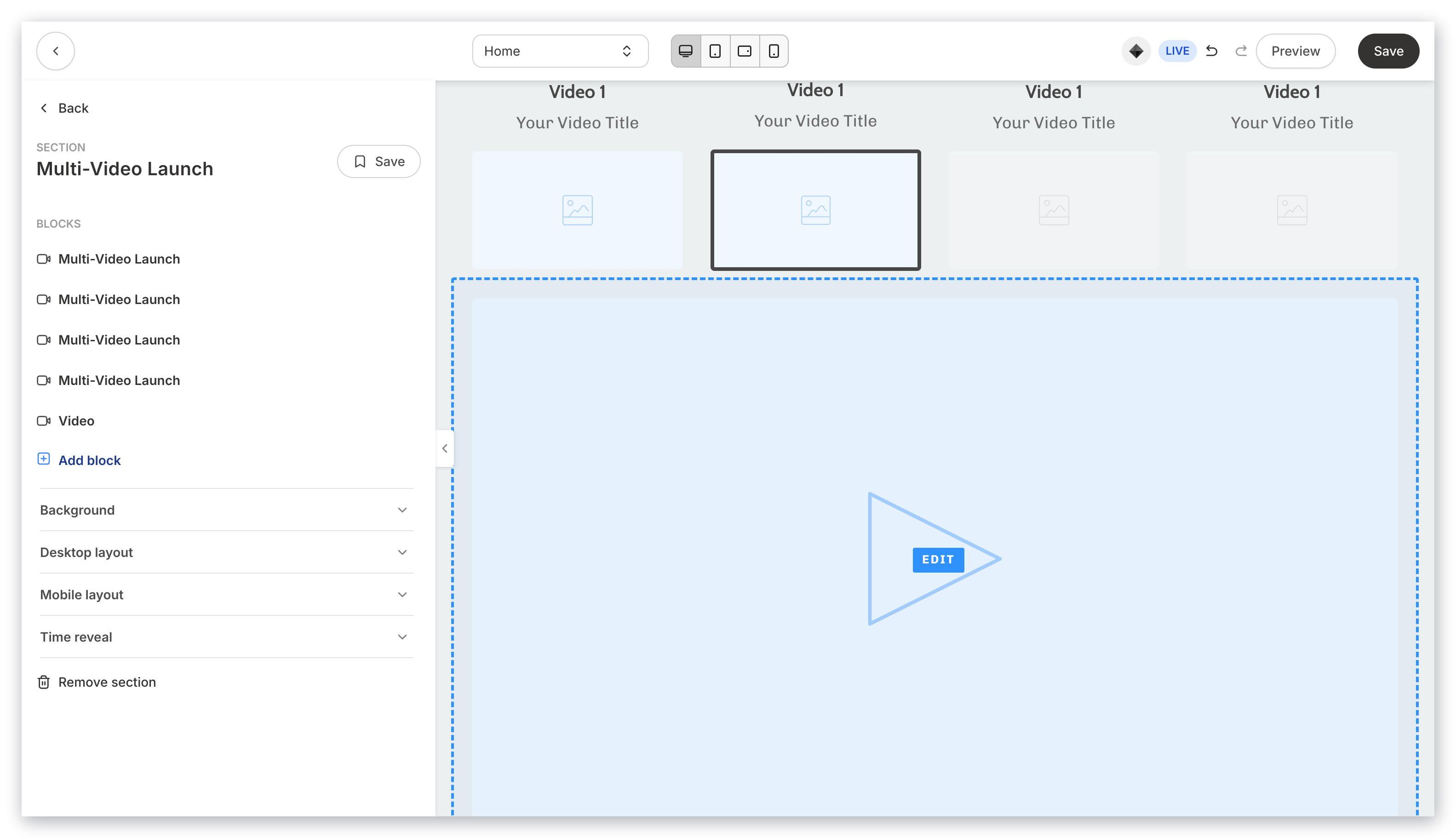 Create and design your Multi-Video Launch section to encourage your viewers to interact with your site to explore and learn more about the value you offer.
Display your previously released videos, currently live (active) videos, and next available videos.
Read [How to Set Up your Multi-Video Launch Section](../../website/pages/how-to-set-up-your-multi-video-launch-section) for more details.
### Assessments
Adding an Assessment (survey) to your Page is a great tool to opt-in page visitors, or send them to a sales page:
Create and design your Multi-Video Launch section to encourage your viewers to interact with your site to explore and learn more about the value you offer.
Display your previously released videos, currently live (active) videos, and next available videos.
Read [How to Set Up your Multi-Video Launch Section](../../website/pages/how-to-set-up-your-multi-video-launch-section) for more details.
### Assessments
Adding an Assessment (survey) to your Page is a great tool to opt-in page visitors, or send them to a sales page:
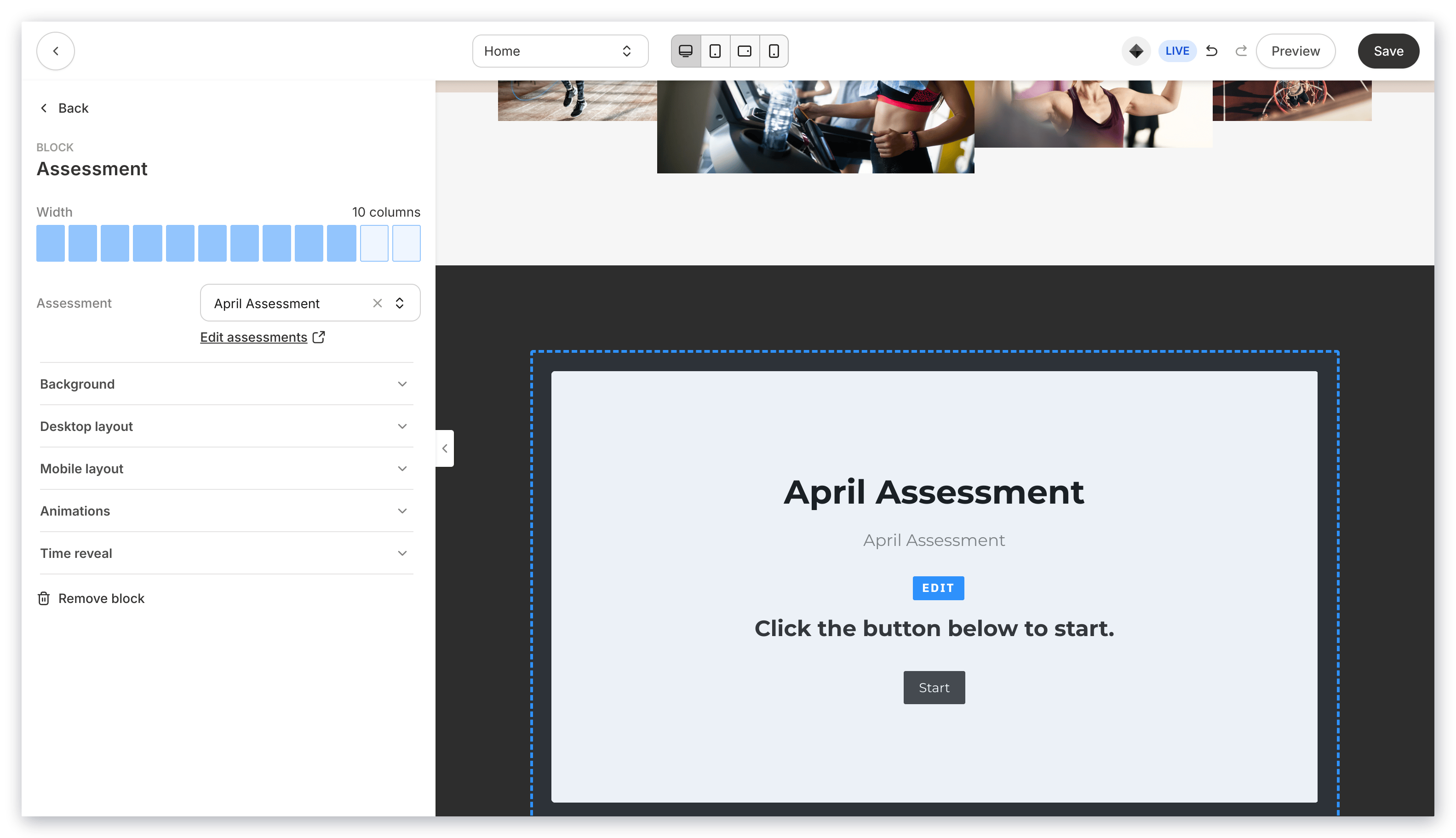 [Learn to customize Assessments on your page](../../website/pages/how-to-add-an-assessment-block#customize-your-assessment-block)
**Note:**
Adding an Assessment Section generates an empty Assessment Block. Be sure to select your Assessment in the sidebar to display your Assessment.
[Learn to customize Assessments on your page](../../website/pages/how-to-add-an-assessment-block#customize-your-assessment-block)
**Note:**
Adding an Assessment Section generates an empty Assessment Block. Be sure to select your Assessment in the sidebar to display your Assessment.