> ## Documentation Index
> Fetch the complete documentation index at: https://help.kajabi.com/llms.txt
> Use this file to discover all available pages before exploring further.
# Add text to a page with Premier
> Learn to add Text to your page with the Premier Template to communicate with your visitors, market your content, and describe your value.
Learn to add Text to your page with the Premier Template to communicate with your visitors, market your content, and describe your value.
**Note:** This article refers to the Premier Legacy Templates, which may be outdated. If you are using the Kajabi Pages Templates, please refer to the updated guide [here](/articles/website/pages/how-to-add-a-text-block-to-your-page).
***
## Adding a text section
* Open the **Website** tab from the Dashboard.
* Click **Pages**.
* Locate the page you wish to customize or [create a new page](/articles/website/pages/how-to-create-a-new-page-with-premier).
* Open the page editor for your page. [Learn more](/articles/website/pages/how-to-get-to-the-page-editor)
* Click **+ Add Section** from the sidebar.
* Select **Text** to Preview.
* Click **Add** to generate the section to your page:
***
## Customizing your text section
Customize your Text Section by entering a Heading and Subheading, customizing your Text content, editing the Text Section Appearance, and encouraging your users to take action with a Call to Action.
### Text editor
In the Text Box of the Editor, you have the ability to customize multiple features of your Text content.
**Note:** The layout of the Text Editor features is captured in Fullscreen mode as displayed in this guide. Replicate the images provided in this guide by utilizing your Text Editor.
#### Source code
Access your Text **source code** to embed or enter code scripts:
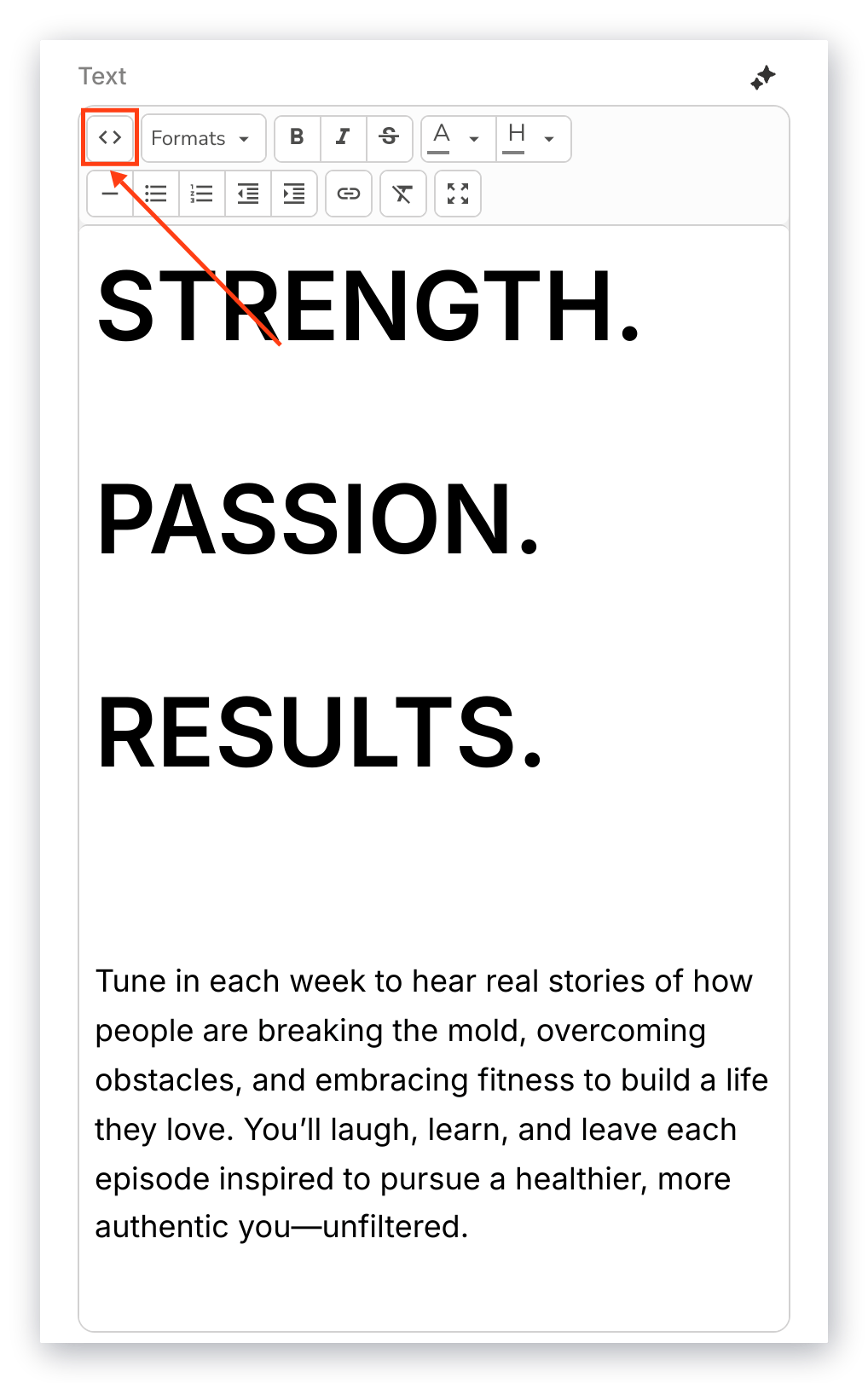 **Important:** If you are not familiar with editing the source code, we advise avoiding this feature or reaching out to a professional developer to guide you through its functionality.
#### Text formats
Customize your Text appearance by adjusting the Format settings:
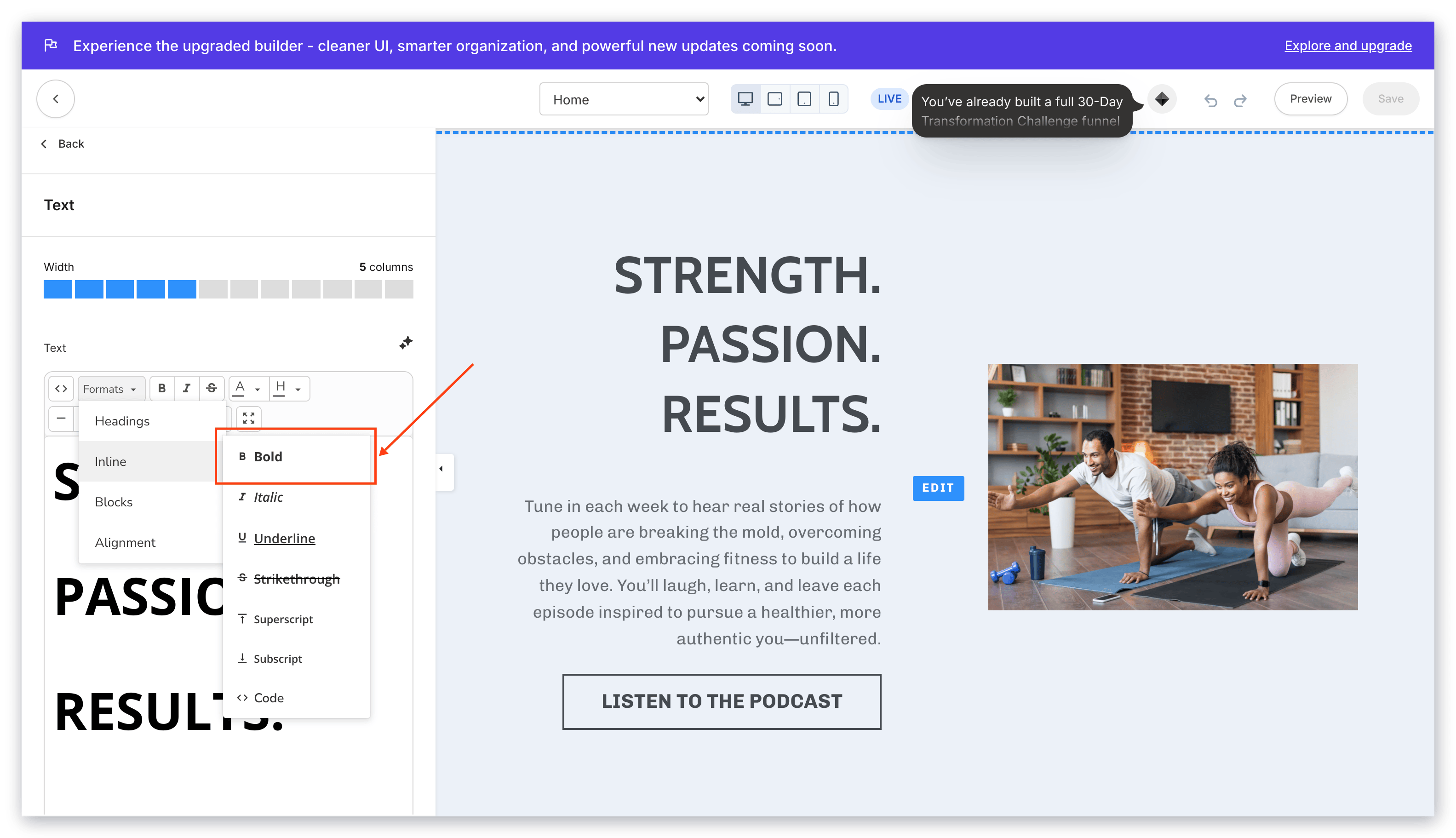
* Select your chosen **Heading Size** to change the font size of your highlighted text.
* Select your **Inline** setting to change the Text Appearance (e.g., Bold, Italic, Underline, Strikethrough, Superscript, Subscript, Code).
* Select your desired **Blocks** to adjust the appearance of your highlighted text (e.g., Paragraph, Blockquote, Div).
* Select your text **alignment** for your highlighted text (e.g., left, center, right, justified):
**Important:** If you are not familiar with editing the source code, we advise avoiding this feature or reaching out to a professional developer to guide you through its functionality.
#### Text formats
Customize your Text appearance by adjusting the Format settings:
* Select your chosen **Heading Size** to change the font size of your highlighted text.
* Select your **Inline** setting to change the Text Appearance (e.g., Bold, Italic, Underline, Strikethrough, Superscript, Subscript, Code).
* Select your desired **Blocks** to adjust the appearance of your highlighted text (e.g., Paragraph, Blockquote, Div).
* Select your text **alignment** for your highlighted text (e.g., left, center, right, justified):
 #### Text appearance
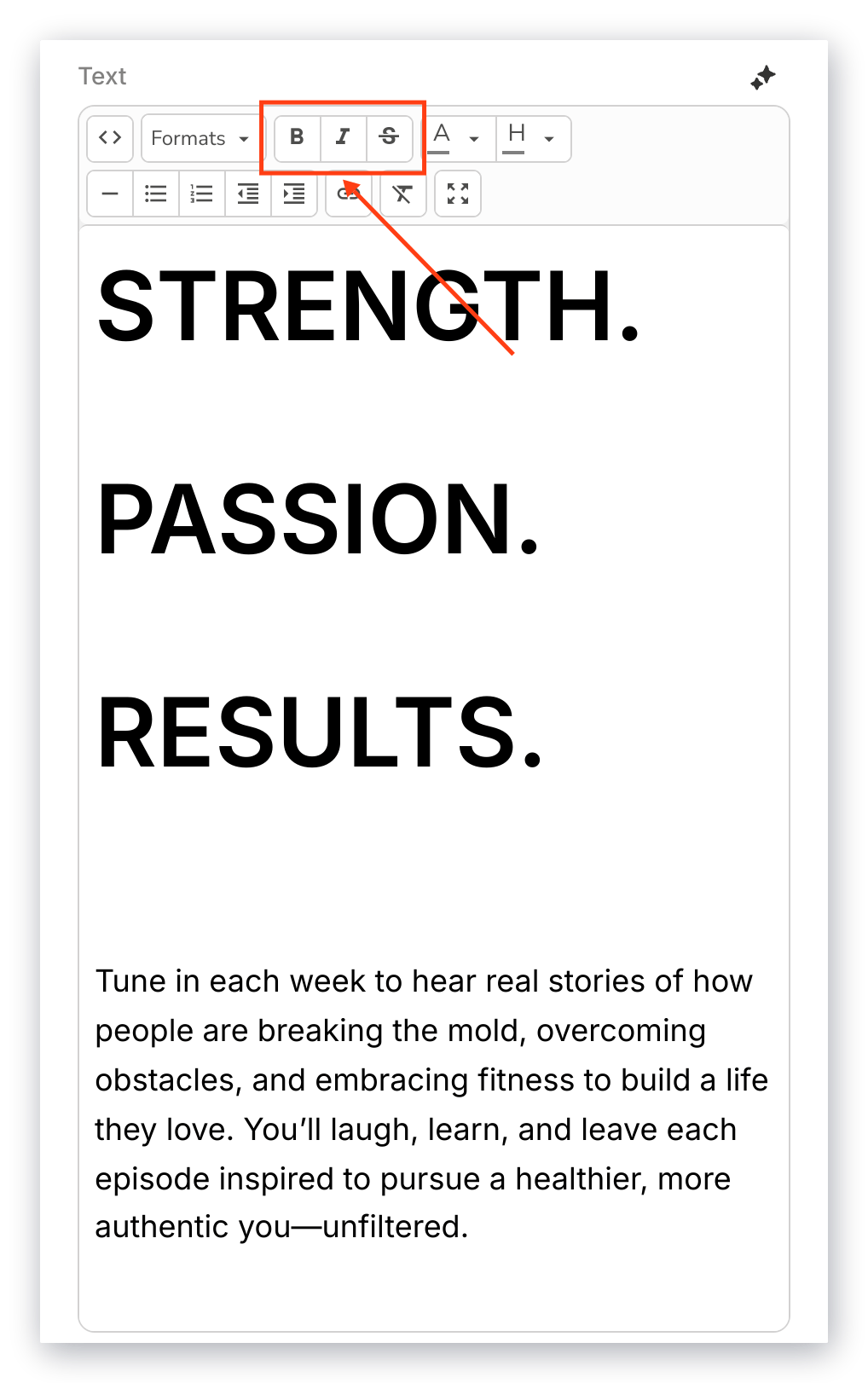
Customize the appearance of your highlighted text by making it **bold**, **italicized**, or **strikethrough:**
#### Text appearance
Customize the appearance of your highlighted text by making it **bold**, **italicized**, or **strikethrough:**
 #### Text color
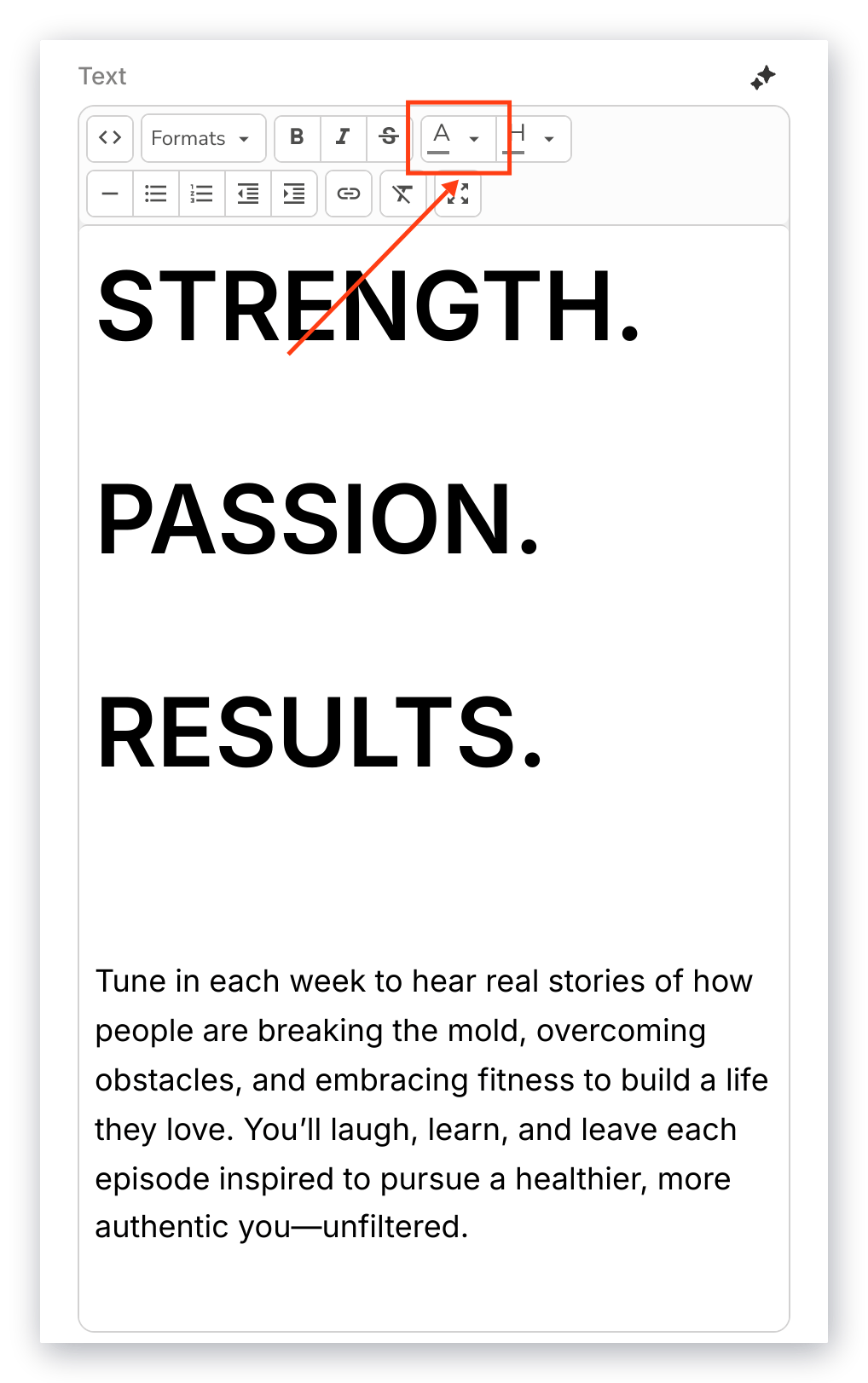
Highlight sections of your Text or your entire Text to customize its color:
#### Text color
Highlight sections of your Text or your entire Text to customize its color:
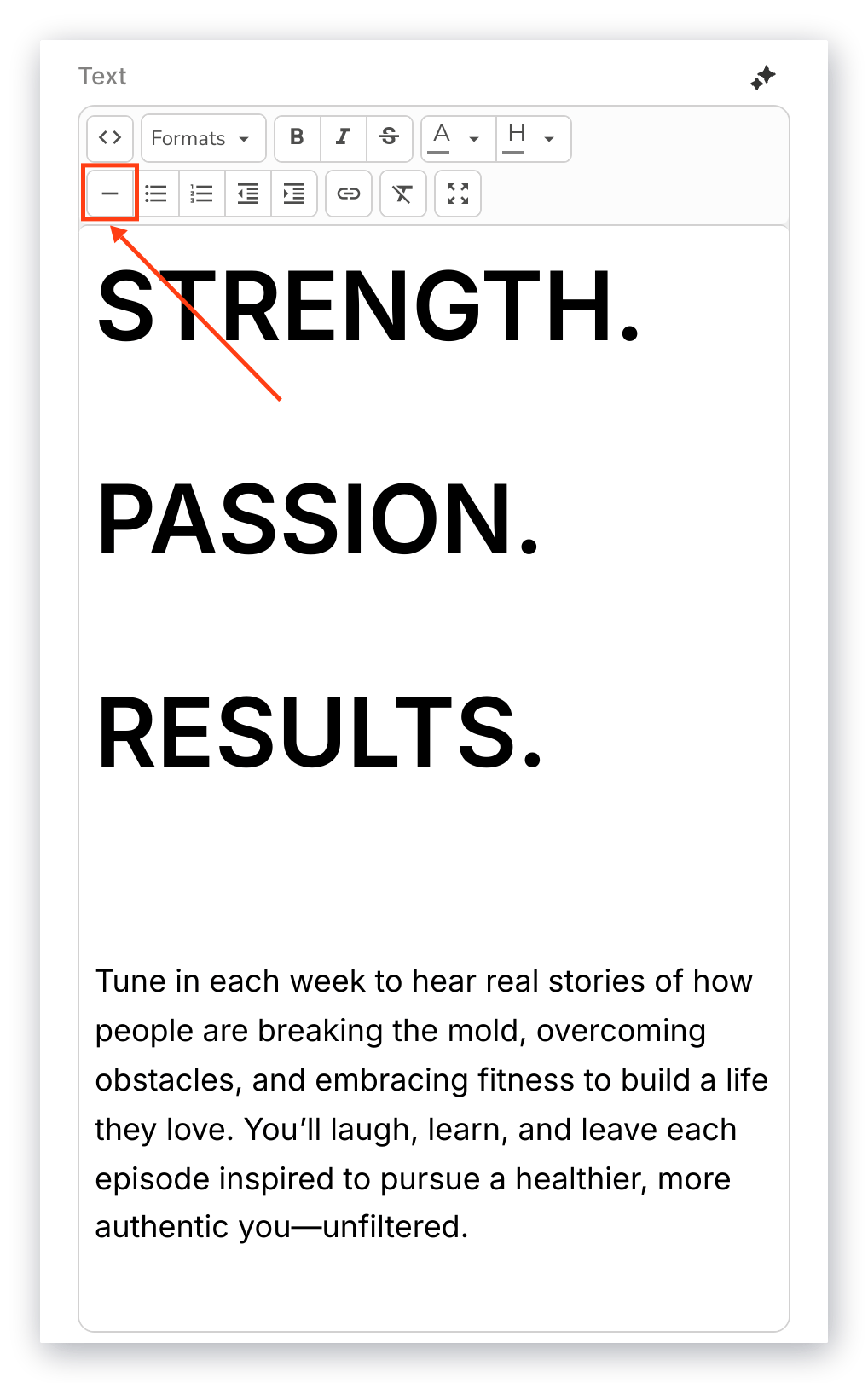
 #### Horizontal line
Include a horizontal line in your Text content to break up your Text:
#### Horizontal line
Include a horizontal line in your Text content to break up your Text:
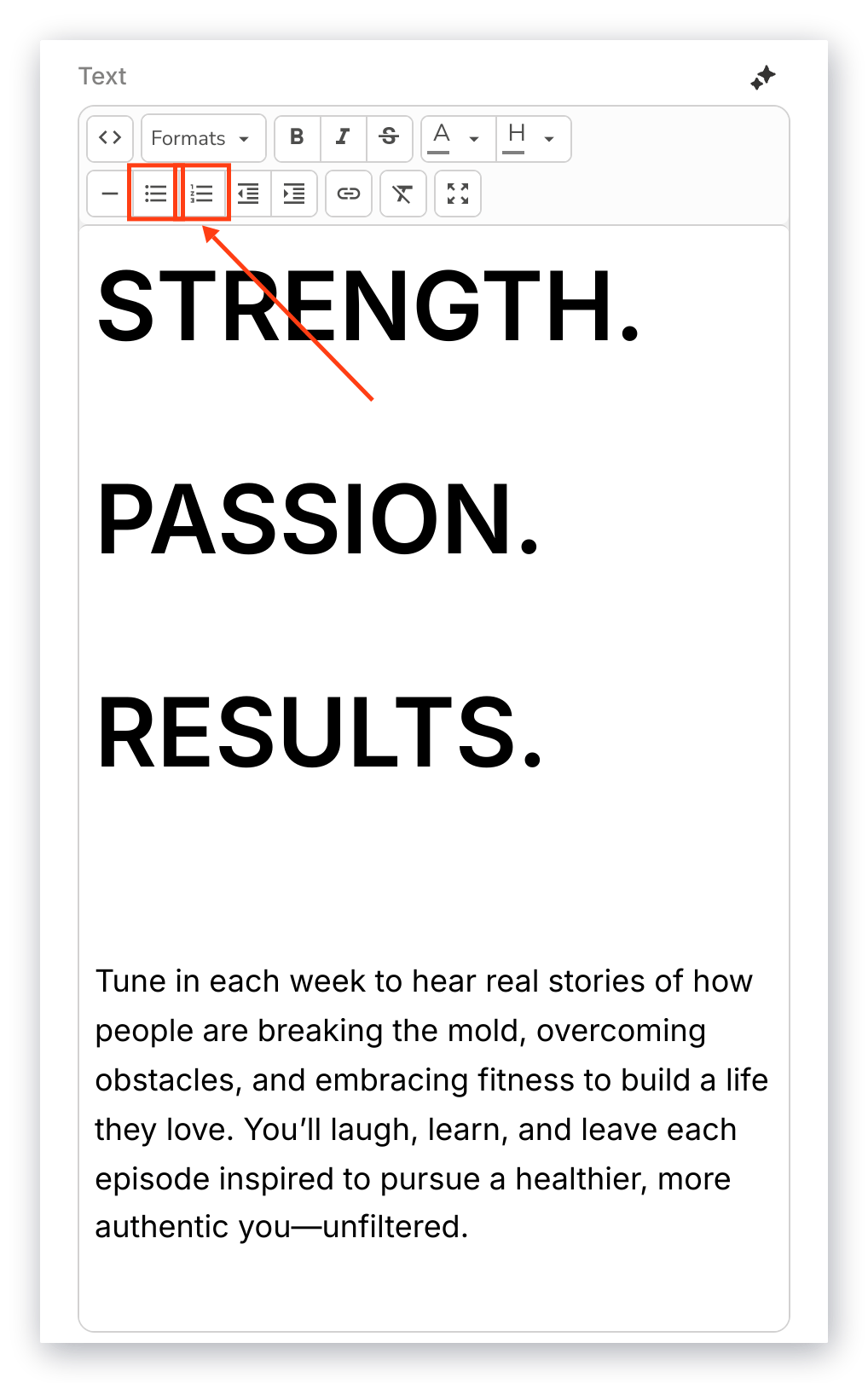
 #### Lists
Create **ordered** and **unordered lists** with your Text:
#### Lists
Create **ordered** and **unordered lists** with your Text:
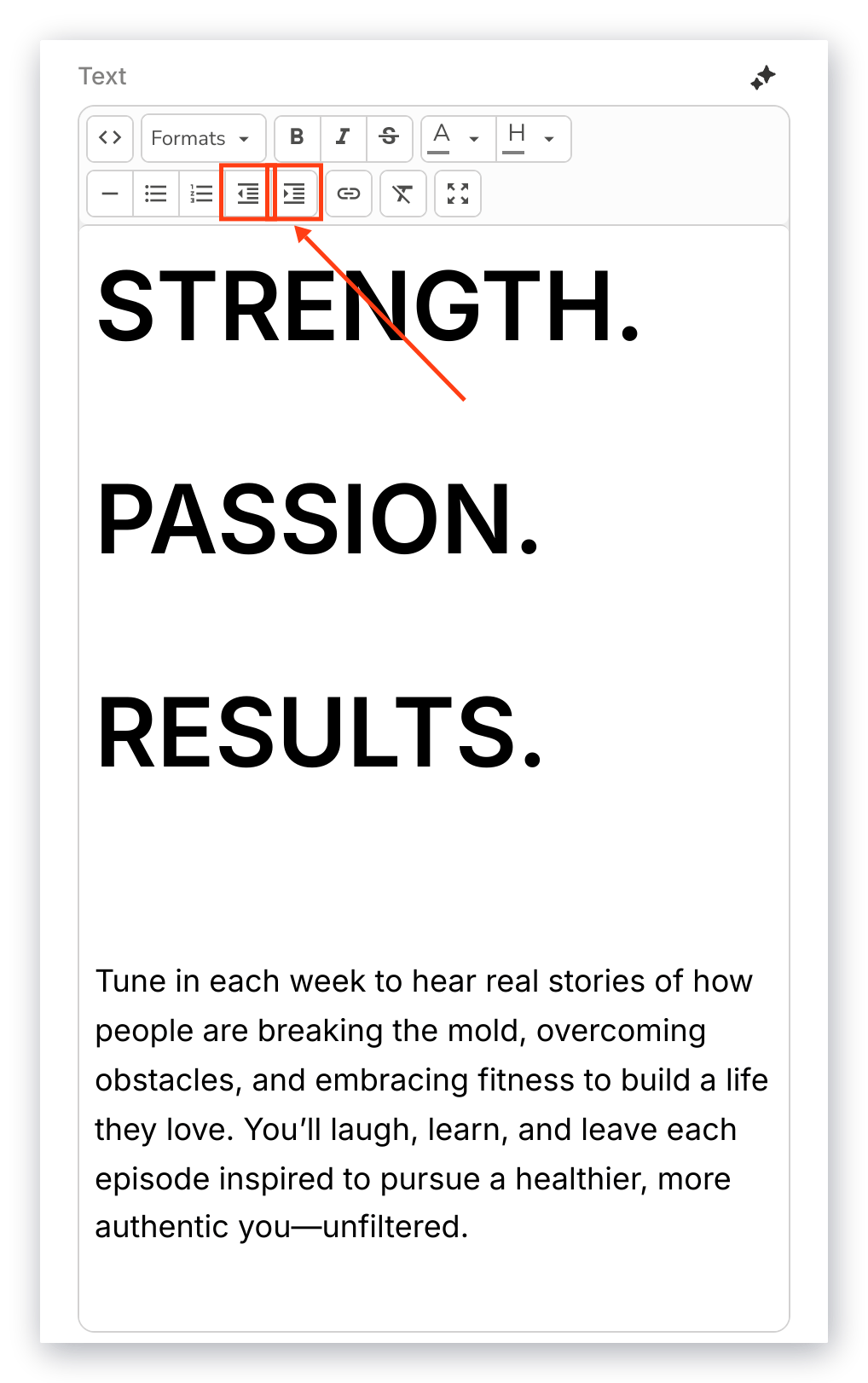
 #### Text indentation
Adjust the **indentation** of your Text:
#### Text indentation
Adjust the **indentation** of your Text:
 #### Hyperlink
**Insert/Edit a link** in your Text to create interactive, clickable Text:
#### Hyperlink
**Insert/Edit a link** in your Text to create interactive, clickable Text:
 Creating hyperlinked Text prompts you to enter:
* The full URL of the page you wish to lead to (i.e., [https://kajabi.com/](https://kajabi.com/)).
* The text to display indicating the hyperlink.
* The title of your link.
* The Target (e.g., New Window: open as a new window in your user's browser, or None: to replace the current window).
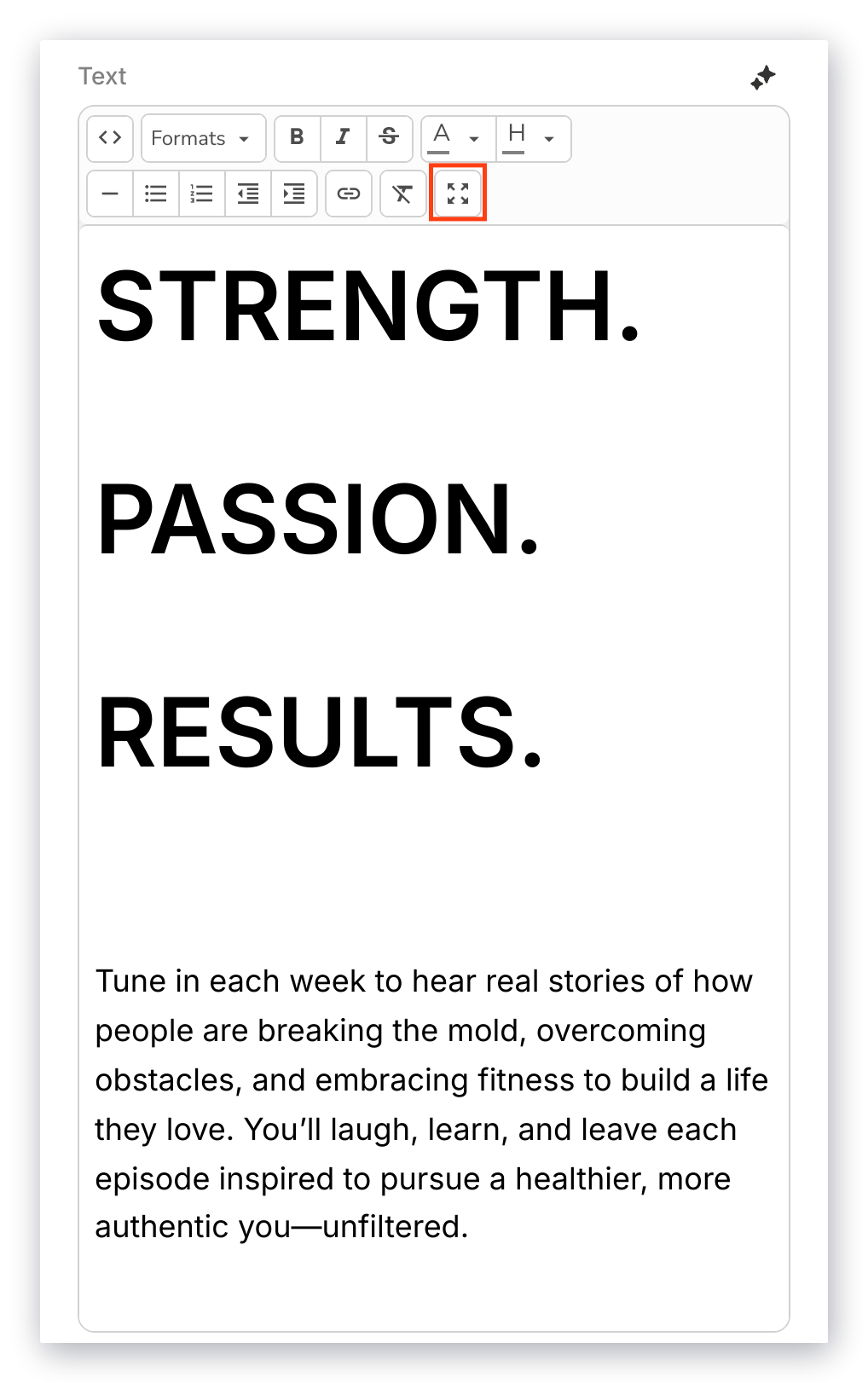
#### Fullscreen mode
**Maximize** and **Minimize** the Text Box to easily edit your Text:
Creating hyperlinked Text prompts you to enter:
* The full URL of the page you wish to lead to (i.e., [https://kajabi.com/](https://kajabi.com/)).
* The text to display indicating the hyperlink.
* The title of your link.
* The Target (e.g., New Window: open as a new window in your user's browser, or None: to replace the current window).
#### Fullscreen mode
**Maximize** and **Minimize** the Text Box to easily edit your Text:
 ### Section appearance
Customize the appearance of your Text Section by customizing the:
* Background and Text Color
* Text Alignment
* Spacing
### Call to action
Add a Call to Action (CTA) to encourage your site visitors to take action based on your Text content.
Click **Add Call To Action** to create and edit your CTA button.
Learn to use the [Call to Action with Premier](/articles/website/pages/how-to-use-a-call-to-action-in-your-page-with-premier) for more details.
### Section appearance
Customize the appearance of your Text Section by customizing the:
* Background and Text Color
* Text Alignment
* Spacing
### Call to action
Add a Call to Action (CTA) to encourage your site visitors to take action based on your Text content.
Click **Add Call To Action** to create and edit your CTA button.
Learn to use the [Call to Action with Premier](/articles/website/pages/how-to-use-a-call-to-action-in-your-page-with-premier) for more details.