> ## Documentation Index
> Fetch the complete documentation index at: https://help.kajabi.com/llms.txt
> Use this file to discover all available pages before exploring further.
# Duplicate a website to landing pages
> Learn to duplicate your custom website page into a landing page.
Retain your customization and branding from your website to your landing pages by duplicating any website page (excluding System pages) into a landing page.
## Overview
With the website builder you can duplicate any website page (excluding System pages) into a landing page. This allows you to retain your customization and branding from your website to your landing pages.
***
## How to duplicate your website page into a landing page
To add your page to Landing:
1. Open the **Website** tab from your Dashboard.
2. Click the **Pages** tab.
3. Then, locate the custom website page you wish to add to Landing.
4. Click the `…` menu icon.
5. Select **+ Add page to Landing**.
6. Read the prompt and click **Add page**:
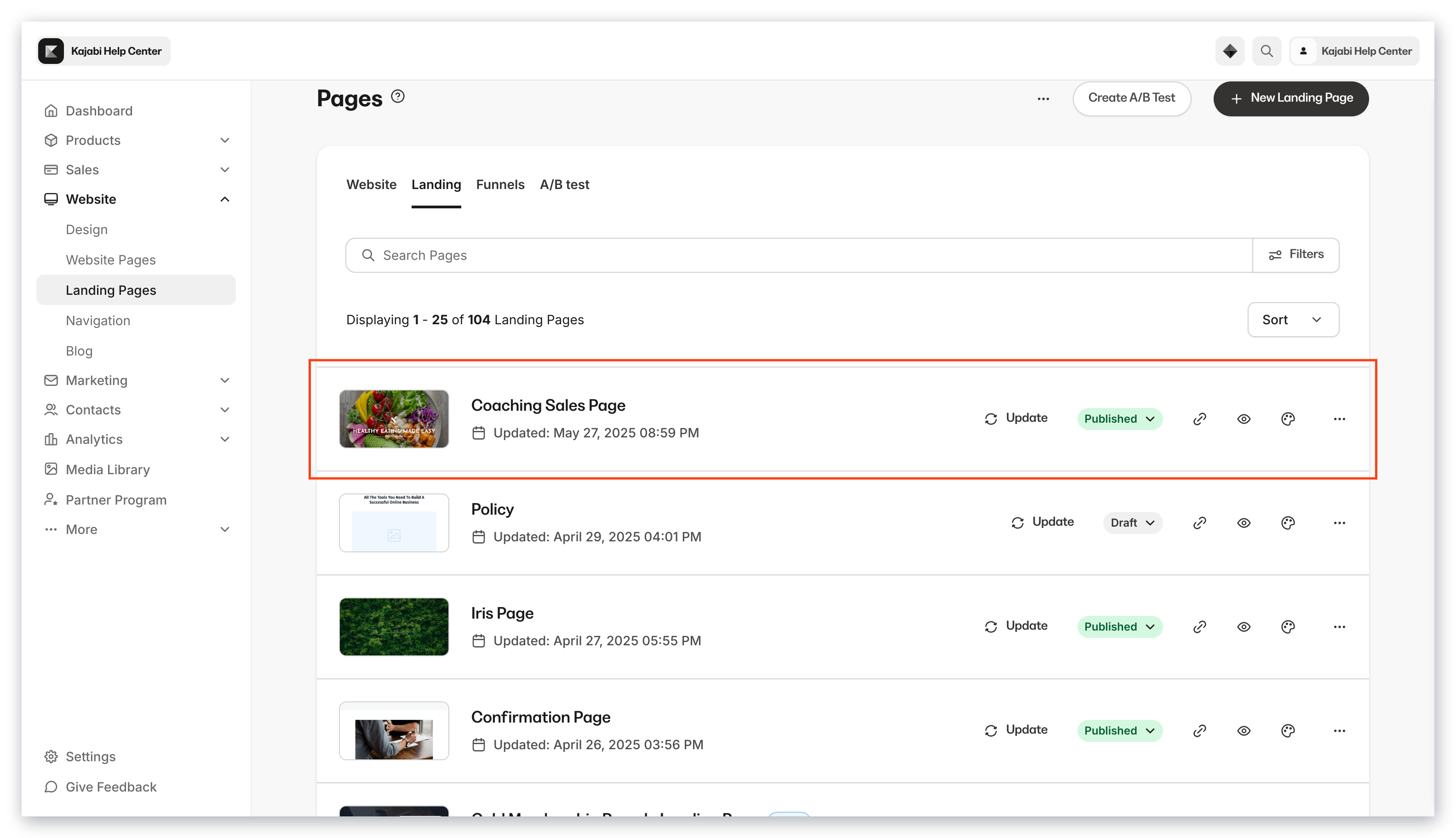
Your duplicated page will display in Landing with the original title and a **Draft** status. You must publish it separately once you are ready.
To easily identify your duplicated page, the title will include a copy number suffix. For example, your duplicated page title may state, "Baking Bash Copy 2":
 **Note:**
System pages (such as 404, Login, Library, Blog, Store, and Thank You) cannot be duplicated to Landing Pages. Only custom website pages support this action. If you have reached your plan's Landing Page limit, the duplication will not proceed.
**Note:**
System pages (such as 404, Login, Library, Blog, Store, and Thank You) cannot be duplicated to Landing Pages. Only custom website pages support this action. If you have reached your plan's Landing Page limit, the duplication will not proceed.