> ## Documentation Index
> Fetch the complete documentation index at: https://help.kajabi.com/llms.txt
> Use this file to discover all available pages before exploring further.
# Hide a site to prepare for launch
> Learn to unpublish or hide your site until you're ready for it to go live.
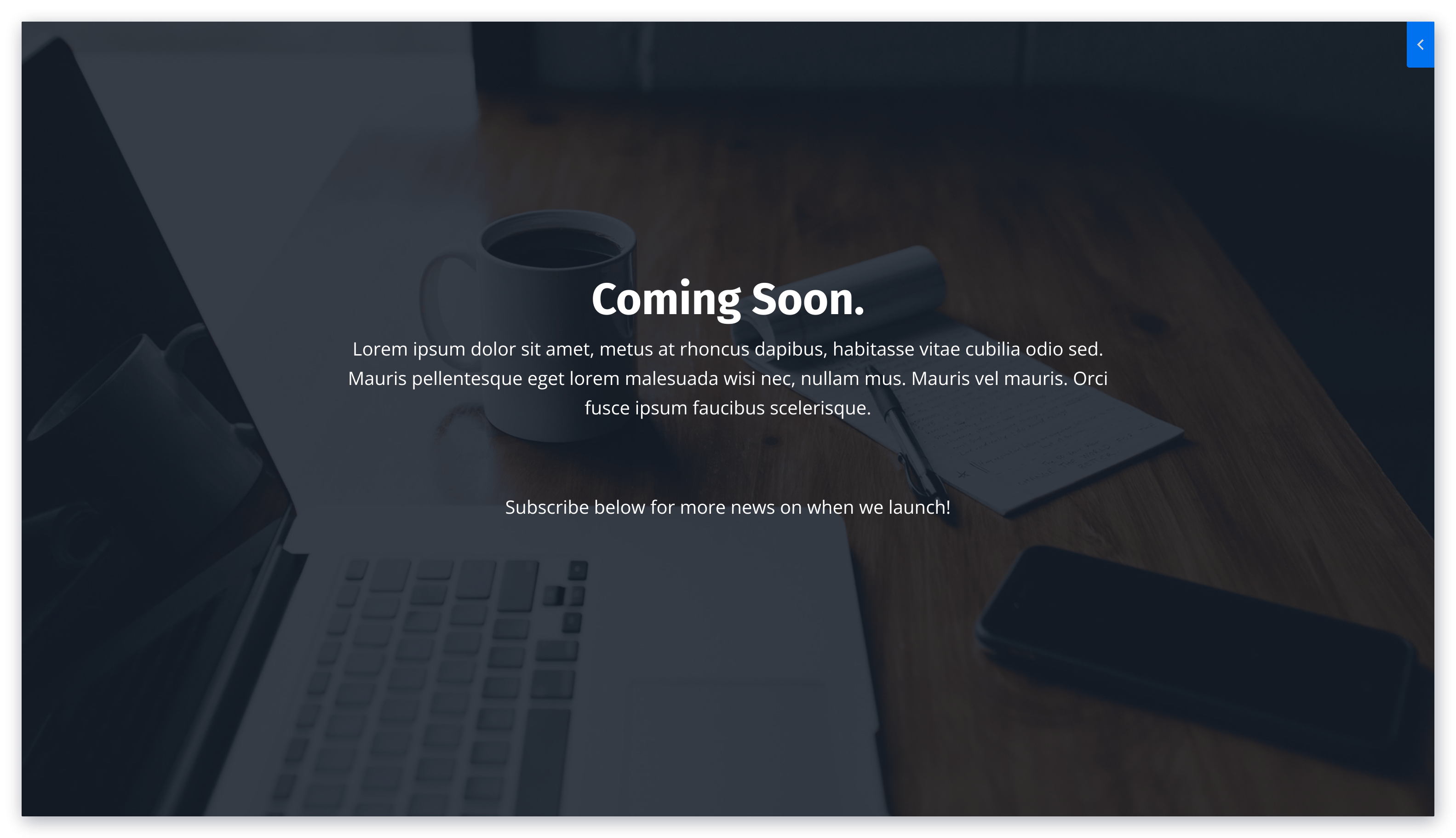
If you're working hard on building out your website, you may not be ready for everyone to see your site until it's finished. Display a temporary "Coming Soon!" message using a Landing Page while you prepare for launch.
## Overview
Hiding your site before launch allows you to work on your website behind the scenes while showing visitors a polished "Coming Soon" page. This approach lets you grow your email list as you prepare to launch and ensures visitors see a professional message rather than an incomplete site.
***
## Create a Coming Soon landing page
Create a Coming Soon Landing Page with Kajabi Pages.
**Tip:** Try generating one of the pre-built Coming Soon templates!
1. Select the **Website** tab from your Dashboard.
2. Open **Pages**.
3. Click the **Landing** tab.
4. Select **+ New Landing Page**:
***
## Customize your Coming Soon page
With the Streamlined Coming Soon Page template available with Kajabi Pages, customize your page by:
* Uploading a [background image](/articles/website/pages/how-to-customize-your-section-background-settings)
* Displaying your unique message with the [Text Block](/articles/website/pages/how-to-add-a-text-block-to-your-page#customize-your-text-block)
* [Attaching a Form](/articles/website/pages/how-to-add-a-form-to-your-page) to grow your list as you prepare to launch your site
 ***
## Set the landing page as your homepage
1. Open **Settings** from your Dashboard.
2. Select **Site Details**.
3. Scroll down to the Homepage section and change the selection to **Show a Landing Page**.
4. Select your "Coming Soon!" Landing Page and click **Save**:
***
## Set the landing page as your homepage
1. Open **Settings** from your Dashboard.
2. Select **Site Details**.
3. Scroll down to the Homepage section and change the selection to **Show a Landing Page**.
4. Select your "Coming Soon!" Landing Page and click **Save**:
When you're ready to reveal your site, follow these steps again and select your desired page or customized homepage to officially launch.
***
## What your site visitors will see
When users visit your site, they will see your Coming Soon page: