> ## Documentation Index
> Fetch the complete documentation index at: https://help.kajabi.com/llms.txt
> Use this file to discover all available pages before exploring further.
# Set anchor links in a page with Premier
> Learn how to use anchor links in Kajabi to navigate users from one page section to another.
Anchor links are used to navigate a user from one page section to another. Learn how to use **Anchor Links** in Kajabi.
***
**Note:** This article refers to the Premier Legacy Templates, which may be outdated! If you are using the Kajabi Pages Templates, please refer to the updated guide [here](../../website/pages/linking-to-a-section-of-a-different-page).
Get started by first opening the page editor for your Legacy Template, Premier. [Click here to learn more](../../website/pages/customizing-your-website-with-the-legacy-template-premier)
***
## To add an anchor link to your page
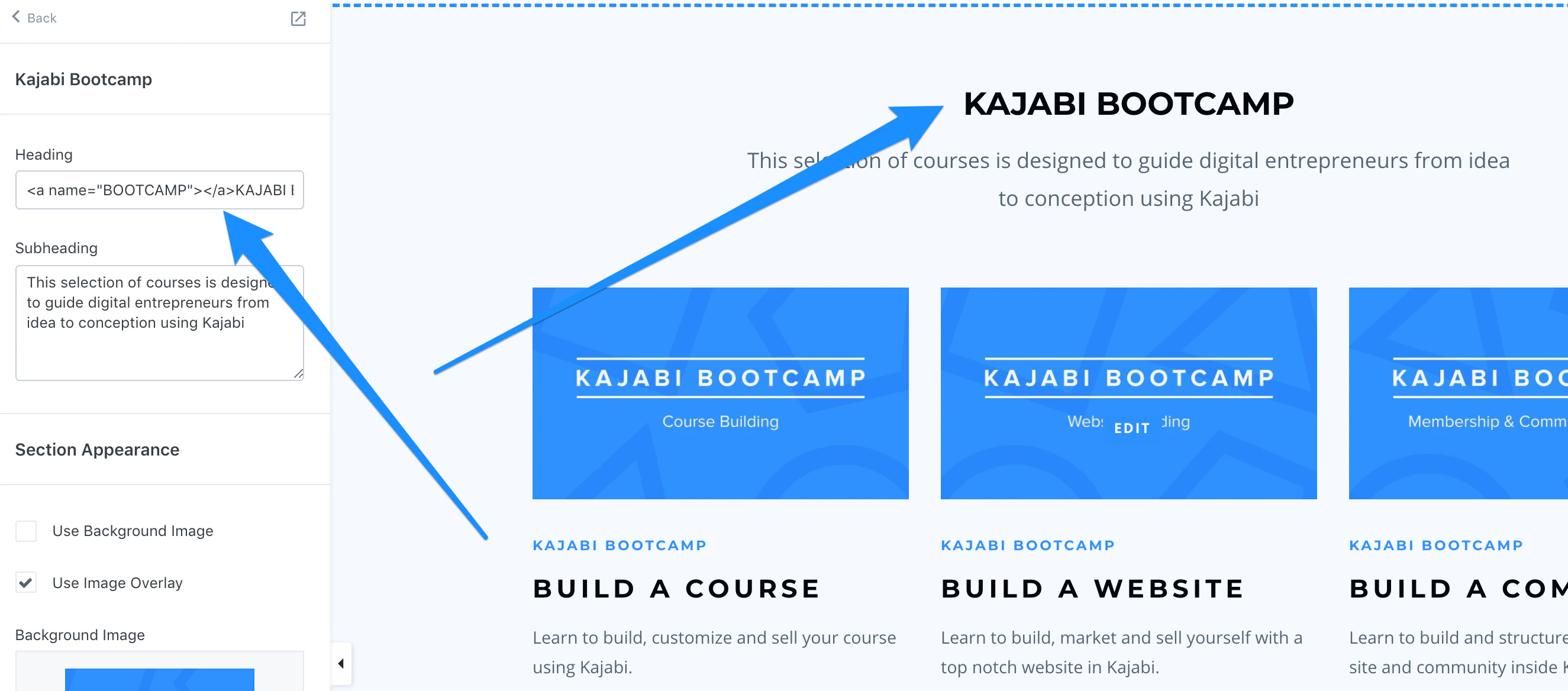
1. In the **Section** you want to lead to, insert following tag in the **Heading** block of the section:
```html theme={null}
Heading
```
In this example:
* **BOOTCAMP** = the slug you will add to the URL in the link list.
* The **END NAME** "Kajabi Bootcamp" = text that will show on the page.
Therefore, the anchor would be:
```html theme={null}
KAJABI BOOTCAMP
```
**Note:** This will **only** work in the Title or Heading block of a section:
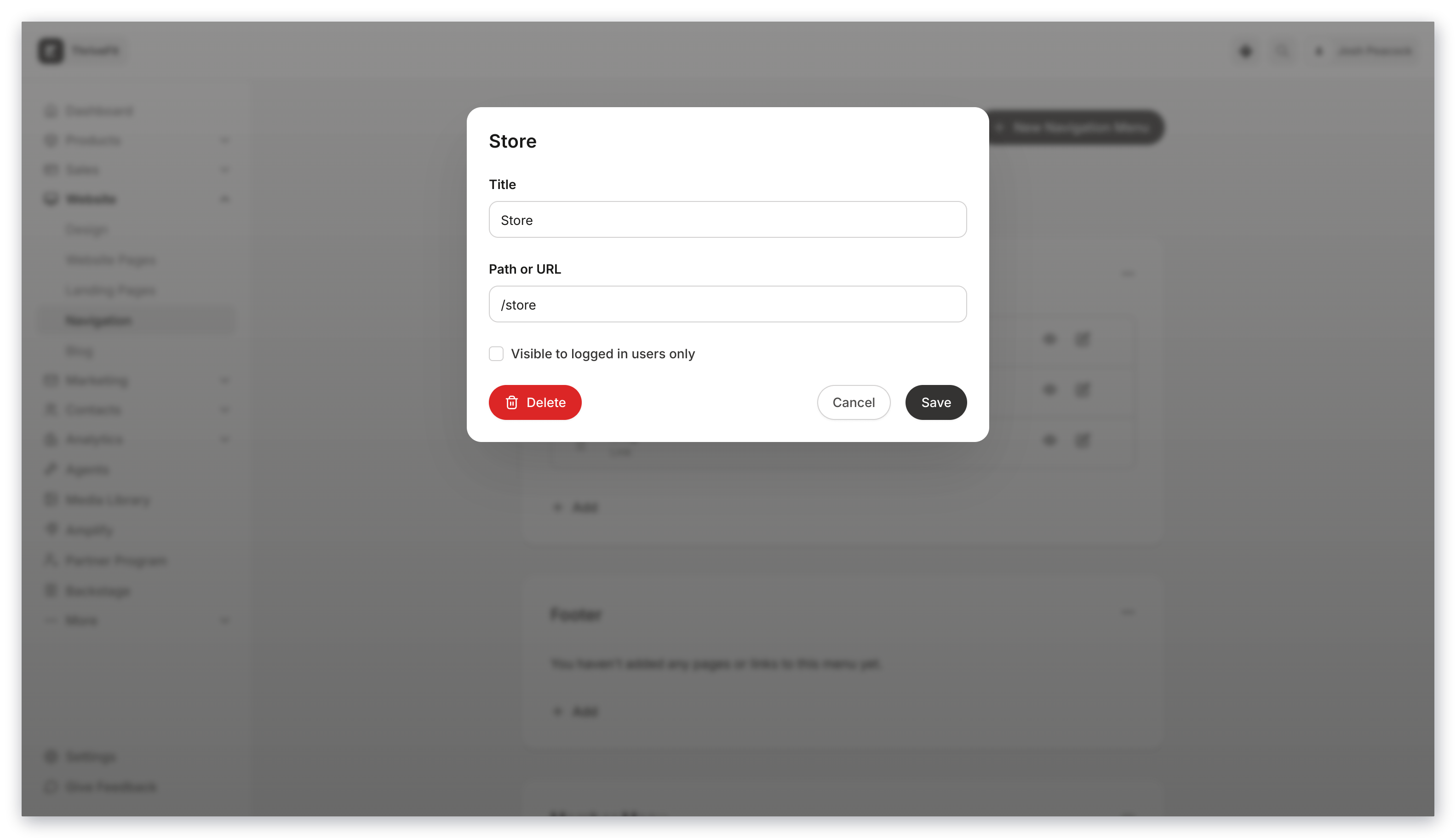
 2. In the Navigation Menu, add the URL of the page you created step 1 on, then ADD "**#Bootcamp**" or whatever name you chose to the end with "#" right in front of the word: