

Customize Branding Settings
- Sign in to your Kajabi account and make sure you’re on the main dashboard.
- From the dashboard menu, select Settings.
- Click Branding to access all available customization options.
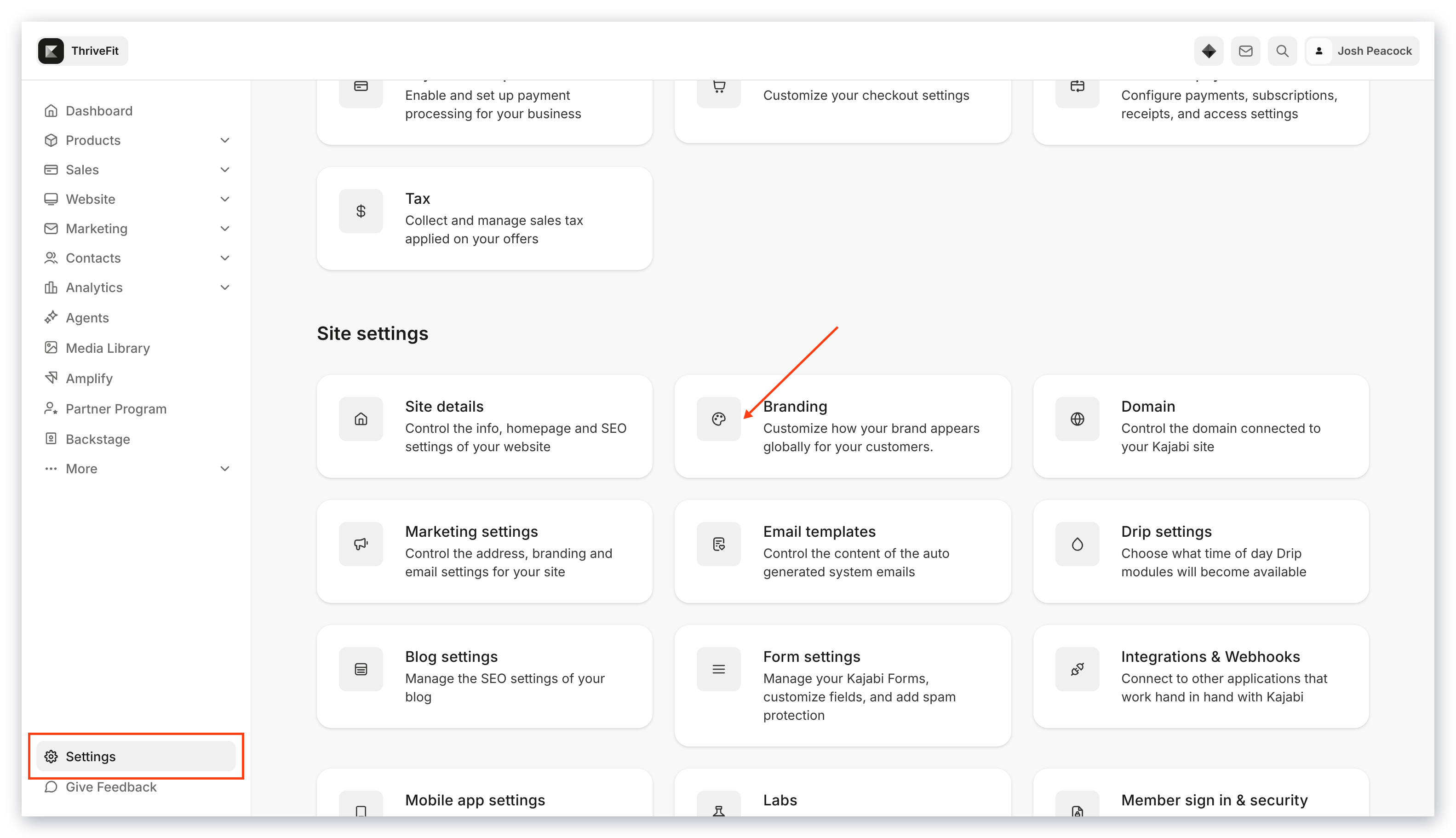
- Within the Branding section, you can update:
- Favicon — Upload a file or select a recent file
- Logo — Upload a file or select a recent file
- Typography — Choose a heading font and a paragraph font
- Colors — Brand, Accent, Global Color Palette
- Social Media Links — Twitter, Instagram, LinkedIn, etc.
- Use the real-time preview to see how your updates will look before saving.
- Click Save to apply your selections across your platform.
Note: Brand changes will update items where the default global brand settings are used. Any themes or blocks that you have already customized will not change. Instead, go into those areas and sync the branding with these global settings. To hide or remove social links from one specific page instead, edit the Connect/Social links block on that page directly. See Edit blocks on a page.