In this article:
What's new
The Coaching Client Dashboard has a new look with new functionality:
Previously, the "Client" button on the Coaching dashboard would bring you to a filtered list within the Contacts tab that would show your contacts who are a part of one of your Coaching programs.
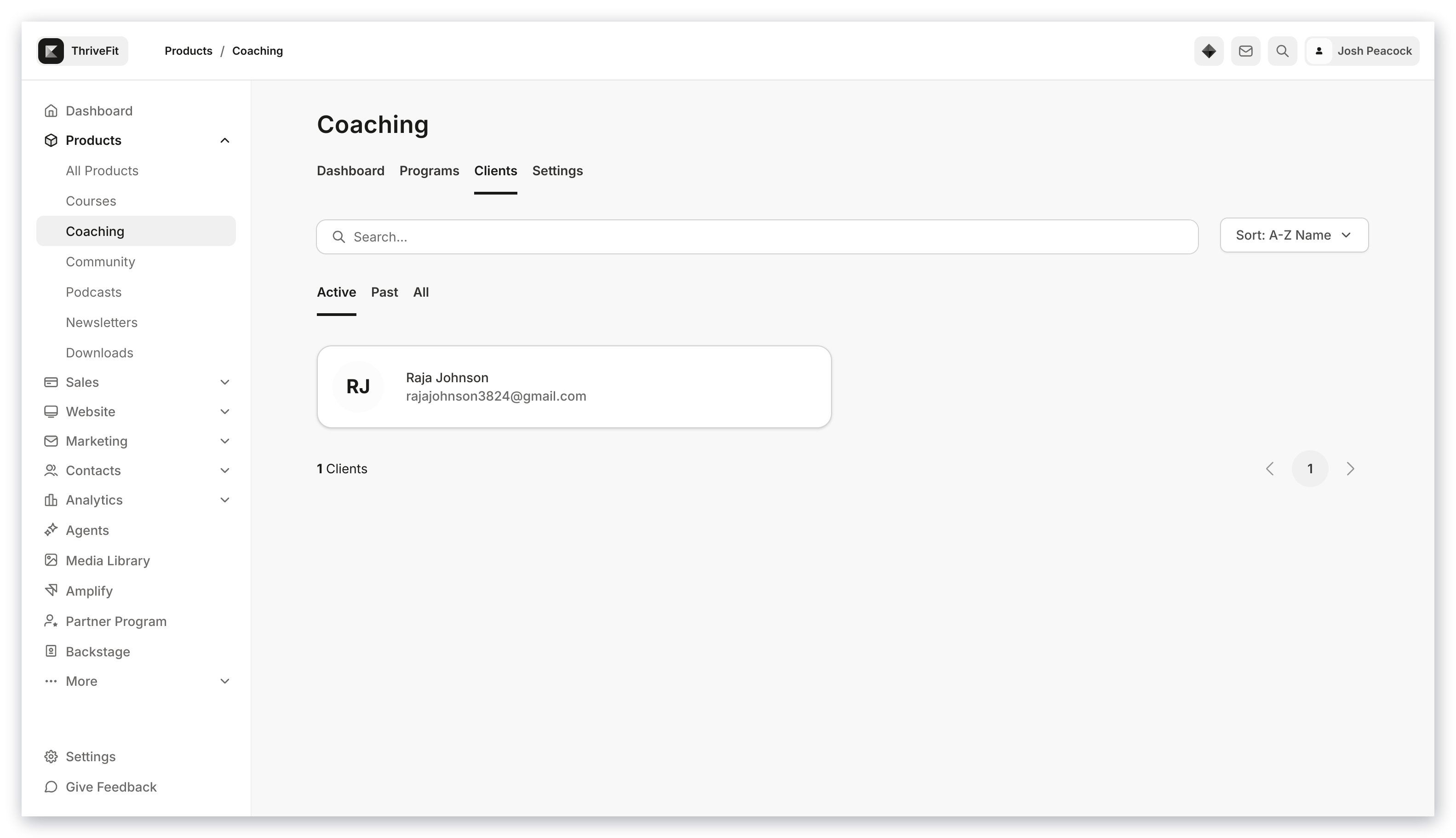
Now, with the new Coaching Client Admin Dashboard, the Client button will bring you to a new Admin Dashboard with new functions! From the Client Admin Dashboard, you can view your Coaching Clients and relevant information such as:
Upcoming Coaching sessions
Completed Coaching session
Client Status
How to use the new Coaching Client Admin Dashboard
To access the new Coaching Client Admin Dashboard:
Open Products from your Dashboard.
Select Coaching.
Then, click Clients:
From the Coaching Client Admin Dashboard you can perform a variety of functions, as well as view the status of your coaching clients.
How to view your Client's profile from the Coaching Client Admin Dashboard:
From the Dashboard, select the Client you wish to view.
Select Visit Profile:
To schedule a session:
Select the Client you wish to schedule a Coaching session with.
Click into the Coaching Product.
Press the Schedule session button.
Fill out the session details, then press Save to finish scheduling the Coaching session:
Note:
Kajabi Scheduler only allows booking up to 2 weeks in advance.
View client status
The new Coaching Client Admin Dashboard makes it easy to view your Clients status!
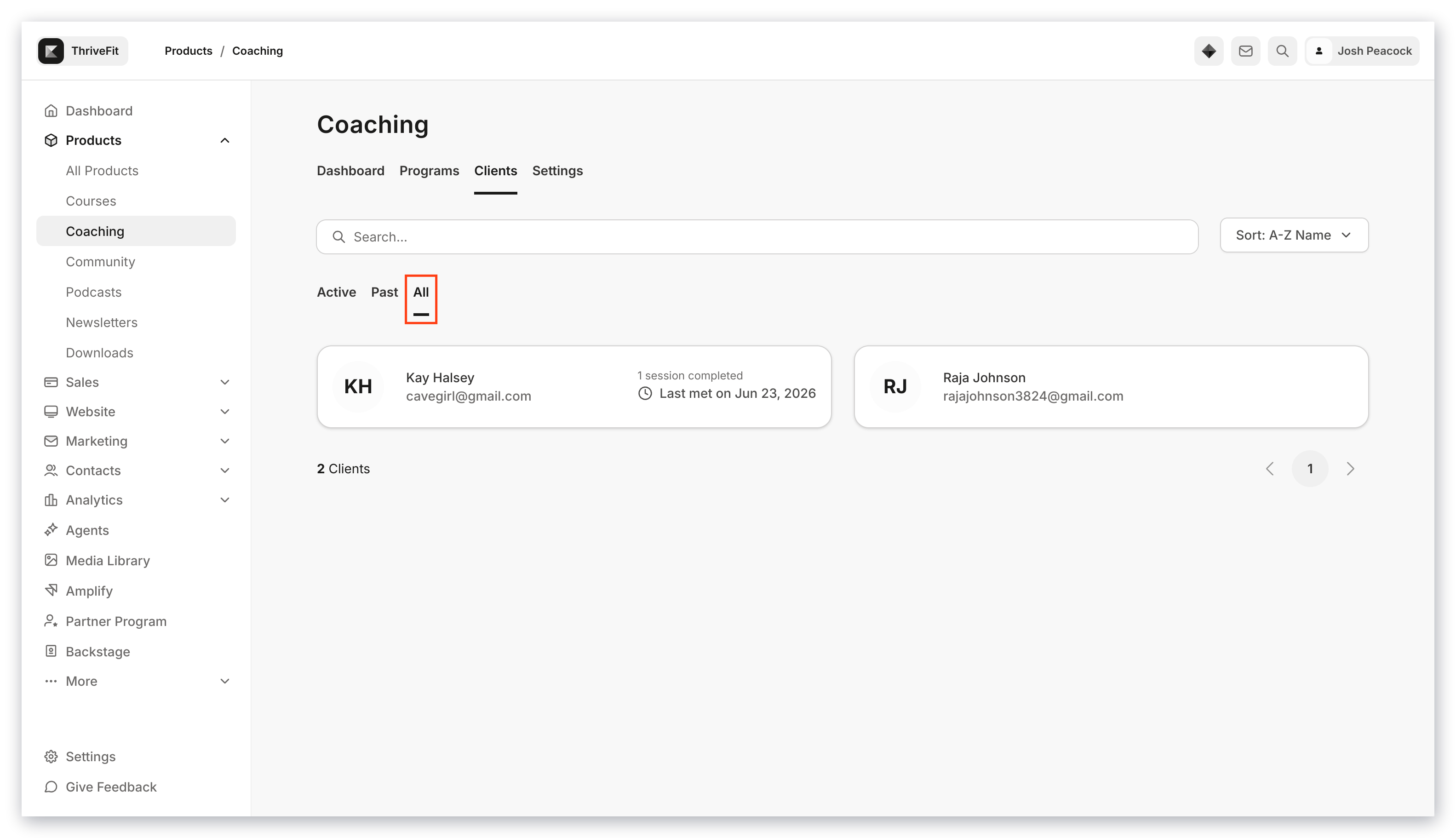
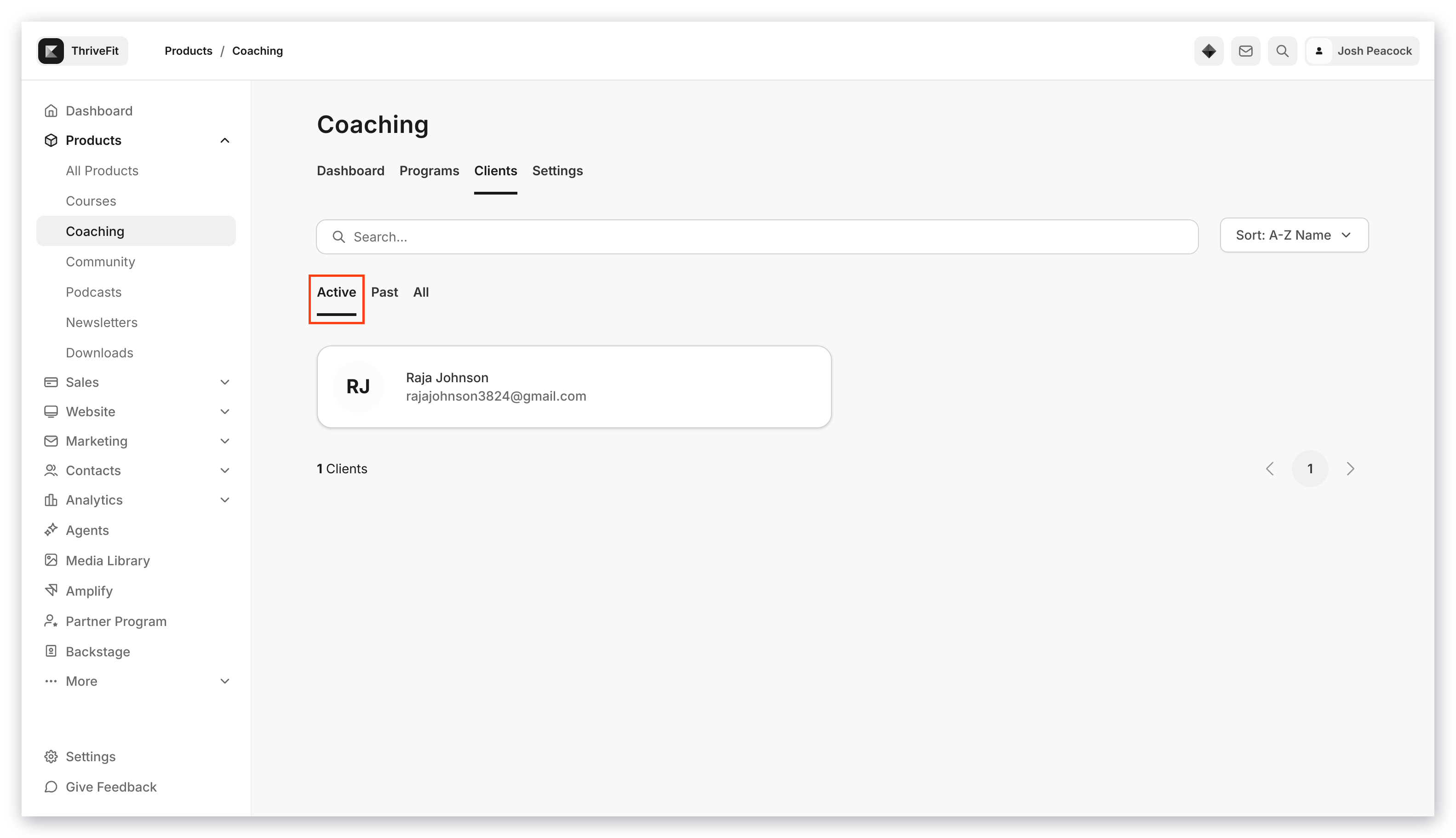
A Coaching Client's status can be Active or Past.
Active is defined as a Coaching Client who has upcoming booked Coaching sessions, or sessions that still need to be scheduled:
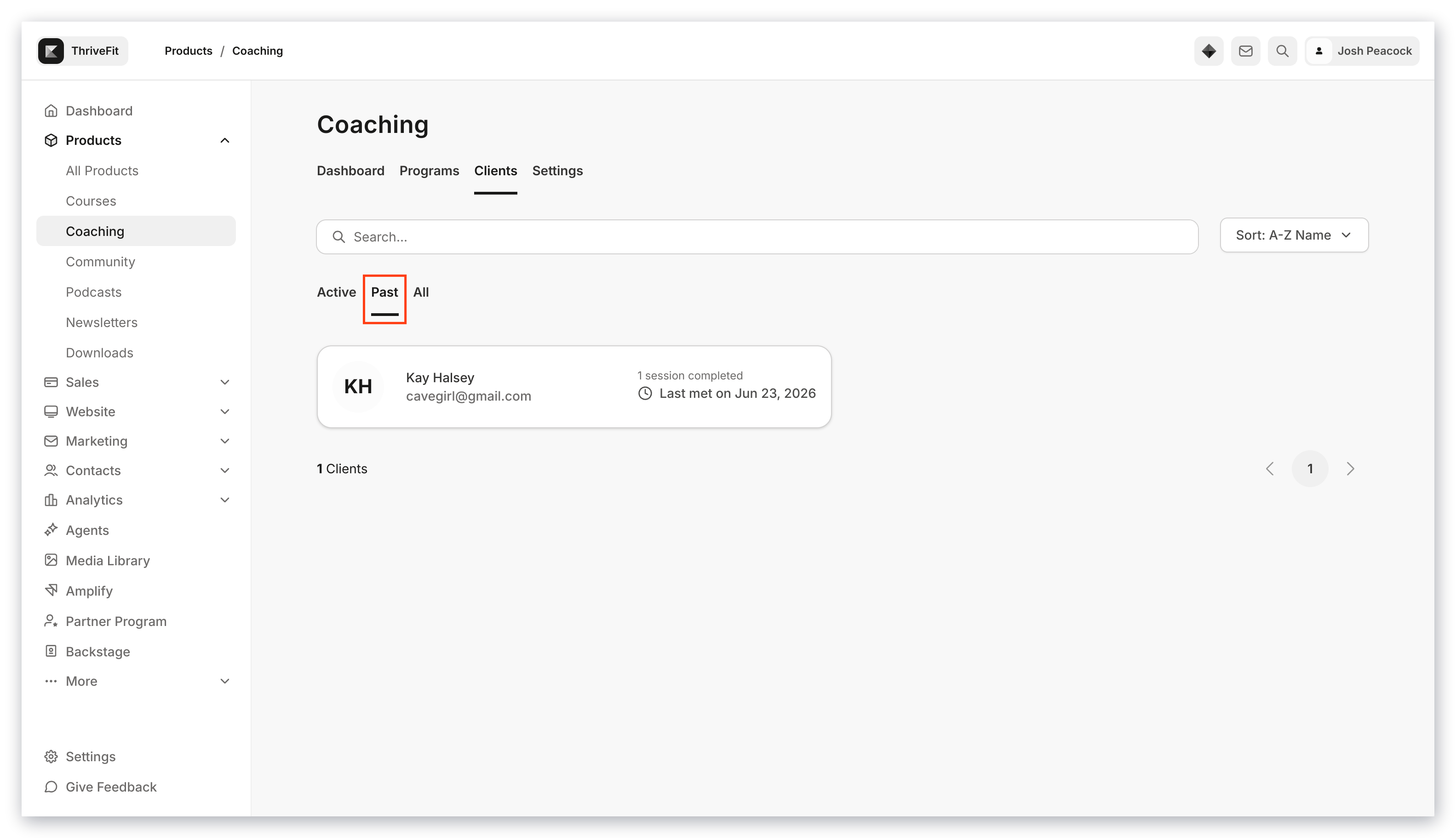
Past is defined as a Coaching Client who has completed all of their Coaching Sessions:
The All view will show all of your Coaching Clients, both Active and Past: