

Learn to use a Call to Action on your landing pages to encourage your website visitors to open a separate page, purchase an offer, and much more.Documentation Index
Fetch the complete documentation index at: https://help.kajabi.com/llms.txt
Use this file to discover all available pages before exploring further.
Note: This article refers to the Premier Legacy Templates, which may be outdated! If you are using the Kajabi Pages Templates, please refer to the updated guide here.
What is a Call to Action?
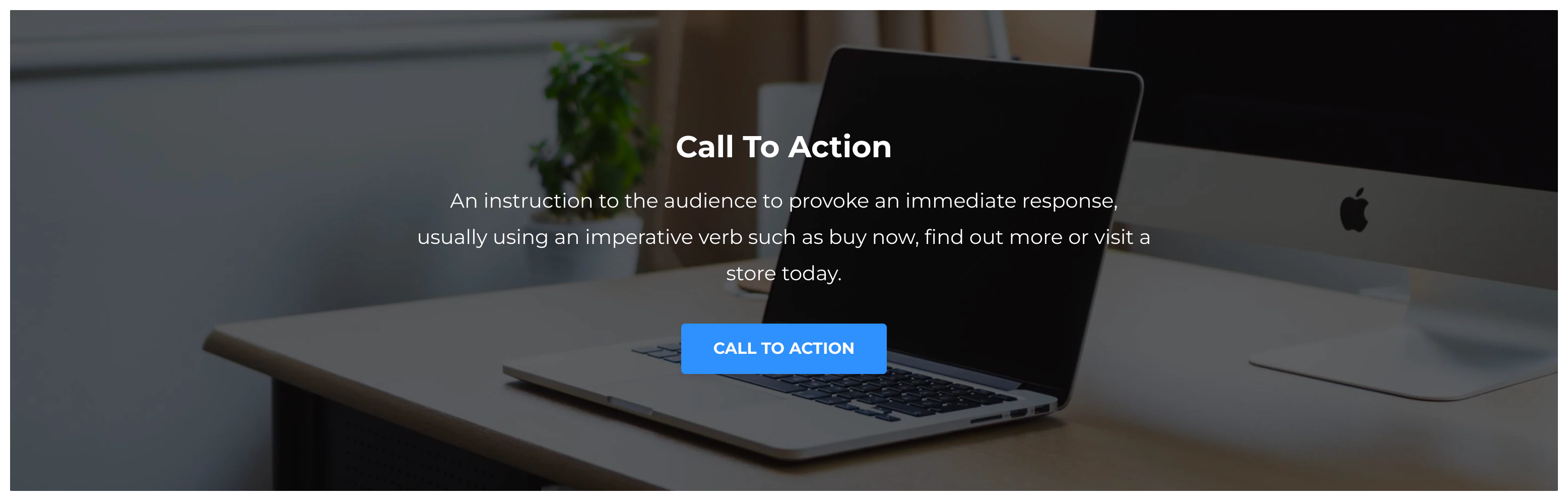
A Call to Action (CTA) is an instruction to your audience intended to provoke an immediate response, usually using an imperative verb such as buy now, find out more, or visit a store today. The Call to Action button in Kajabi can be used to:- Lead a visitor to a custom Landing Page
- Lead to a sale by going to a Checkout Page
- Encourage your audience to download a file
- Lead to any website page with a URL link
- Open a Two Step Optin Popup
- Act as an anchor link to lead to a section of the page
Where can I use a Call to Action button?
A Call to Action (CTA) button can be used throughout your Kajabi website in your Website, Products, and Funnel pages including the Premier Template in the Kajabi Legacy Templates. The Call to Action button can be used in many of the sections in Premier, including:- Call to Action
- Custom Content
- Event
- Event Video
- Facebook Comments
- Features
- Hero
- Offers
- Pricing Options
- Showcase
- Video
- Text
- Text & Image
Adding a Call to Action to a Premier Page
To add a Call to Action (CTA) button to your Premier Page:- Open the Website tab from the Dashboard.
- Select the Pages tab.
- Open the page editor for your Page. Learn more
- Click the Section you want to edit or create a Section.
- In the sidebar, click Add Content.
- From the list, select Call to Action.
- Your newly created Call to Action Block will generate at the bottom of the Section.
- Click Save to keep your changes: