Overview
The Kajabi Ideas Portal (feedback.kajabi.com) allows Heroes to submit feature requests, vote on ideas, and track product roadmap updates. Keeping everything in one place helps our teams understand your ideas, prioritize improvements, and communicate updates more effectively. You automatically receive email notifications as updates occur on posts you have created, voted for, or commented on.Access the Kajabi Ideas Portal
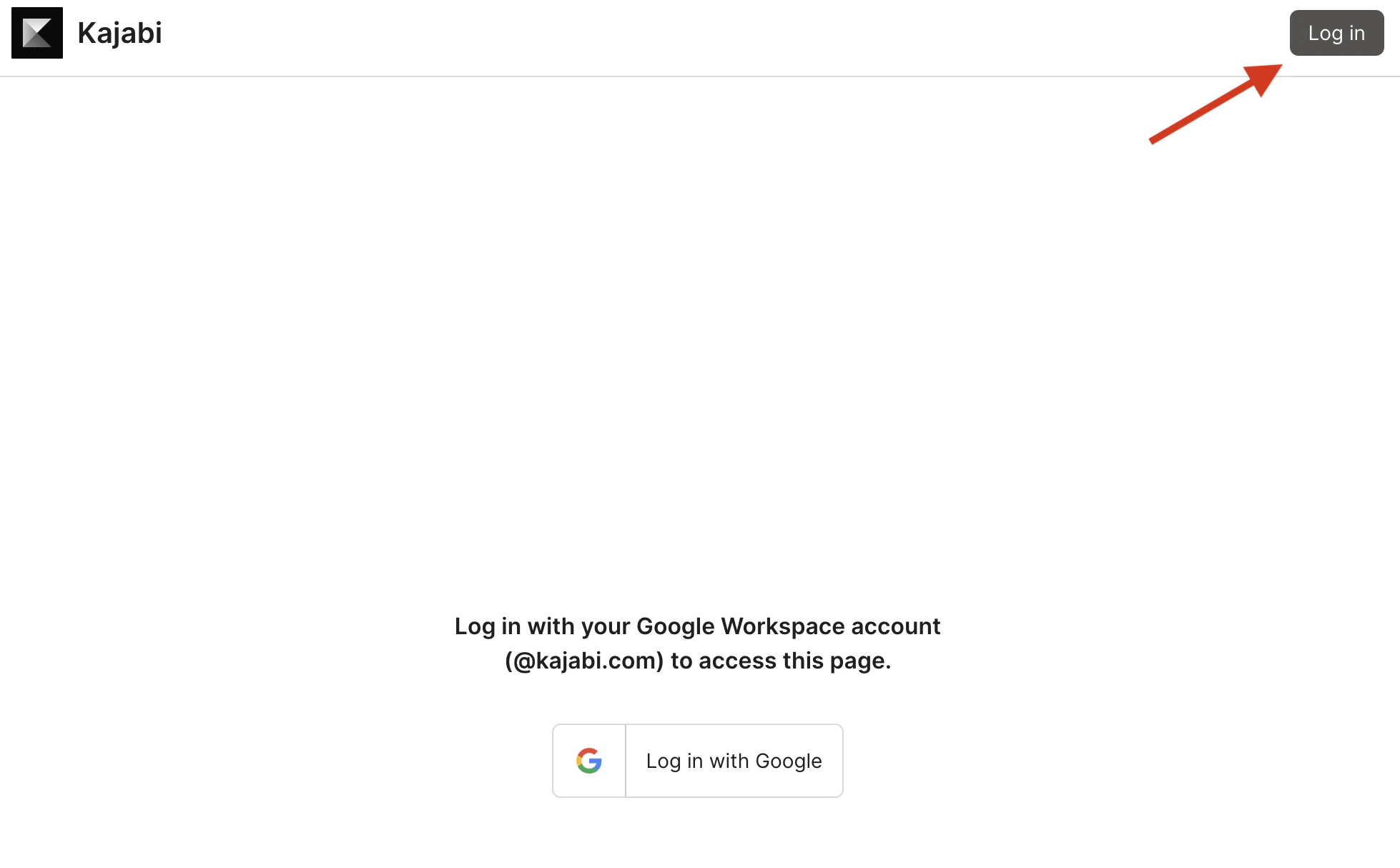
The Kajabi Ideas Portal can be accessed by visiting feedback.kajabi.com.- Click the Log in button in the upper right corner.
- Enter your Kajabi credentials.
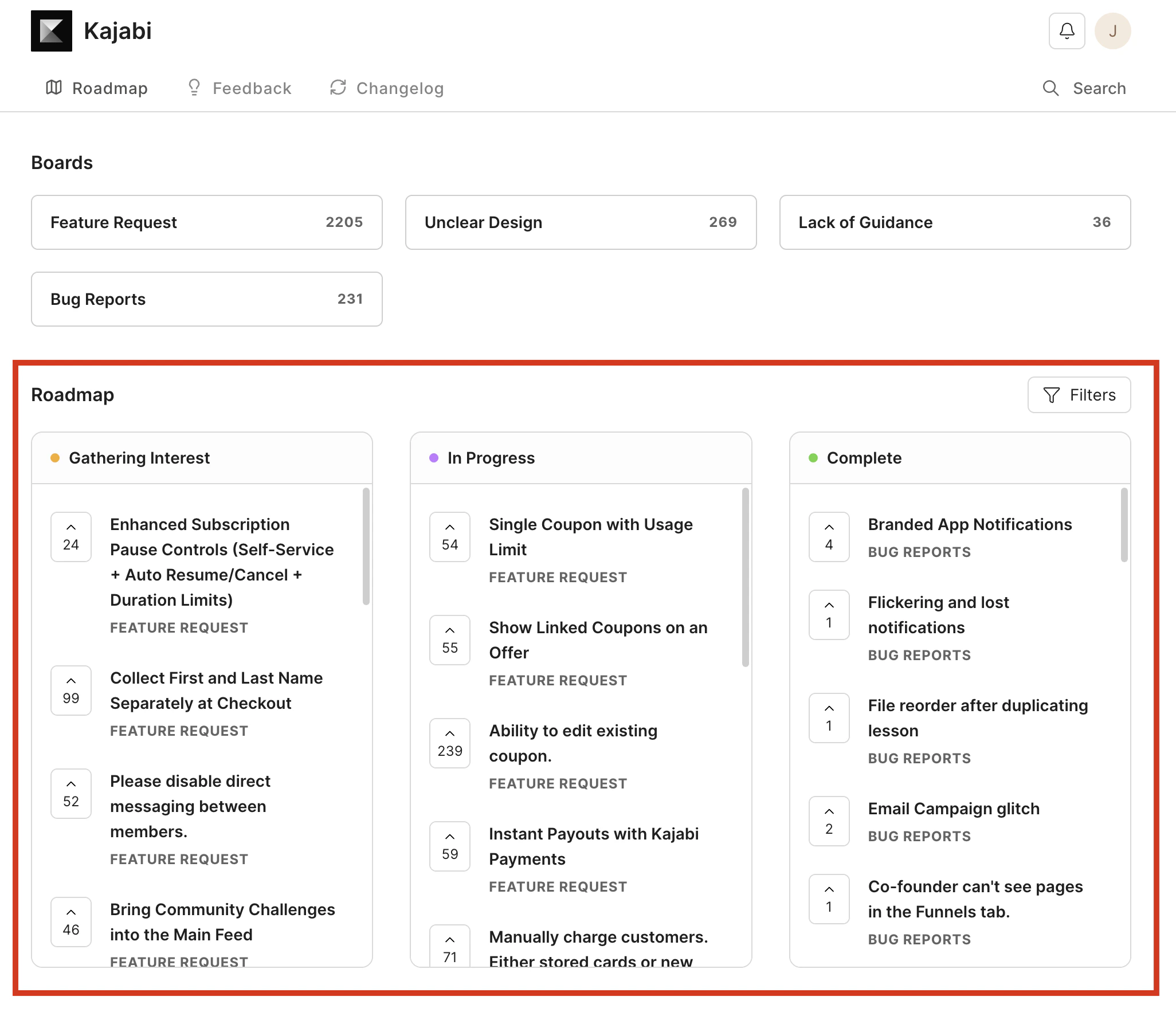
- Once logged in, you will see the product roadmap, which provides a transparent view of where each idea is in the development process.
Submit ideas and feedback
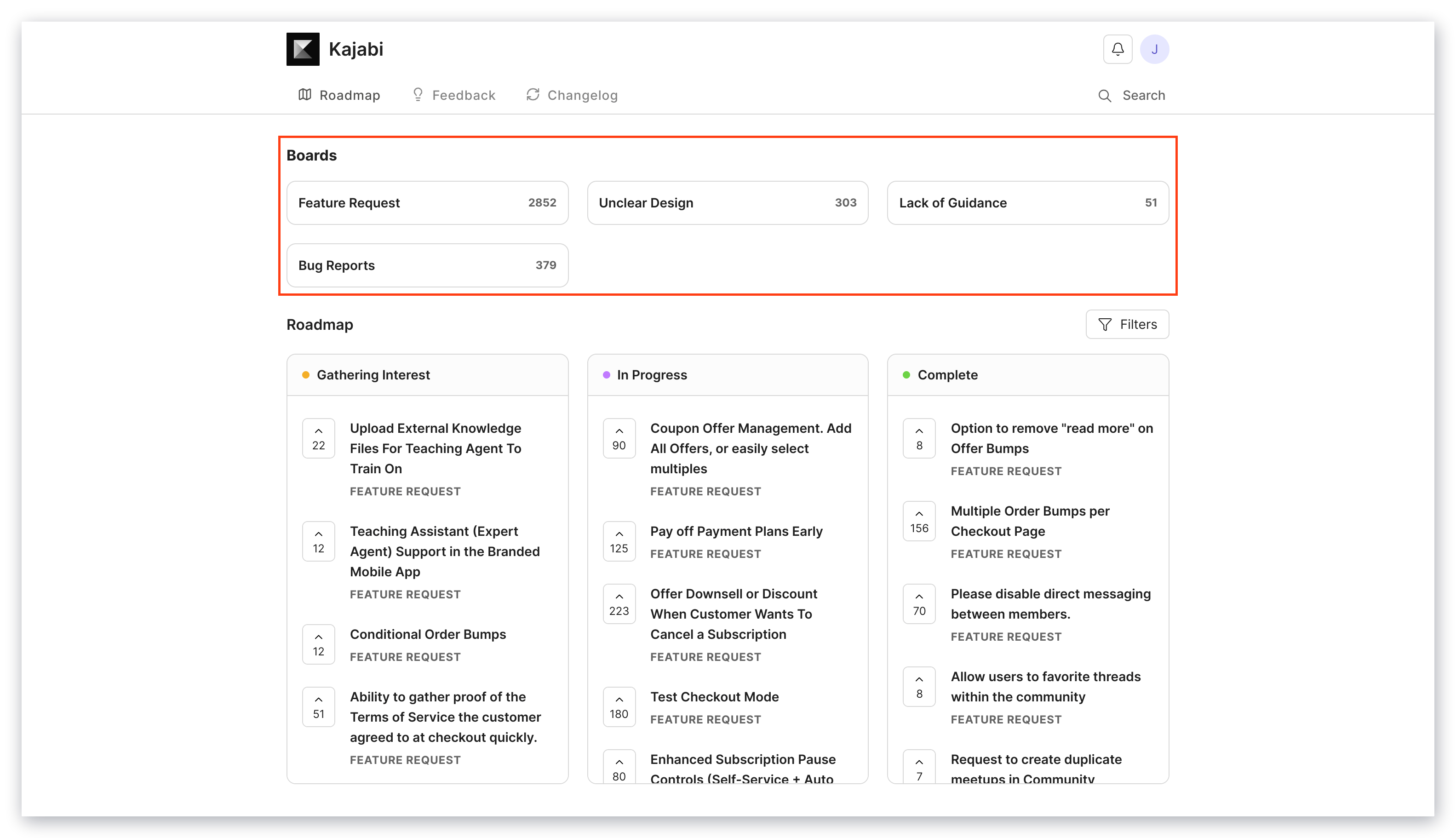
The Kajabi Ideas Portal is designed to make sharing ideas and feedback fast and easy.Choose which board to submit to
- Feature Request: Something you wish Kajabi could do. If there is a capability or tool you wish existed inside Kajabi, add it here. Tell us what outcome you are trying to create.
- Unclear Design: Something that exists today but feels confusing, slow, or harder than it should be. Share the exact moment where the workflow breaks, feels clunky, or makes you hesitate. This helps us remove friction and simplify the experience.
- Lack of Guidance: Something you are trying to do but feel stuck, unsure, or unclear about. If you are not sure which step to take, how to structure something, or what best practice to follow, tell us. This feeds improvements to coaching, onboarding, and product guidance.
- Bug Reports: If you are experiencing a bug that is not critical to your business, share it here. If a bug is blocking you from critical actions (such as your checkout not working), contact us through support@kajabi.com or the conversation widget in your account.
Submit an idea
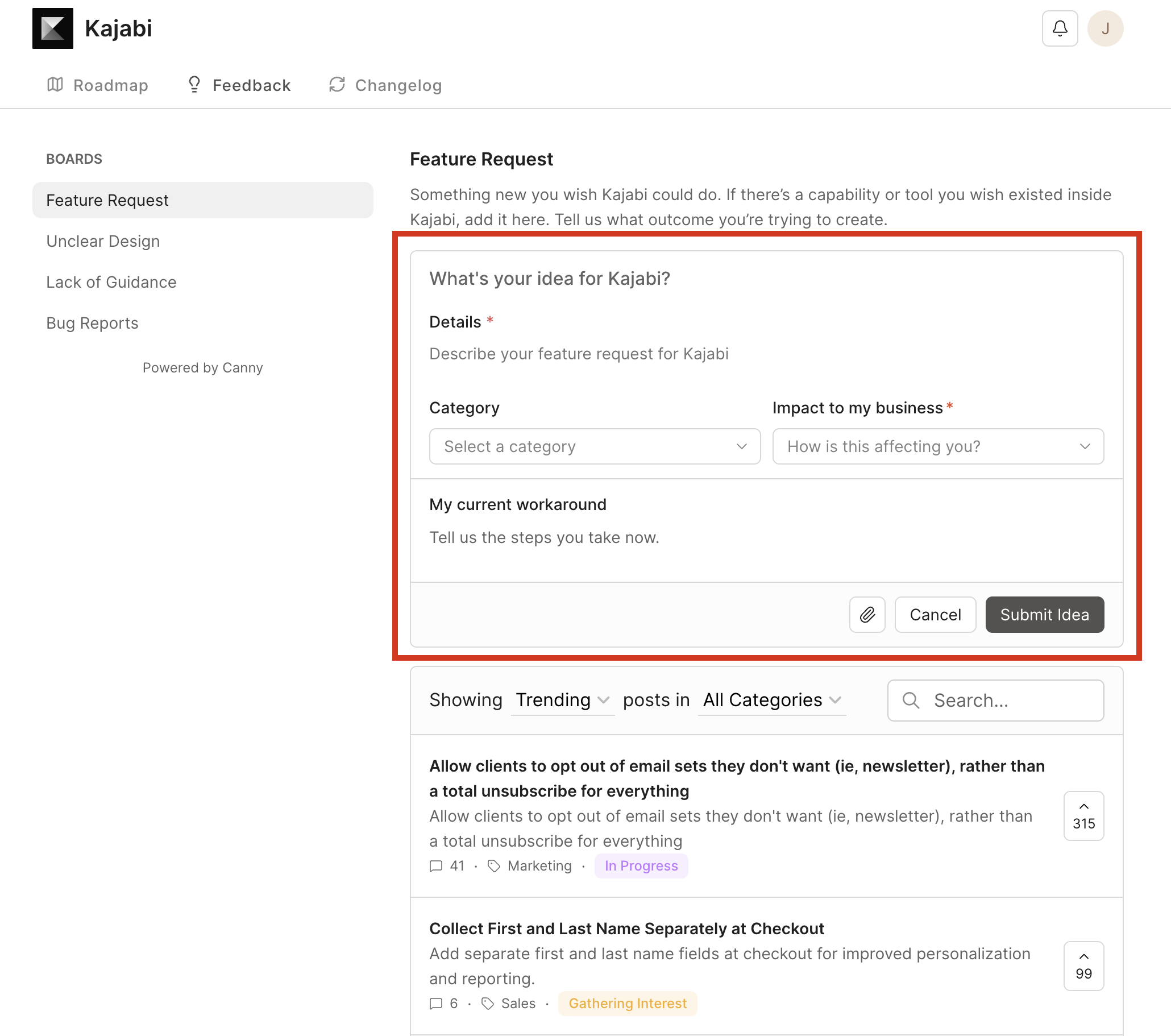
- Start typing your idea in the Details section. If there is already a similar post, other posts will automatically be recommended for you.
- If you see your idea already listed, upvote that post instead.
- If not, continue creating your post by selecting the Category and Impact on Business.
- If you have a current workaround for the requested feature, include it in the current workaround field.
- Click Submit Idea once you are satisfied with your request.
Note: If your feedback is similar to an existing post, it may be merged to keep related ideas together.
Vote on a post
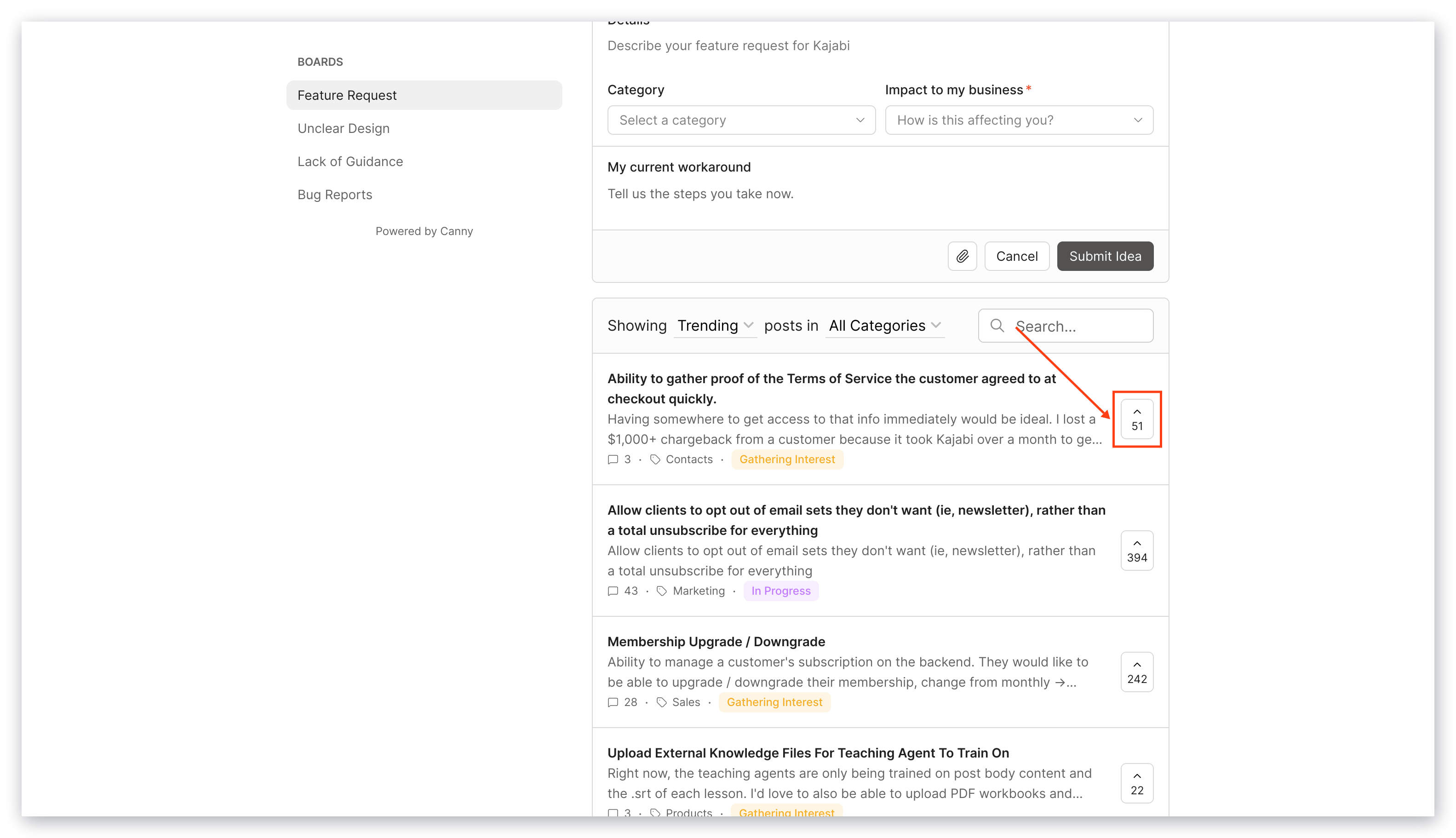
To support an existing idea by upvoting:- Click the upvote arrow found to the right of any post to add your vote.
- Click the same arrow again to remove your vote if you change your mind.
Comment on a post
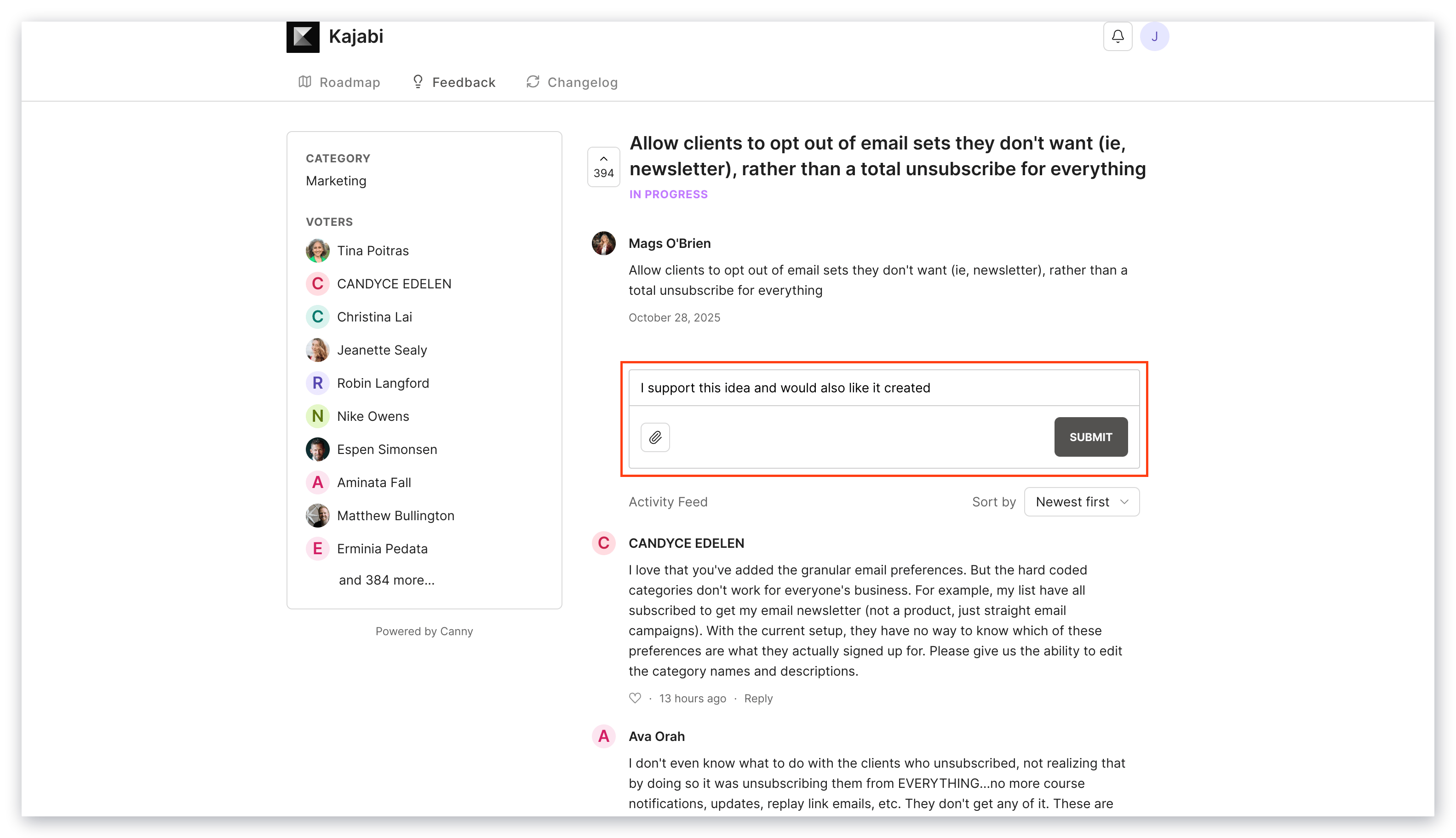
Add comments to share more details, context, or examples to strengthen your feedback.- Click into the post you wish to comment on.
- Enter your comment, then click SUBMIT to post your comment.