

The Managed Sites section gives you a centralized view of all the Kajabi sites you actively manage as a service provider. Whether you support clients with web design, development, marketing, or platform setup, this section helps you stay organized and quickly access your clients’ sites.Documentation Index
Fetch the complete documentation index at: https://help.kajabi.com/llms.txt
Use this file to discover all available pages before exploring further.
Access managed sites
- From your Kajabi Dashboard, click your account icon in the top right corner.
- Select Partner Program to open your Kajabi Partner Dashboard.
- Select Sites from the navigation side menu.
- Here, you’ll be defaulted into the Managed Sites tab.
- This is where all sites will be listed where you’ve been added as a Collaborator.
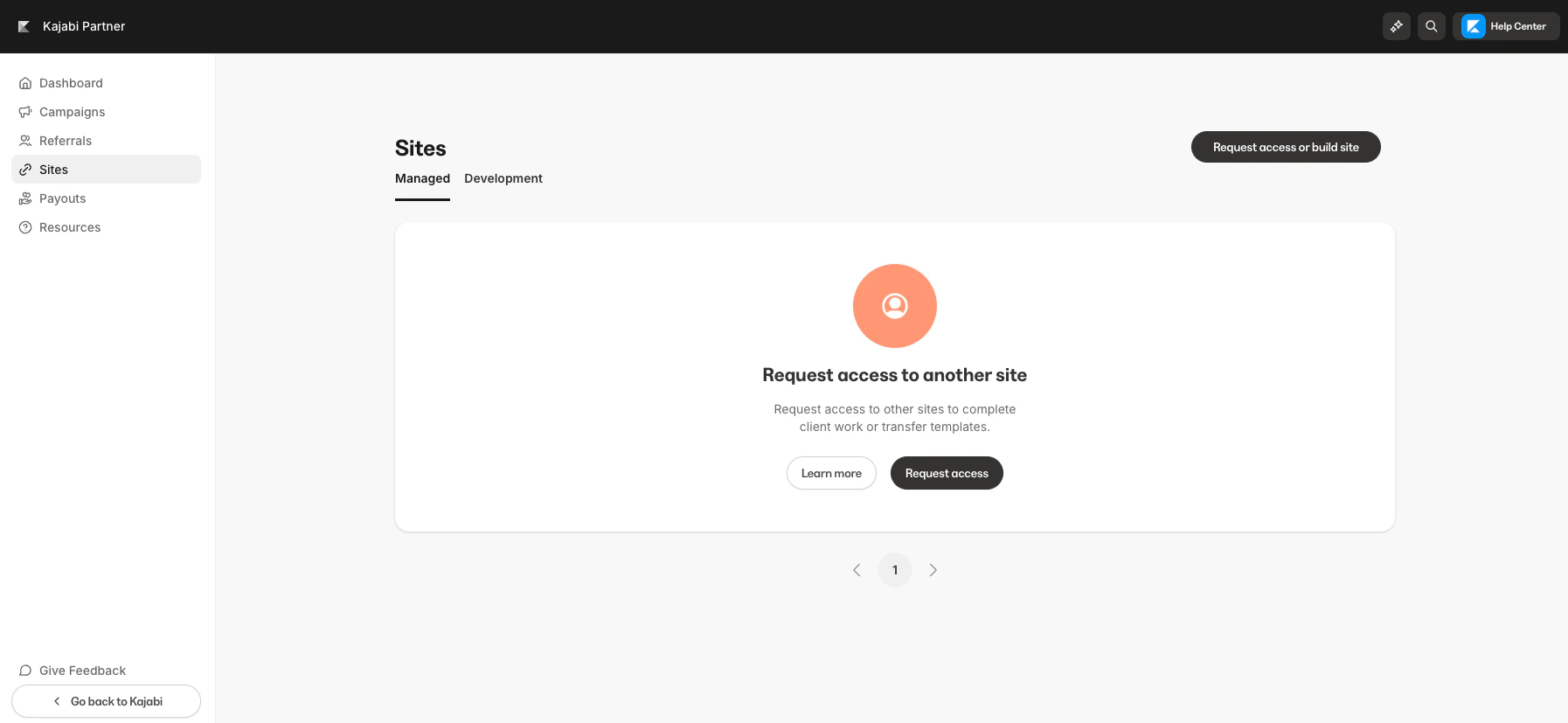
What you’ll find in managed sites
The Managed Sites section is designed to streamline how you view and access client projects within Kajabi. Here’s what you’ll find:- Site Name: The name of each Kajabi site you’re managing.
- Site Owner: The client who owns the site.
- Role: Your assigned role (Collaborator).
- Status:
- Active: 90 days remaining
- Pending
- Deactivated
- Archived
- Log In: Use this button to instantly log into your client’s site.
- Request access or build site: Use this button to request access to a client’s site.
- You can filter your list of client sites via Active, Pending, Deactivated & Archived.