Export customers and contacts from the Contacts tab to receive a CSV file via email.Documentation Index
Fetch the complete documentation index at: https://help.kajabi.com/llms.txt
Use this file to discover all available pages before exploring further.
Export contacts
- Open the Contacts tab from your Dashboard.
- Filter or Segment the contacts you wish to Export.
- Select the contact you wish to export or click Select All to export the entire Segment.
- Click open the Bulk Actions dropdown menu.
- Then, select Export:
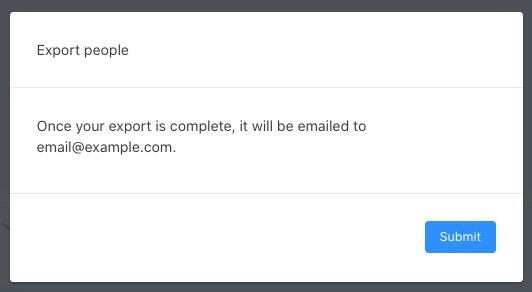
- Click Submit to acknowledge the popup.
Download the exported list
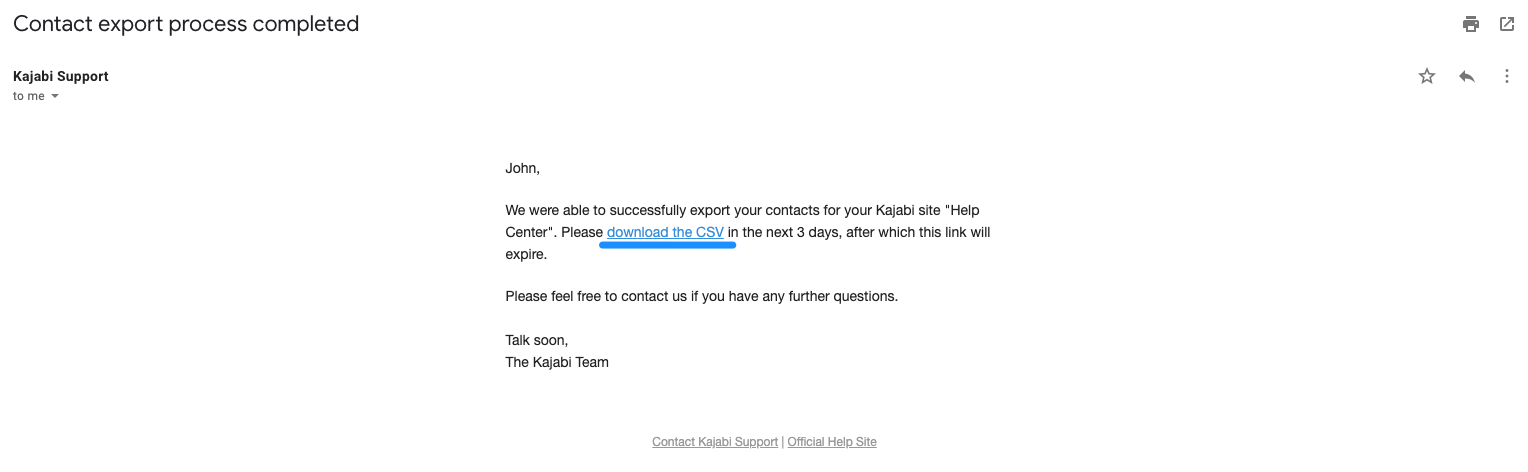
Download the CSV from the email within 3 days of receiving it before the link expires. If you are unable to download the CSV within the 3 days of receiving the email, simply repeat the steps above to export your List.- Log into your email associated with your Kajabi account.
- Your exported list will be attached to an email from our support team with the Subject Line: Contact export process completed.
- Open the email and click download the CSV: