

A Share Link is a URL that can lead to any site or page, even outside Kajabi. When a visitor clicks a Share Link, a cookie is placed in their browser for 30 days. This cookie tracks the visitor’s activity on your site and attributes any resulting sales to the appropriate affiliate.Documentation Index
Fetch the complete documentation index at: https://help.kajabi.com/llms.txt
Use this file to discover all available pages before exploring further.
Note:
Affiliates will only be credited if you set an Affiliate percentage in the Offer. Learn how to set up your Affiliate Commission in the Additional Settings of an Offer.
Generate a Share Link
- Open the Sales tab from your Dashboard.
- Click Affiliates.
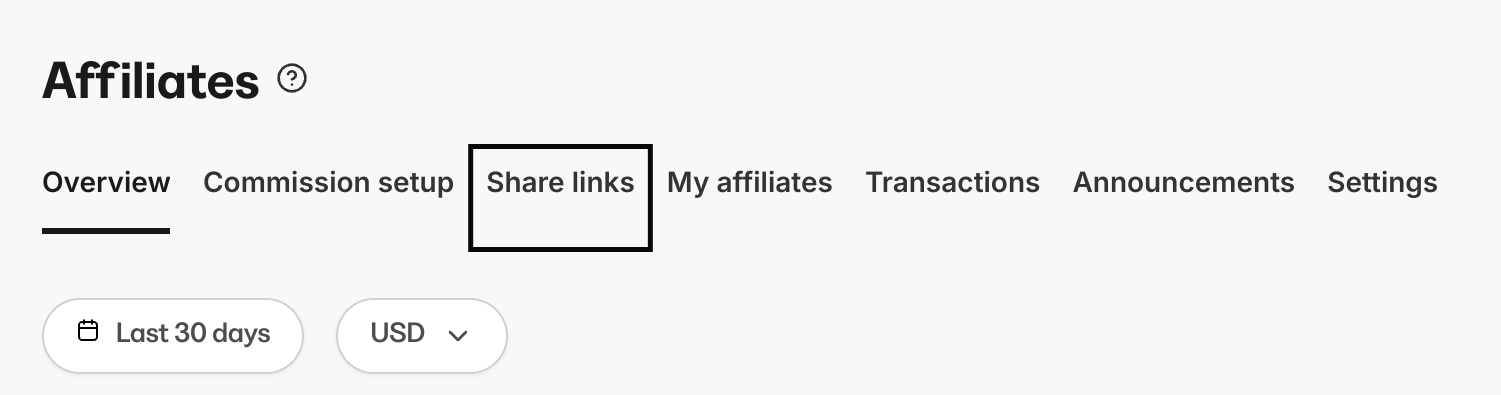
- Select Share links from the top menu of the Affiliates Dashboard.
- Click New affiliate link. Or, if you’ve previously created an affiliate link, click + New Link at the top right.
Share Link editor
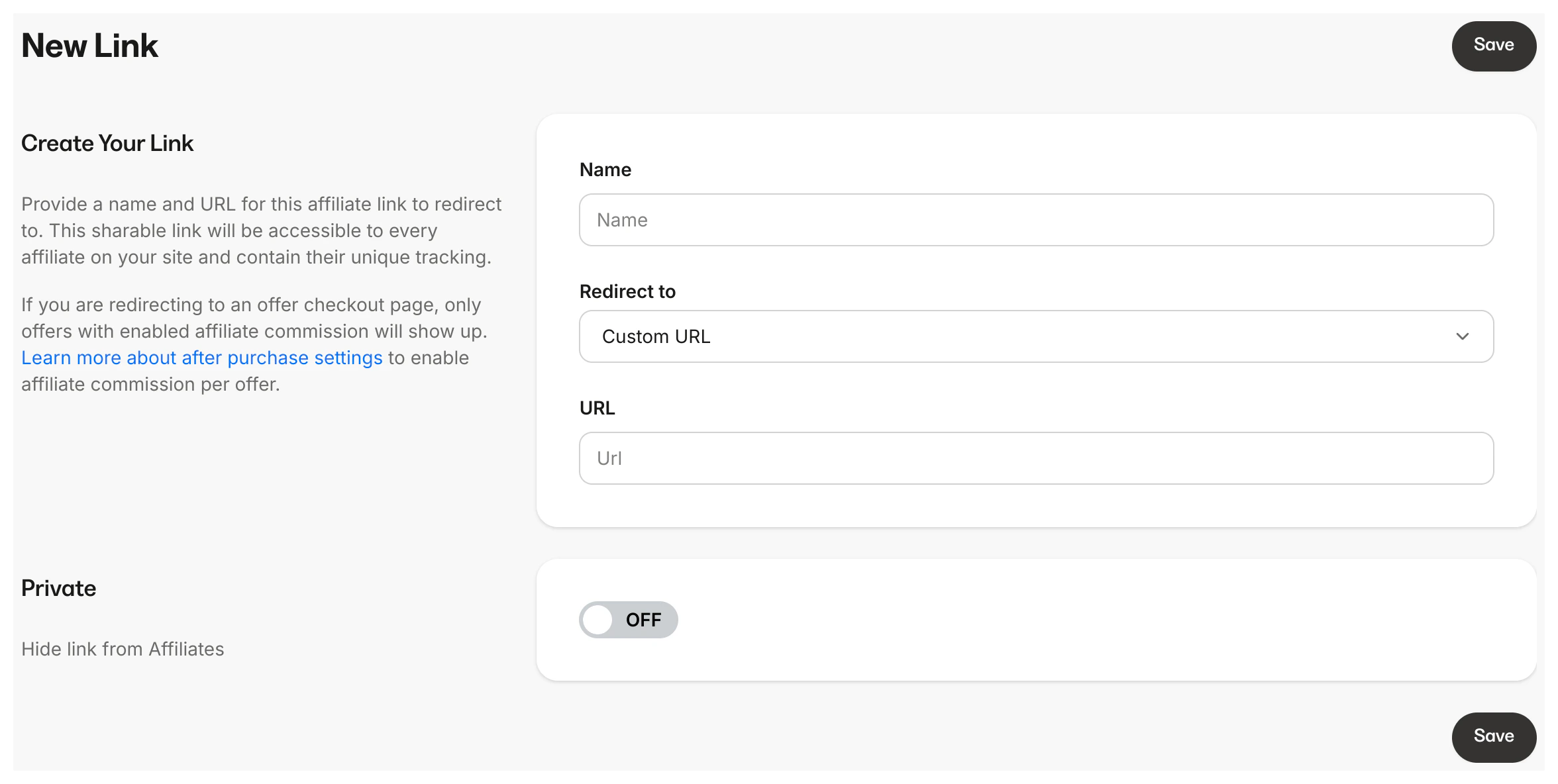
Create a link
Enter the Name and Target URL where you’d like the Affiliate Share link to redirect. The Name and URL will be visible to the affiliate. Redirect to a:- Custom URL
- Landing Page
- Checkout Page
Private
Toggle on or off the Private setting in the Share link editor to hide the link from your affiliates or make it accessible to every affiliate on your site. Creating a Private Share Link will not display the Share link in your Affiliate’s Portal. This allows you to keep the Share link unpublished or send it directly to a specific affiliate only.
Note:
Although you can track clicks for specific Share links, there is no way to determine which Affiliate Share link was used and who used it.