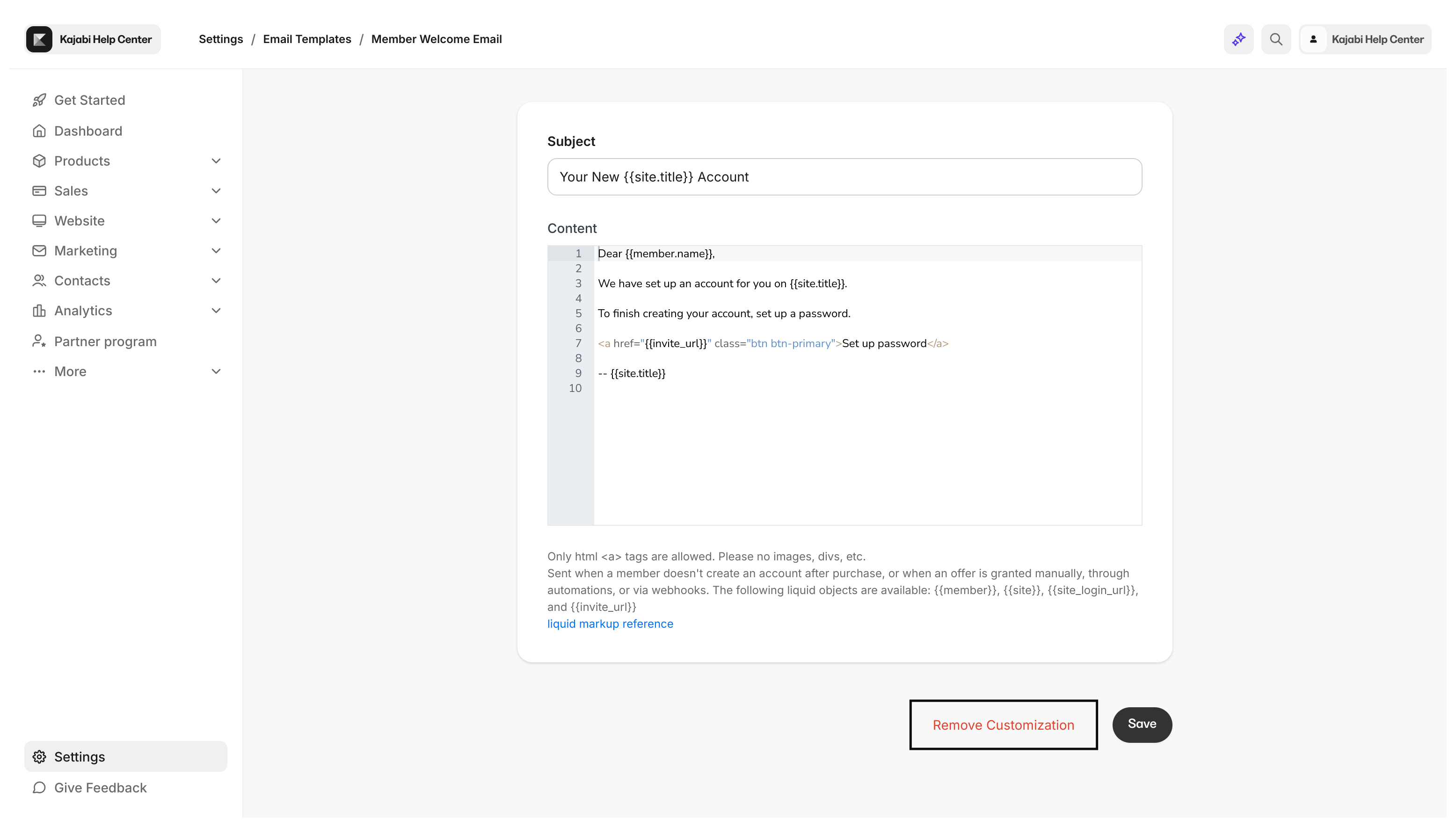
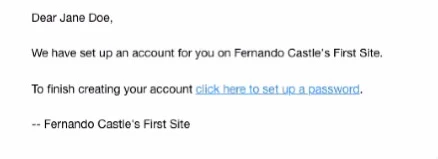
The Customer Welcome Email Template creates a streamlined onboarding experience for your customers. The Customer Welcome Email is sent when you grant an Offer to a customer for the first time. This email notifies your customer of their granted Offer and invites them to finish setting up their account by creating their login credentials. Previously, the Customer Welcome Email required your customer to copy and paste their temporary account password to access their account. However, copying and pasting a password to a login page feels clunky and confusing and can lead to customers never seeing the email due to spam boxing. To help reduce support volume and administrative headaches, the plain text login credentials have been replaced with a magic link for your customers to create their own password. Now, instead of a temporary password your customers have to copy and paste, there is a link included in the email that leads your customers to create their own password:Documentation Index
Fetch the complete documentation index at: https://help.kajabi.com/llms.txt
Use this file to discover all available pages before exploring further.
Restore the default email template
- Open the Settings tab at the bottom left-hand corner of your Dashboard.
- Then, select Email Templates from your Site Settings.
- Locate the Member Welcome Email.
- Select the pencil icon next to the email template to access the text editor of the email template.
- Then, click Remove Customization.