

Google sign-in lets you create a Kajabi account or log in without managing a separate password. You can connect Google to an existing account or use it during signup.Documentation Index
Fetch the complete documentation index at: https://help.kajabi.com/llms.txt
Use this file to discover all available pages before exploring further.
Sign up for Kajabi with Google
You can sign up for a new Kajabi account faster by using your Google account. With Google, you won’t need to go through an additional email verification step to start your Kajabi trial.- Visit the Kajabi pricing page and click Get Started for Free on the plan you’d like.
- Click Continue with Google.
Connect Google to a Kajabi account
To connect Google to your existing Kajabi account:- Go to Settings > Sign in & security.
- In the Social Accounts section, click Connect to Google.
- Enter your Kajabi password to verify your identity.
- Select the Google account you wish to connect to Kajabi.
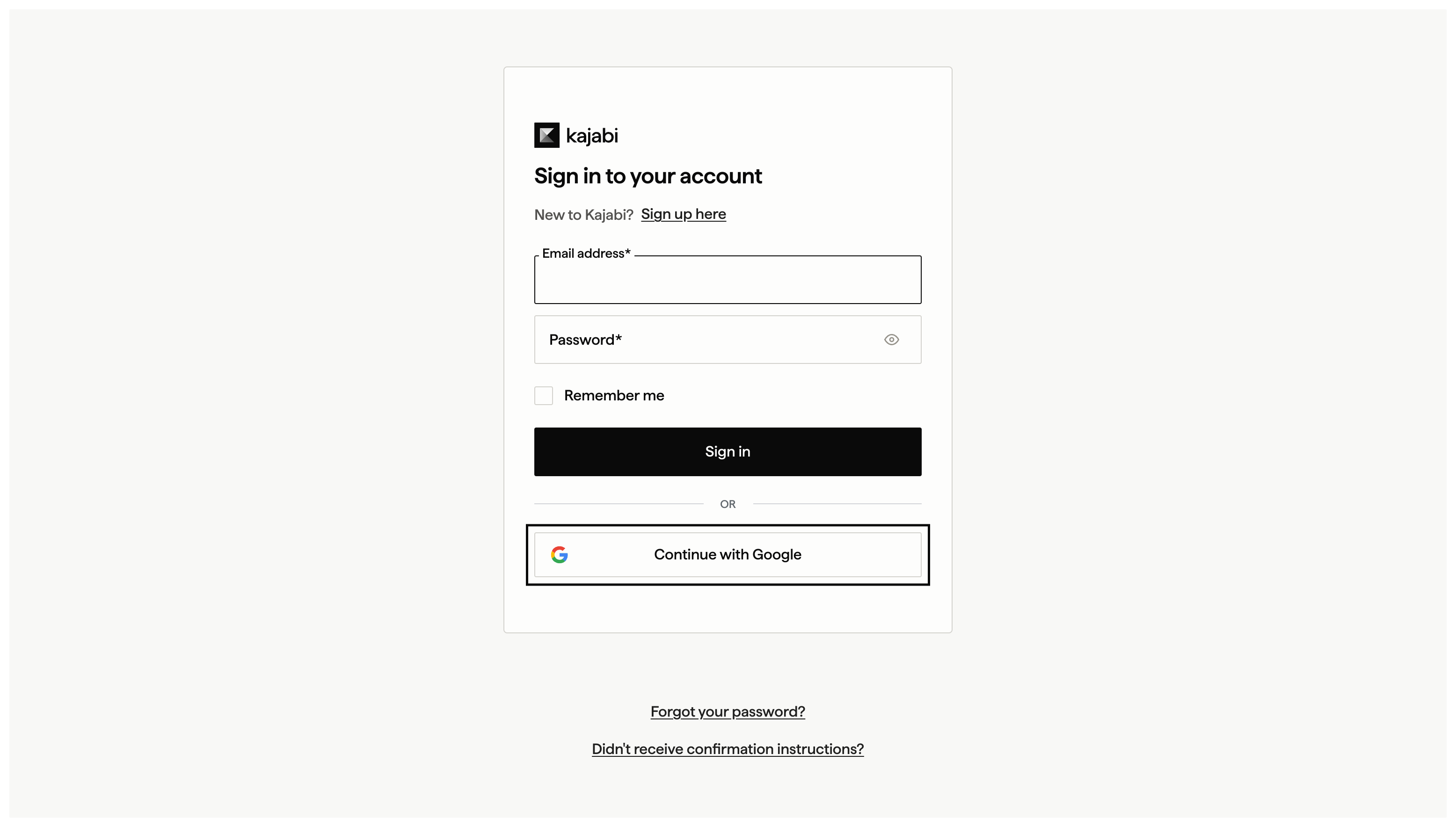
Log in with Google
- Open the Kajabi login page.
- Click Continue with Google.
Disconnect a Google account
To disconnect Google from your existing Kajabi account:- Go to Settings > Sign in & security.
- In the Social Accounts section, click Disconnect next to Google.
- Enter your Kajabi password to verify your identity.