PayPal is a service that enables you to pay and accept payments. PayPal uses data encryption and anti-fraud technology to help keep your information secure, reducing the risk of online fraud.Documentation Index
Fetch the complete documentation index at: https://help.kajabi.com/llms.txt
Use this file to discover all available pages before exploring further.
Connect PayPal to Kajabi
Connect PayPal to Kajabi
- Open the Settings tab from your Dashboard.
- Click Integrations & Webhooks in Site Settings.
- Locate the Third-party payment method section
- Then, click Connect next to PayPal to begin the connection process:
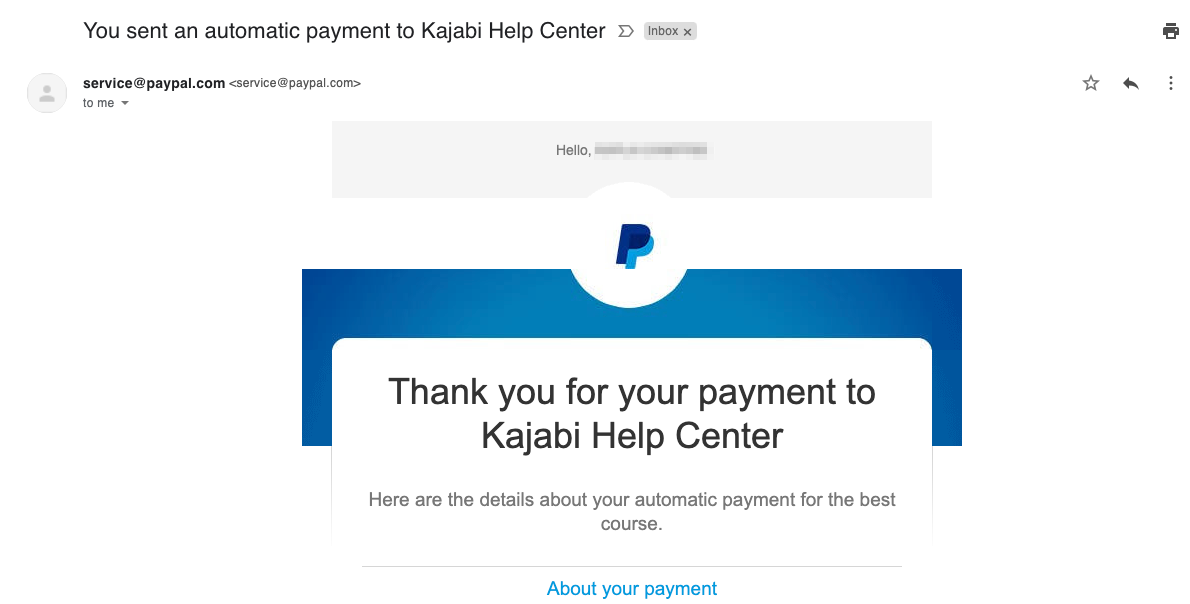
PayPal receipts
When a Member purchases an Offer with a PayPal account, they will automatically receive a digital receipt in the email inbox associated with their PayPal account or the email address used when checking out as a guest with PayPal: