

Documentation Index
Fetch the complete documentation index at: https://help.kajabi.com/llms.txt
Use this file to discover all available pages before exploring further.
Note: Kajabi Payments is currently available to Kajabi Heroes whose businesses are registered in the United States, Canada, Australia, the United Arab Emirates, the United Kingdom, and select European countries.
Update all offers from Stripe to Kajabi Payments
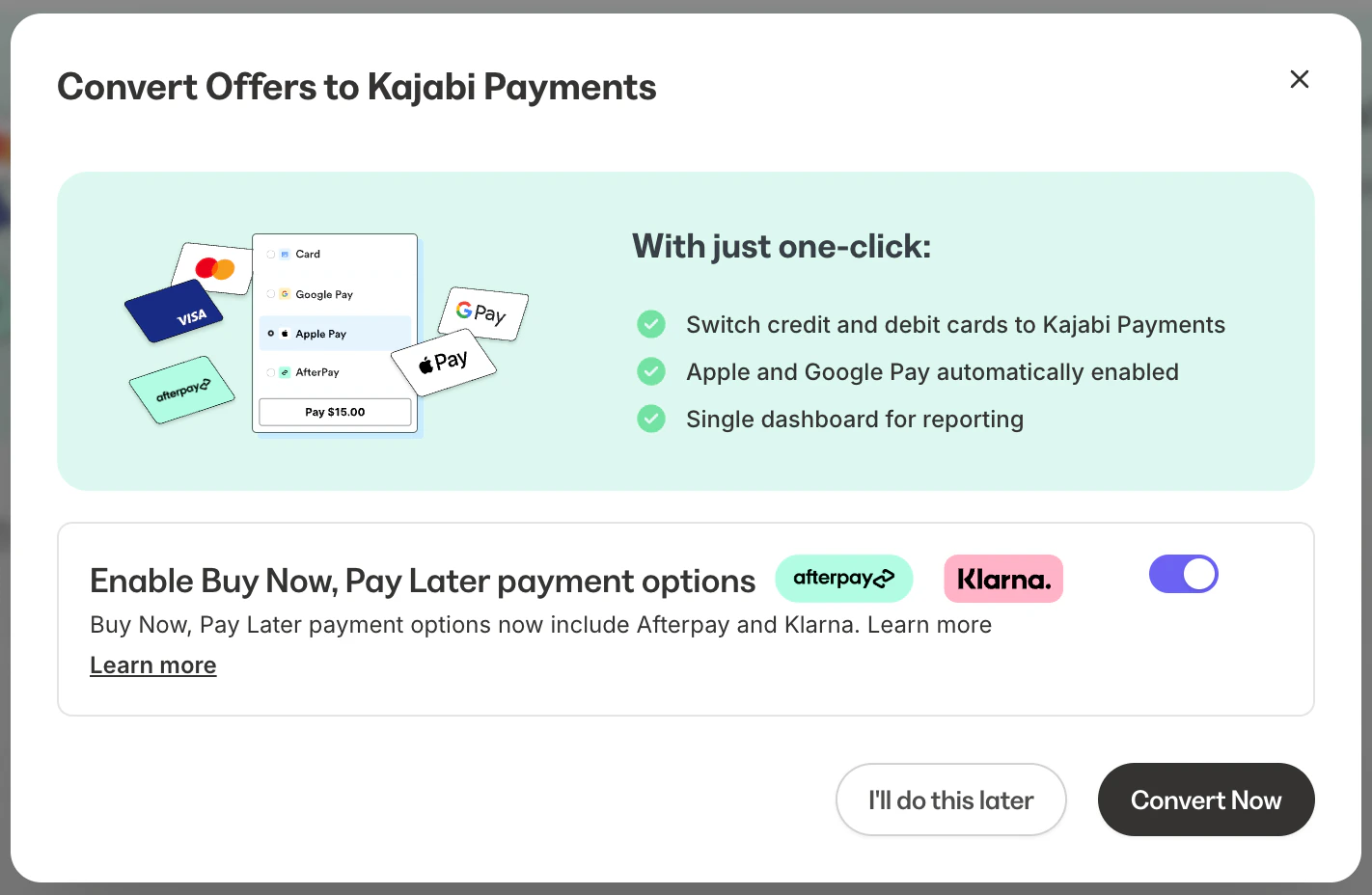
You can update all of your offers at the same time to accept cards as well as additional payment methods via Kajabi Payments instead of Stripe without needing to edit them one by one. Here is what you can expect:- Any offers accepting PayPal will continue to accept PayPal in addition to Kajabi Payments
- Any previously purchased subscriptions or payment plans that are currently on Stripe will remain on Stripe, and only new purchases will be on Kajabi Payments
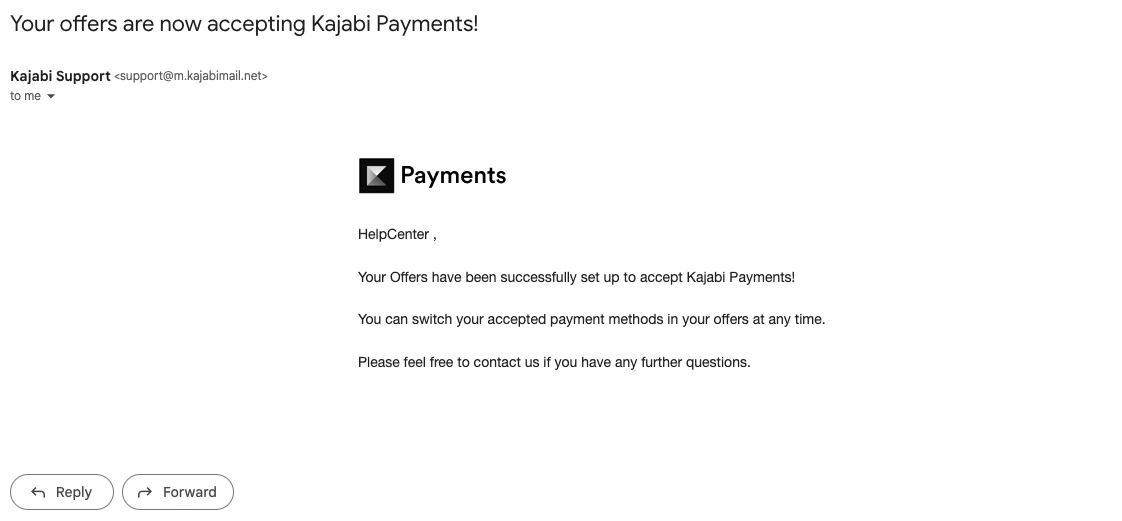
Convert all offers to Kajabi Payments
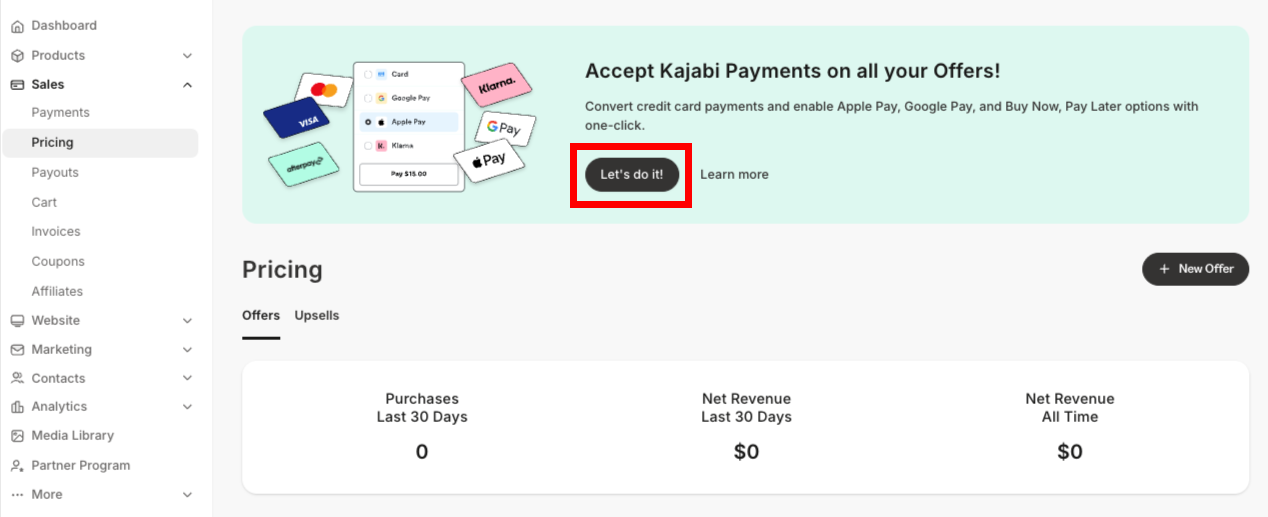
- Open the Sales tab from your Dashboard
- Click Pricing
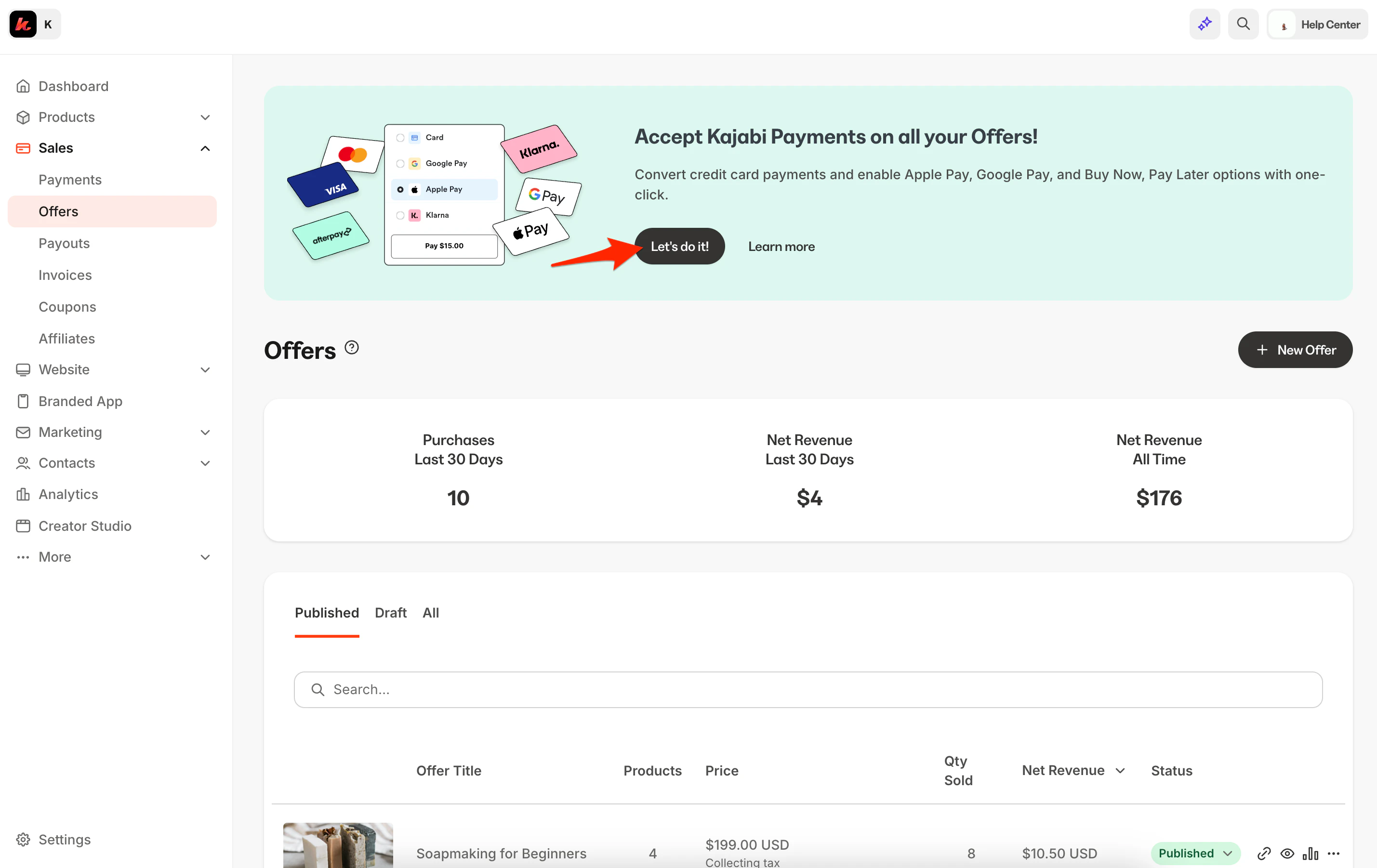
- Locate the banner at the top of the screen
- Select Let’s do it! from the banner
Note: Kajabi Payments does not support the legacy 2016 checkout. When converting your offers to Kajabi Payments, any existing offers on the 2016 checkout legacy can now be converted to the current checkout when converting from Stripe to Kajabi Payments. Learn how to update your checkout from 2016 to 2018.