

To access Analytics reports, navigate to Analytics > Reports in the left navigation of your dashboard.Documentation Index
Fetch the complete documentation index at: https://help.kajabi.com/llms.txt
Use this file to discover all available pages before exploring further.
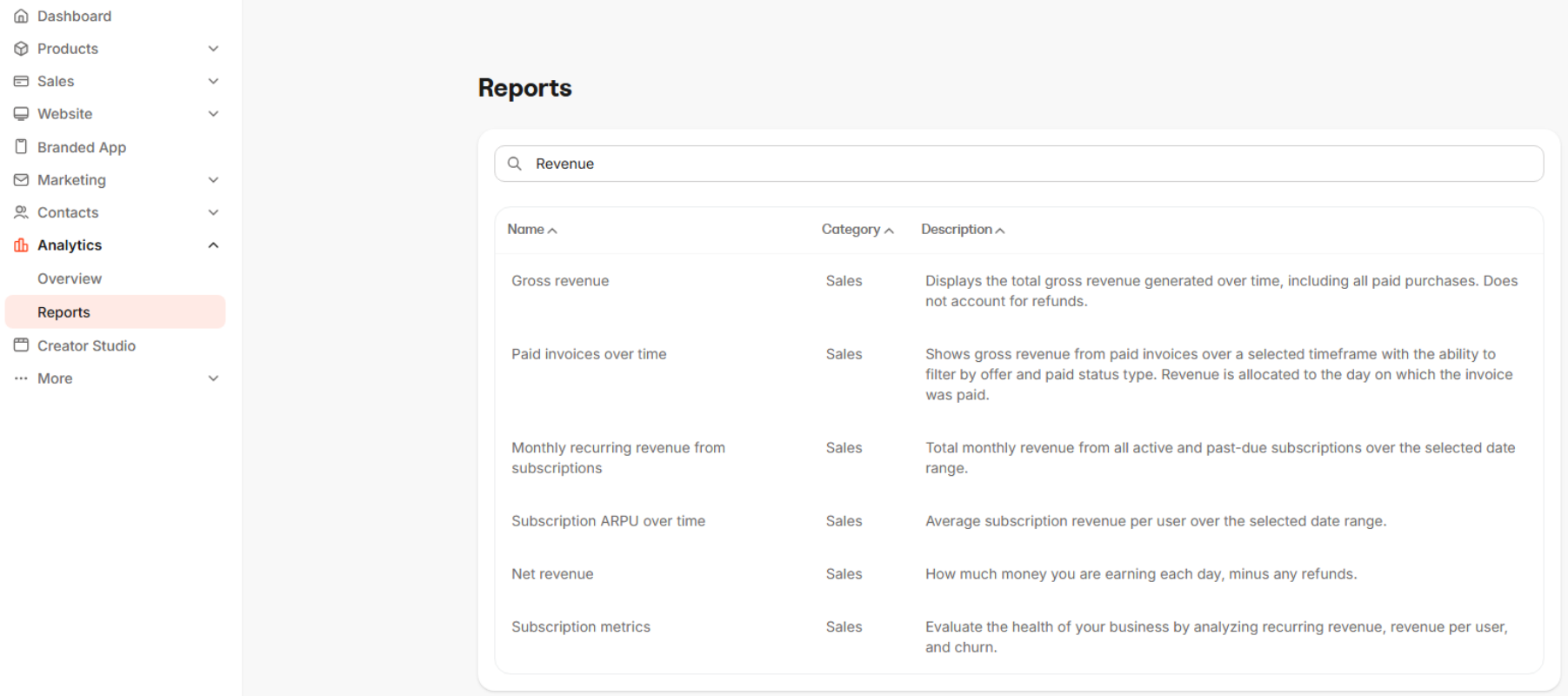
| Report | Description |
|---|---|
| Gross Revenue | Displays the total gross revenue generated over time, including all paid purchases. Does not account for refunds. |
| Refunds | Shows the total value of refunds issued over time, including full and partial refunds for paid purchases. |
| Payments by Payment Method | Displays the breakdown of payments by payment method, showing how customers paid for their purchases (e.g. credit card, ApplePay, etc.). |
| Payments by Pricing Type | Shows the breakdown of payments by pricing type, including one-time payments, subscriptions, payment plans, free, and pay what you want. |
| Free Offers Over Time | Displays the total number of free offers purchased over time. |