

Overview
Canva is a great, nearly free tool that allows you to create all the images, logos, and graphics you need for a consistent look across your Kajabi courses and business.Create a Canva account
Set up an account at Canva.com using Facebook, Email, or other social media accounts. If you choose not to use your social media account, you will need to wait for and click on a verification email.- Once you have created your account you will see this header:
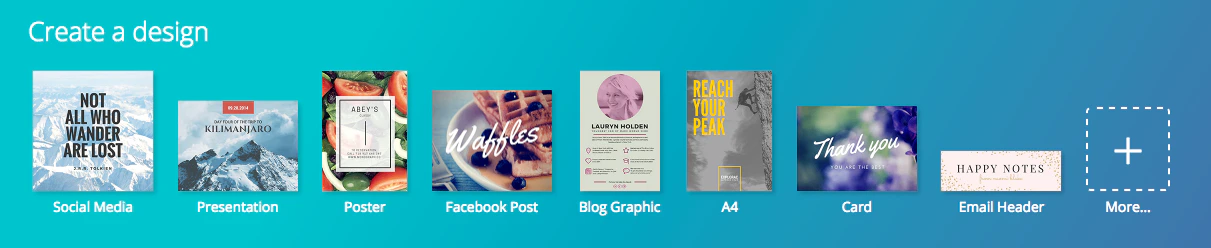
Choose a template for a graphic or logo
Choose what type of graphic you are going to create, whether it is a logo for your business or courses, a poster for a live event, or a header for your Facebook account. Canva has templates for every occasion. If you cannot find a template that fits your idea, create a custom dimension by clicking on the box in the upper right corner: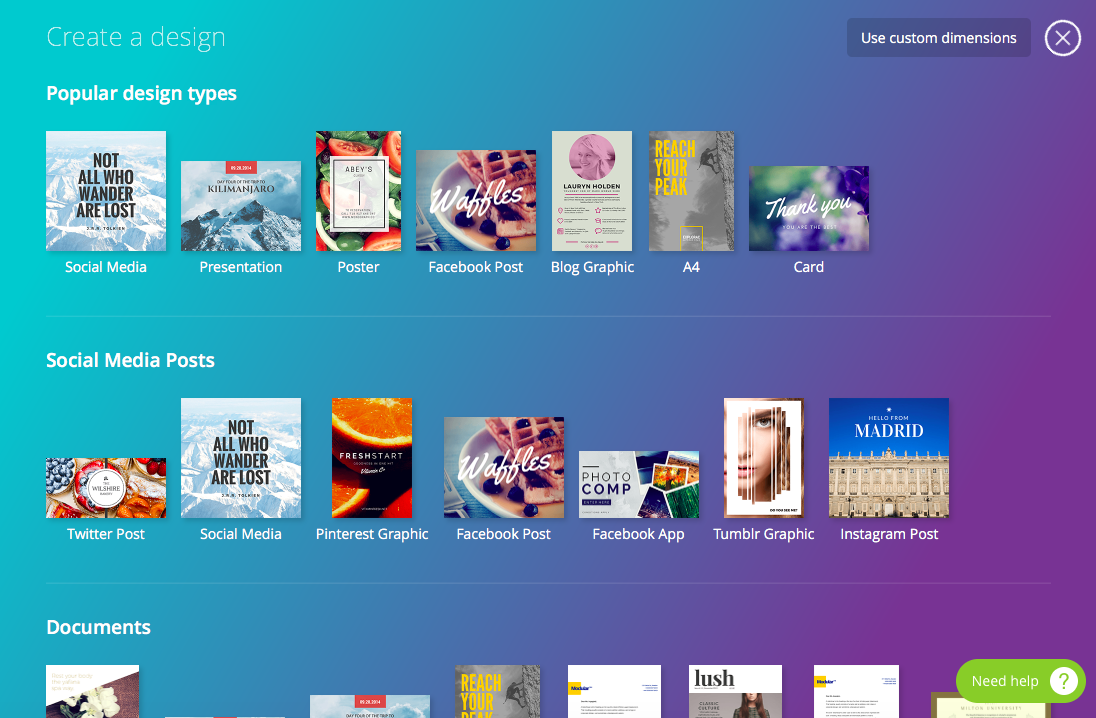
Design a logo
Once you select a logo from the business section of templates, you will see a variety of layouts, elements, and options: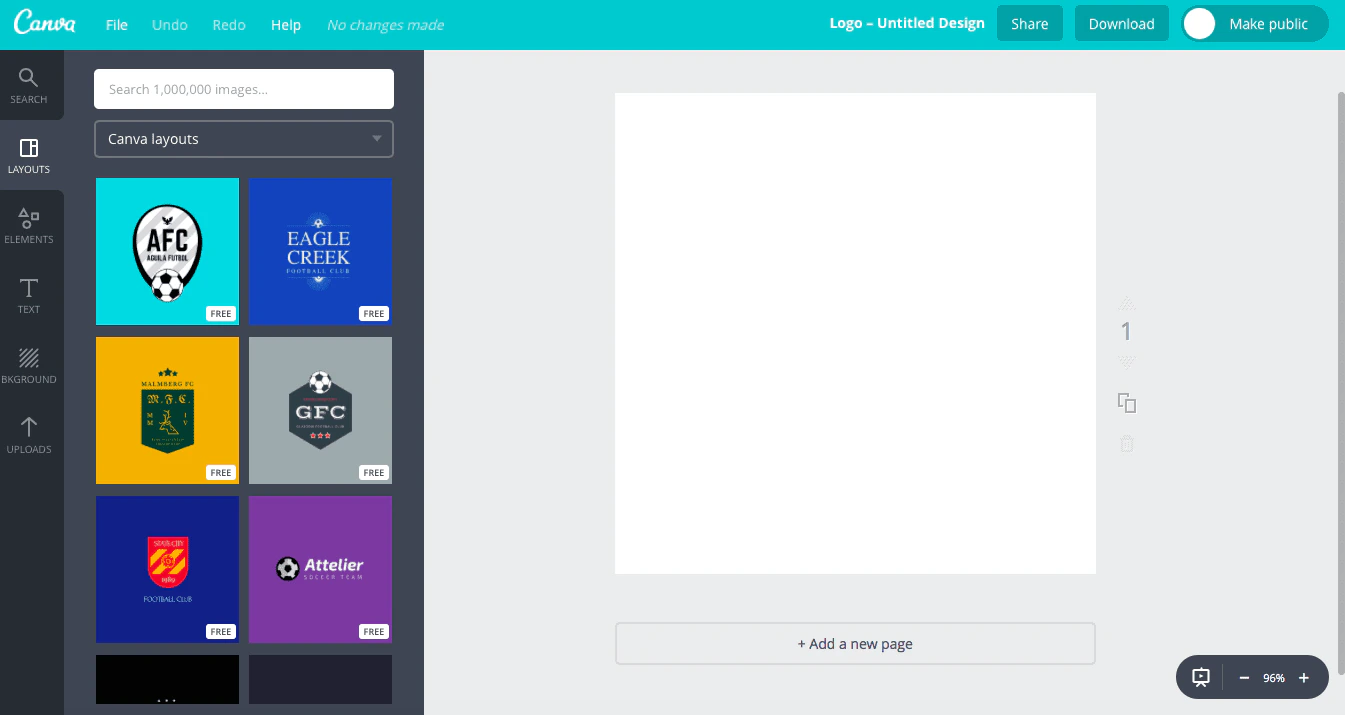
Customize a logo or graphic
- Select a template and click UPLOADS to add your own photos such as a headshot or any other images you may want to include on the logo:
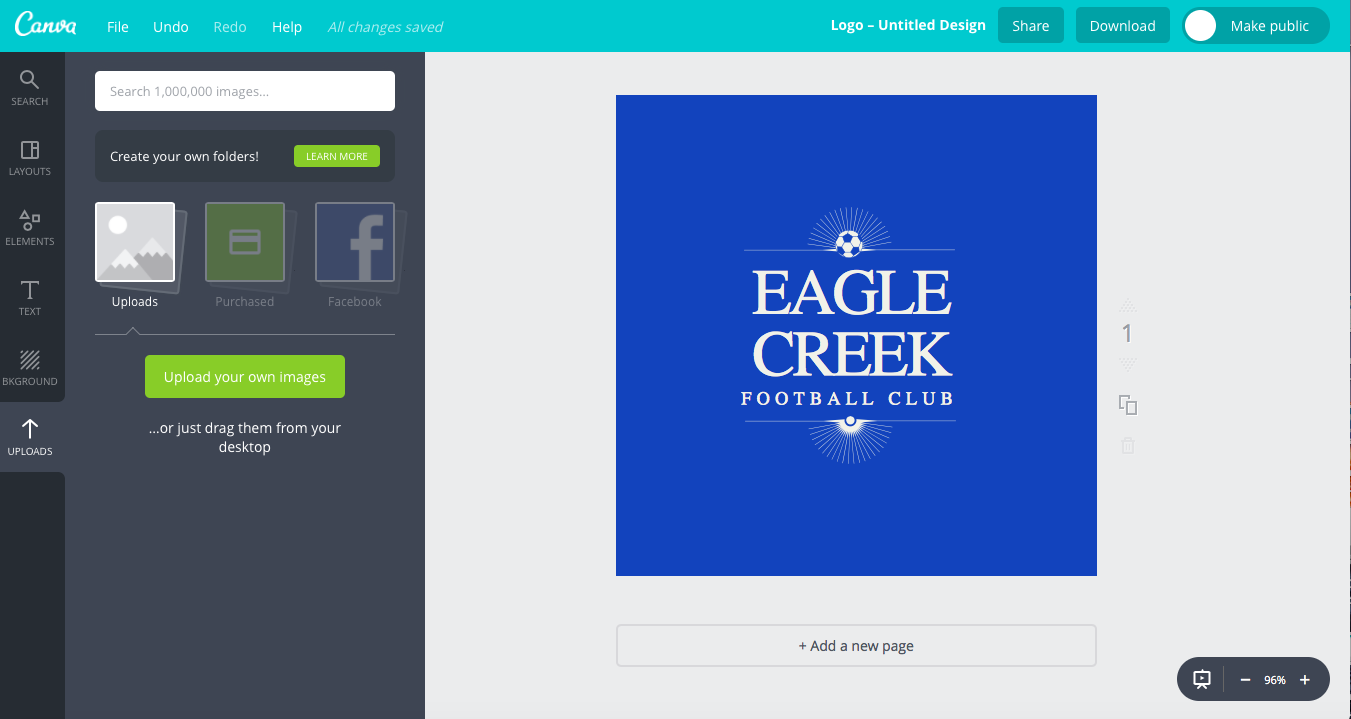
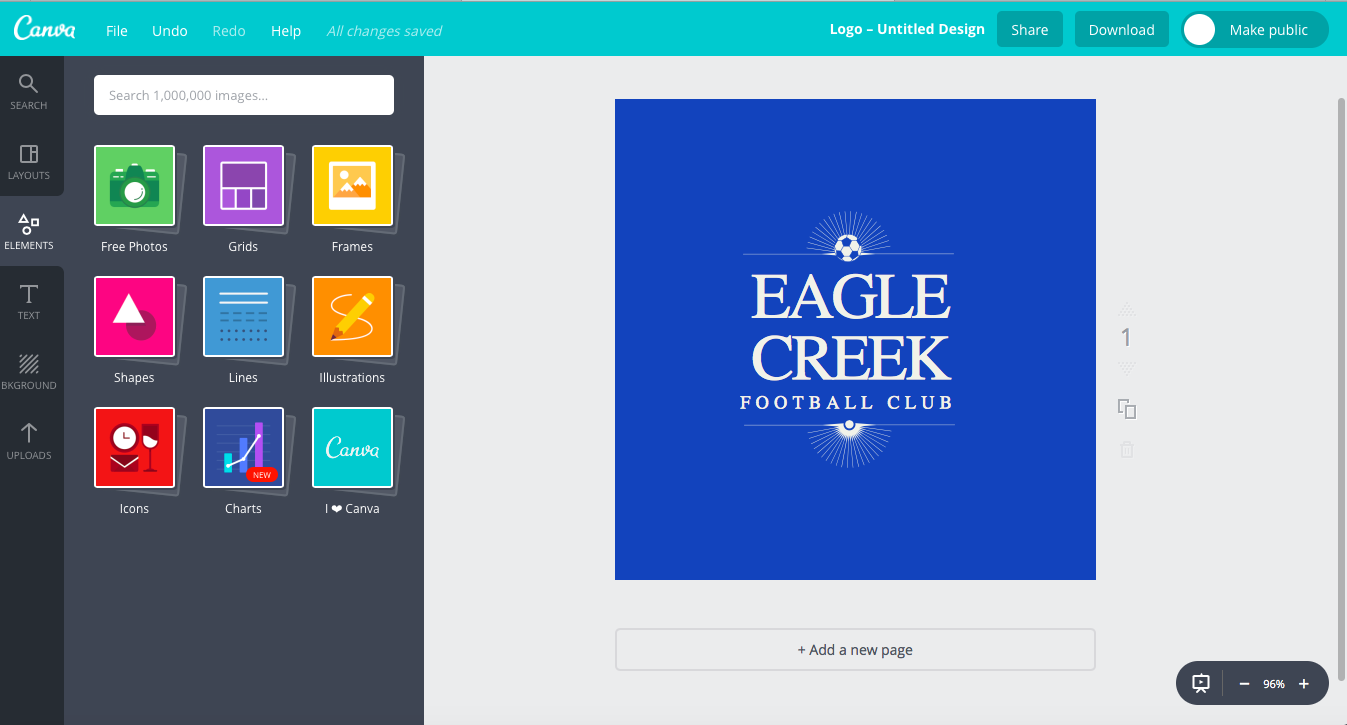
- Add elements such as grids, charts, and icons by clicking the ELEMENTS tab:
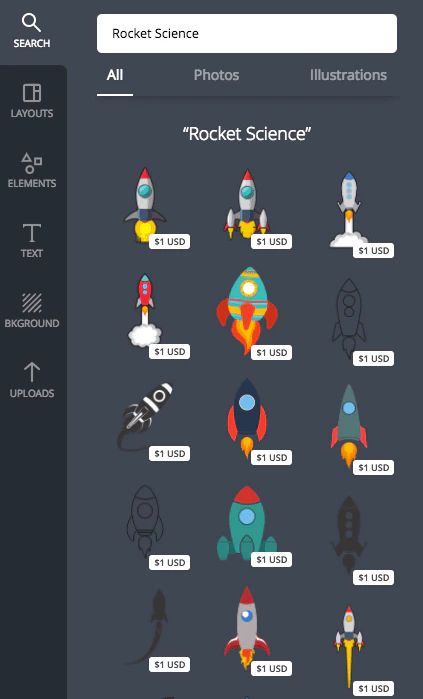
- Canva also offers stock images and illustrations that you can buy for $1 when you search for a term in the search bar:
- Once you have experimented with different layouts and elements, added your own text including your brand name, and set the background to your desired color, save and download your logo.
Download and share a logo
Save your logo by clicking File then Save. While Canva does auto-save every few minutes, make sure you save your work each time you exit the program or after making changes. To download your logo:- Click Download in the top right corner.
- Select your preferred file format (PNG recommended for logos).
- Click Download to save the file to your computer.