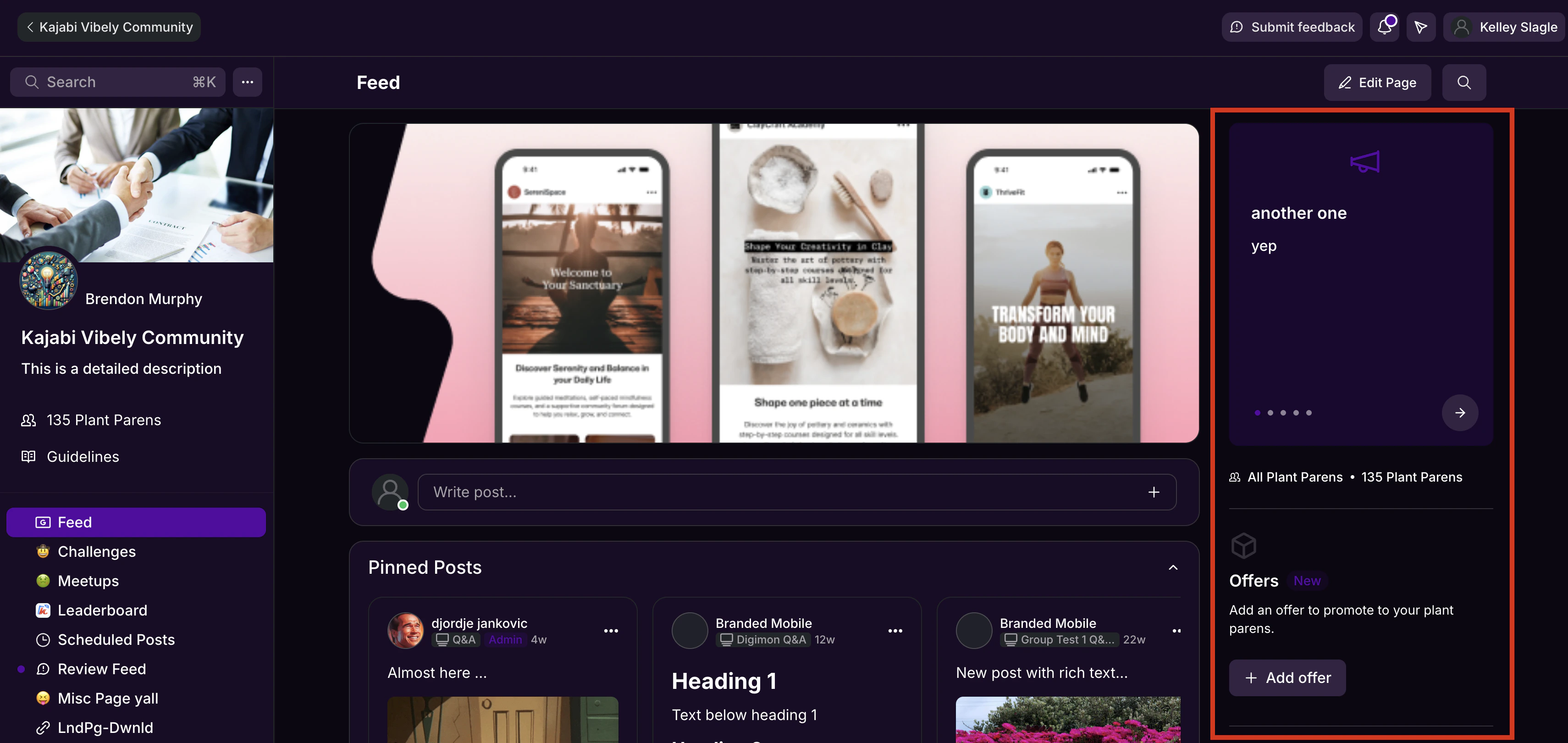
The Community Feed page displays a global feed of all posts, giving you and your members a central place to browse activity. You can also customize Feed settings and use the right sidebar to surface Announcements, Meetups, and Challenges.Documentation Index
Fetch the complete documentation index at: https://help.kajabi.com/llms.txt
Use this file to discover all available pages before exploring further.
Community Feed page
Your Community includes a Feed page displaying a global feed of all Feed posts: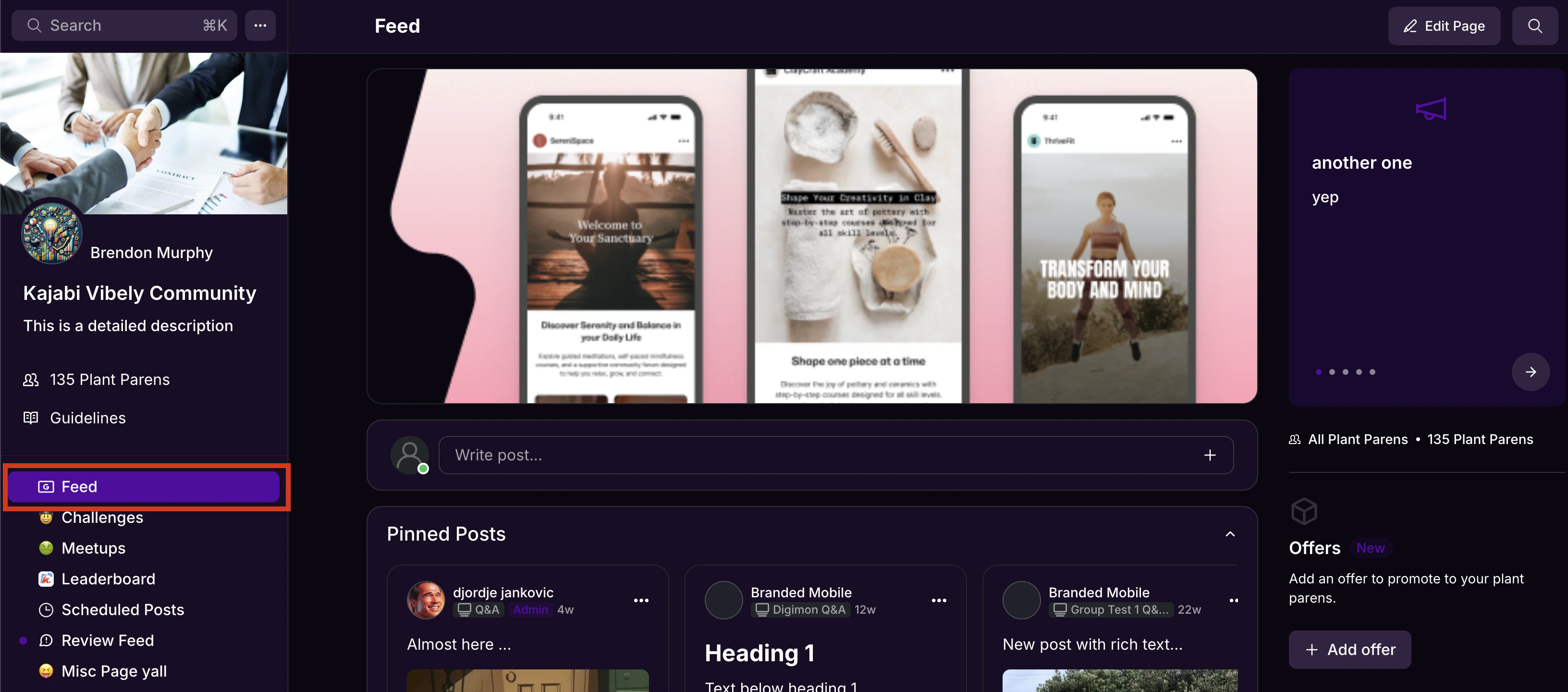
Note: Chat messages will not appear in the global feed on the Feed page.
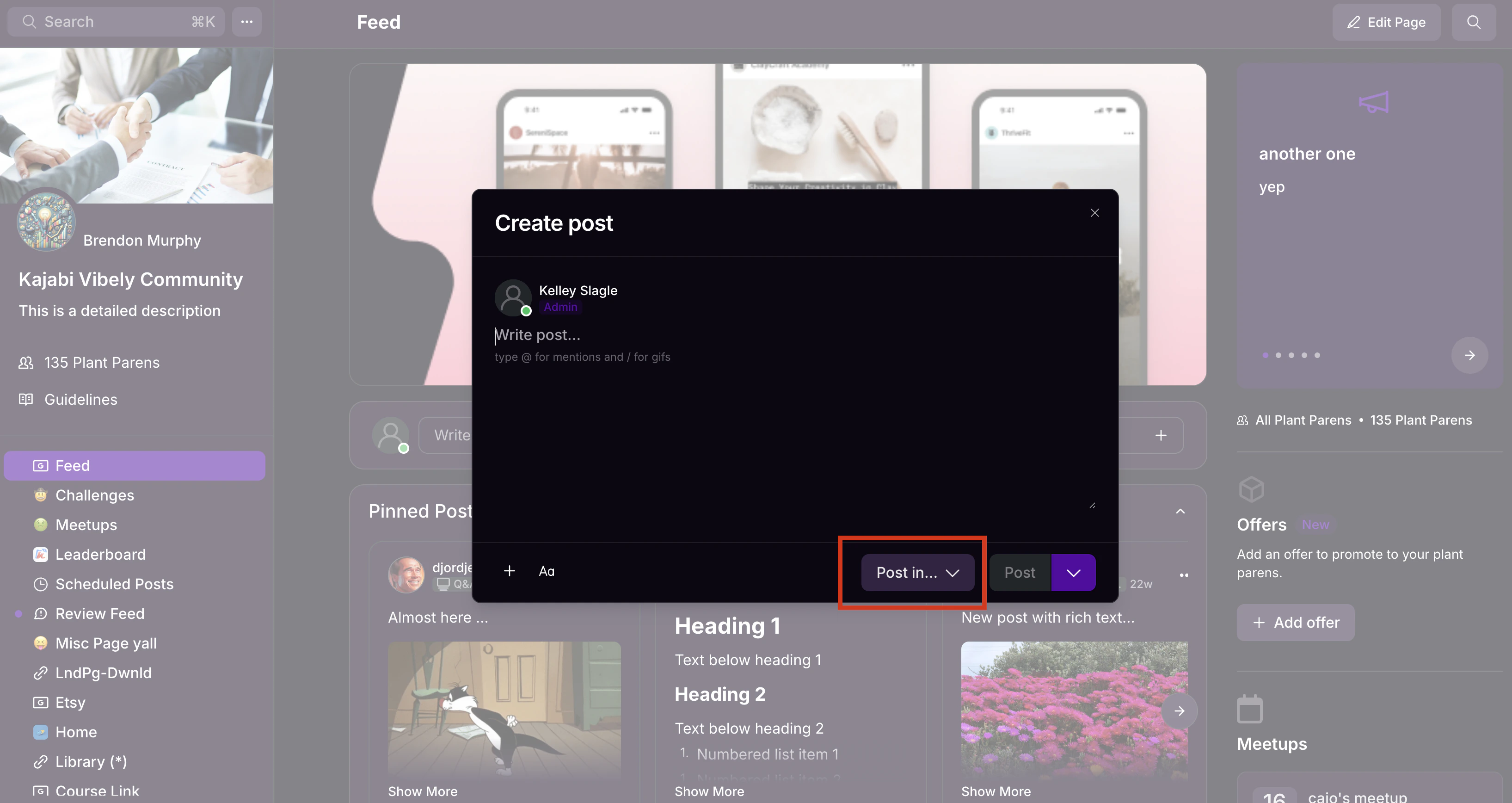
Feed page settings
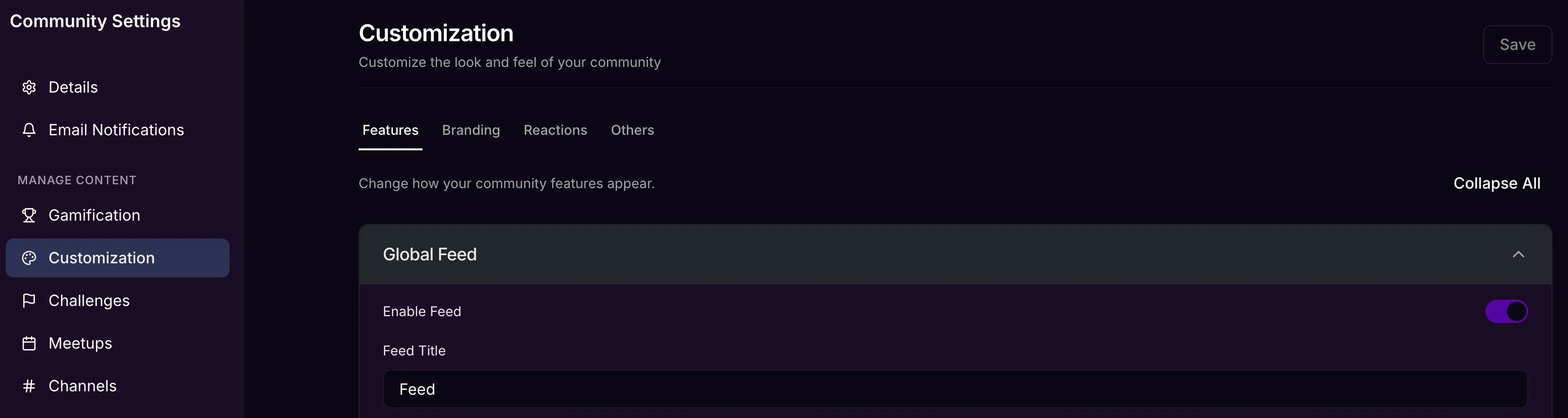
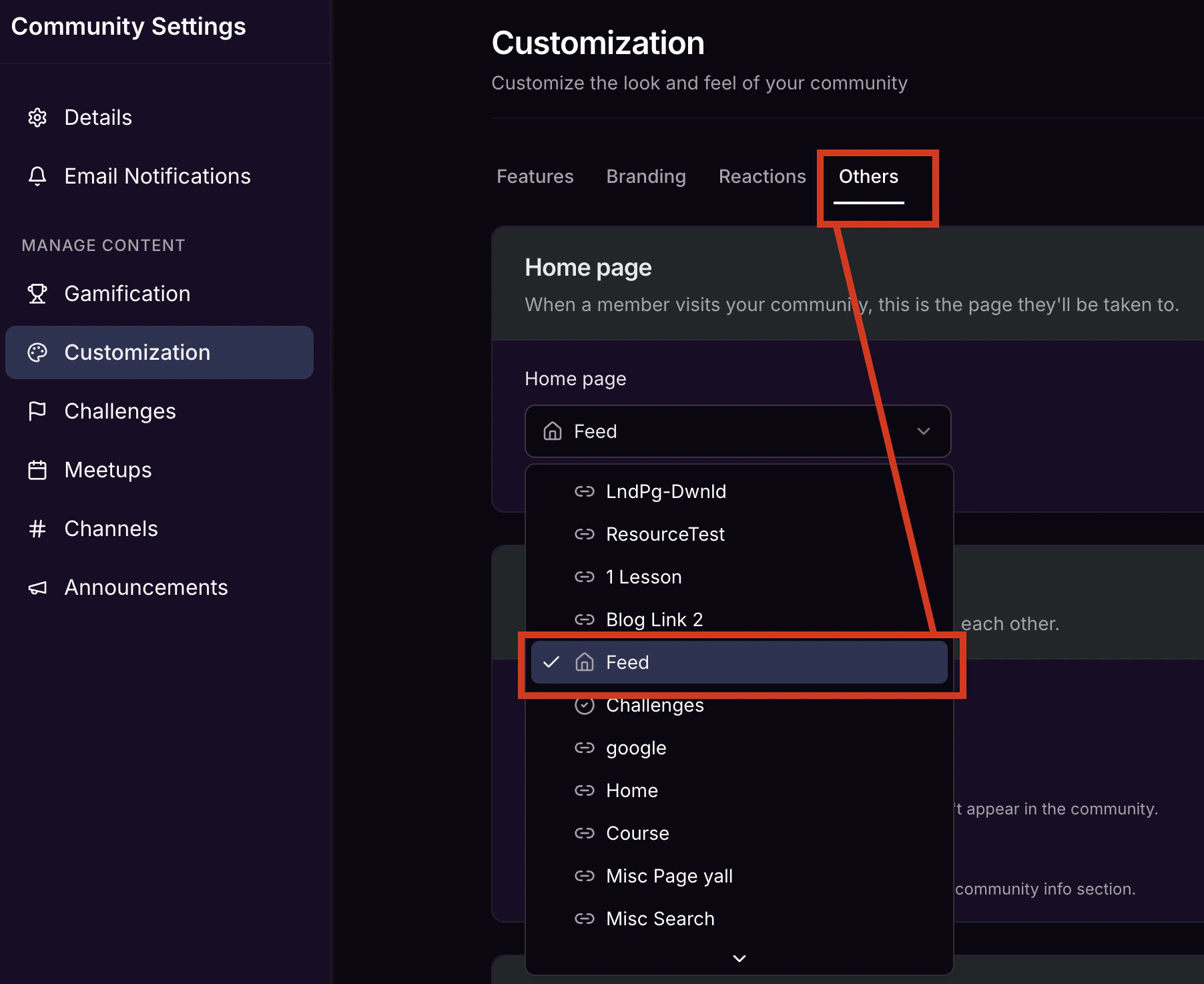
To change the default appearance of the Feed page:- Click the ellipsis icon on your cover photo, then select Community Settings.
- Select Customization.
Right sidebar feed
The Community experience on the web app also offers a right sidebar conveniently displaying a feed of the 3 most recent:- Announcements
- Upcoming Meetups
- Challenges to Complete