

View and modify the scheduled date and time for your Email Broadcasts.Documentation Index
Fetch the complete documentation index at: https://help.kajabi.com/llms.txt
Use this file to discover all available pages before exploring further.
View scheduled Email Campaigns
- Open the Marketing tab from the Dashboard.
- Click Email Campaigns.
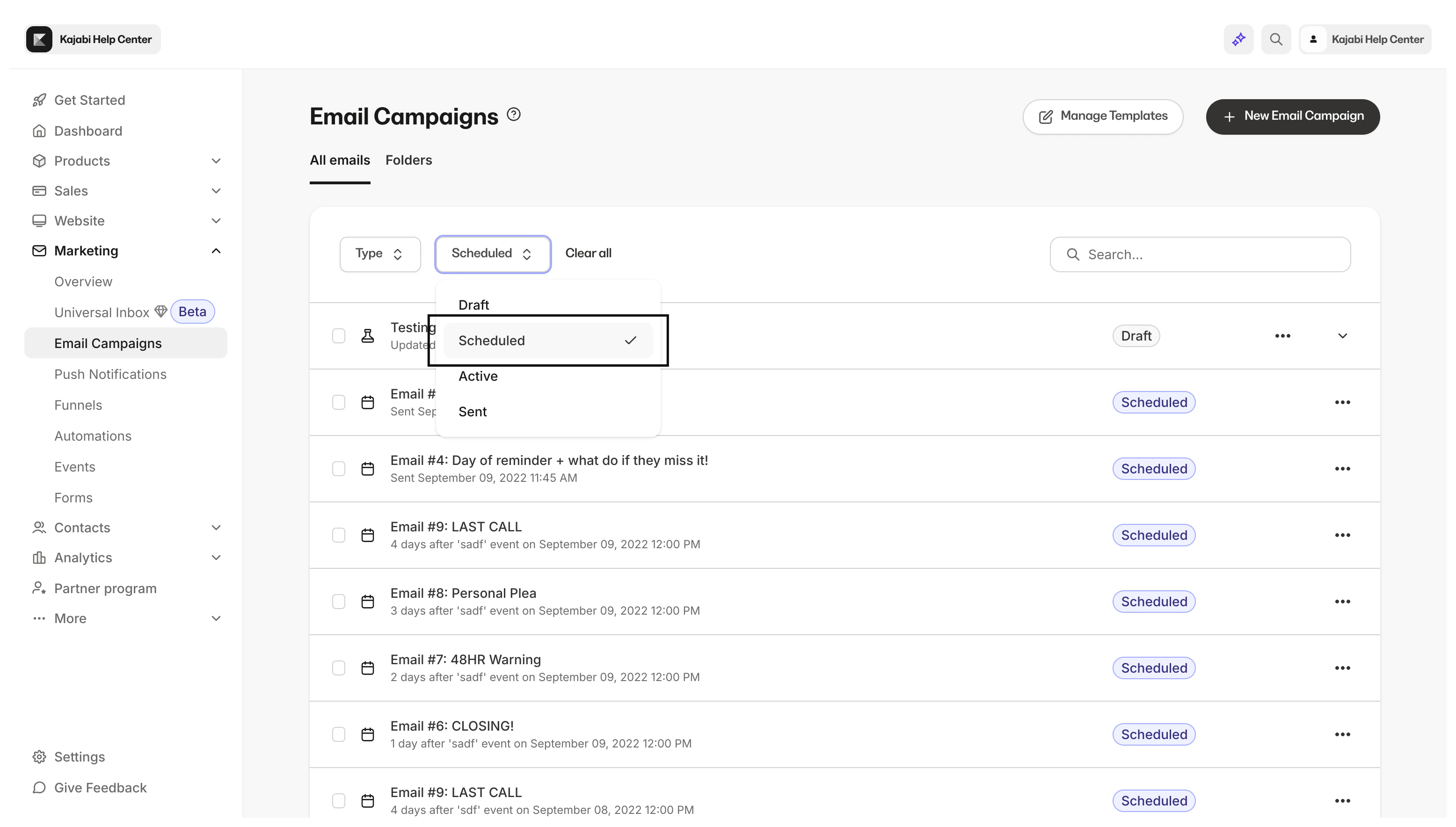
- Select Scheduled from the top menu:
Note: If you are A/B testing your Email Broadcast, your test will begin after all the emails have been sent. Learn more.
Edit the scheduled time and date
- Open the Marketing tab from your Dashboard.
- Click Email Campaigns.
- Select Scheduled from the top menu.
- Open the ellipsis
…icon on the right side of the email you wish to reschedule. - Click Unschedule.
- Read the prompt and confirm your desire to Unschedule.
- Select your newly unscheduled Email Campaign to edit.
- Navigate to the top right corner of the Email Editor and click 3. Send Email.
- Select Send at a Specific Time and choose the date and time you wish the Email Broadcast to be sent. Then, click Apply.
- Click Confirm.
Note: Schedule your Email Broadcast up to a year in advance. Learn more.