Add a text section
Communicate your message to your email recipients by adding a Text Section.Add a Text section to an email
- Open the Marketing tab from the Dashboard.
- Select the email you wish to edit.
- Move your cursor over the Email Content and click Edit content.
- In the sidebar, select Add Section.
- From the list, select Text and click Add.
- Your newly created Text Section will be generated at the bottom of the email.
- Click Save to keep your changes:
Customize text
Sidebar Text Editor options
- Use Cofounder to help generate your text content. Click the Cofounder icon in the text editor sidebar to open Cofounder. Learn more about Cofounder.
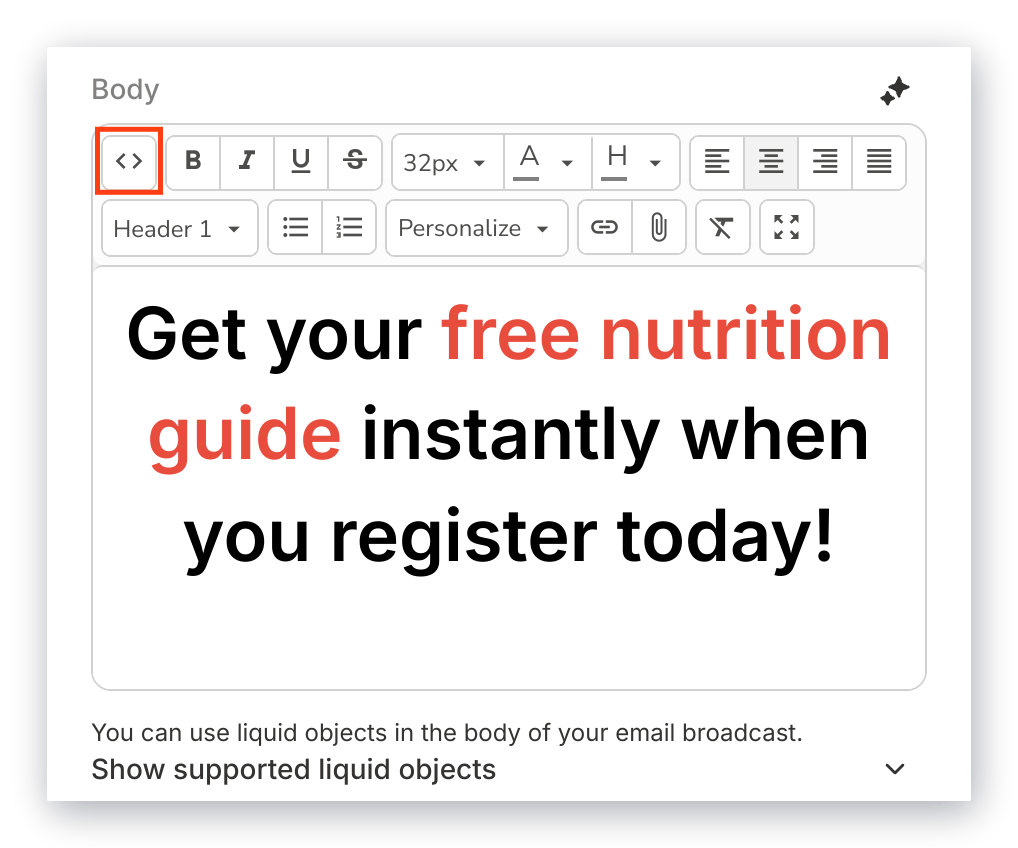
- Access your Email source code to manually modify the HTML code for your email:
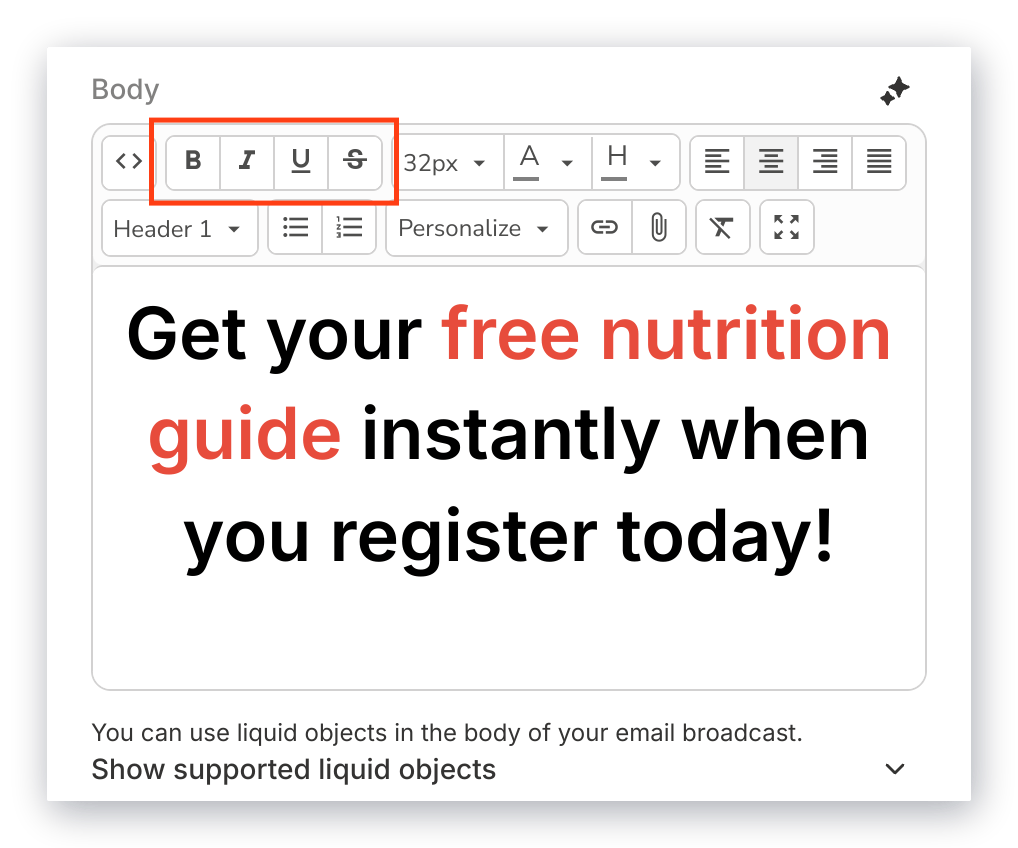
- Customize the appearance of your text by formatting it as bold, italicized, or strikethrough:
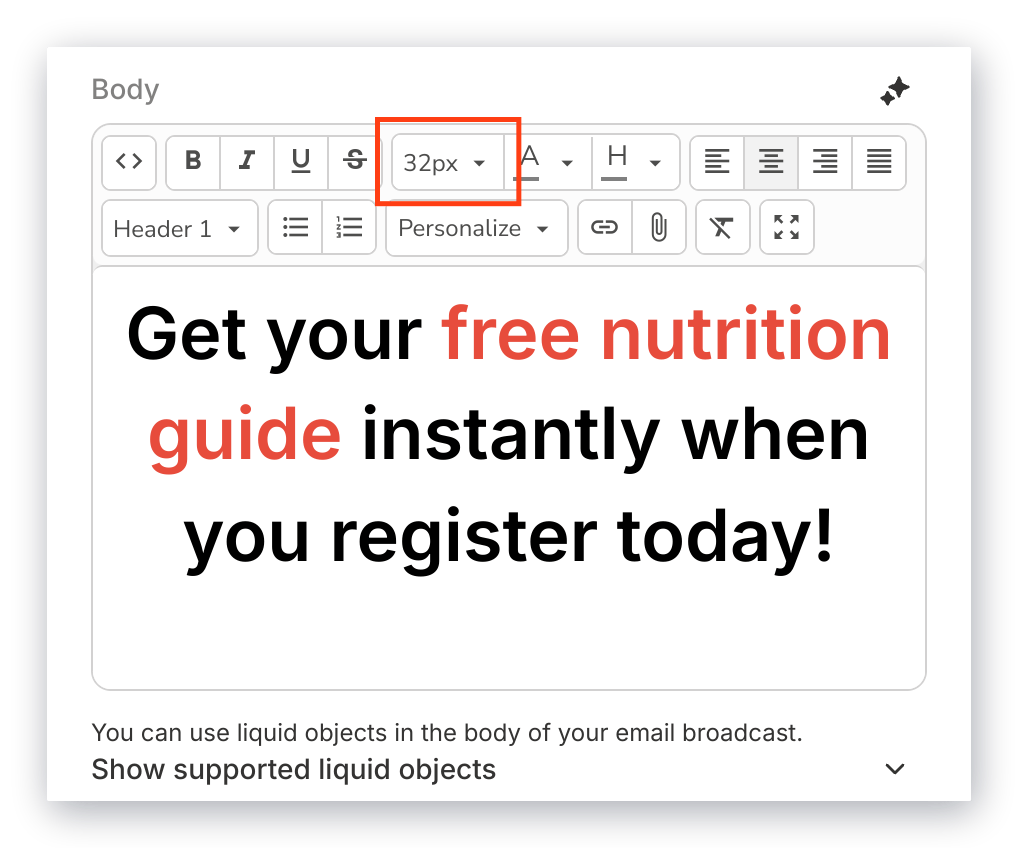
- Adjust your font size:
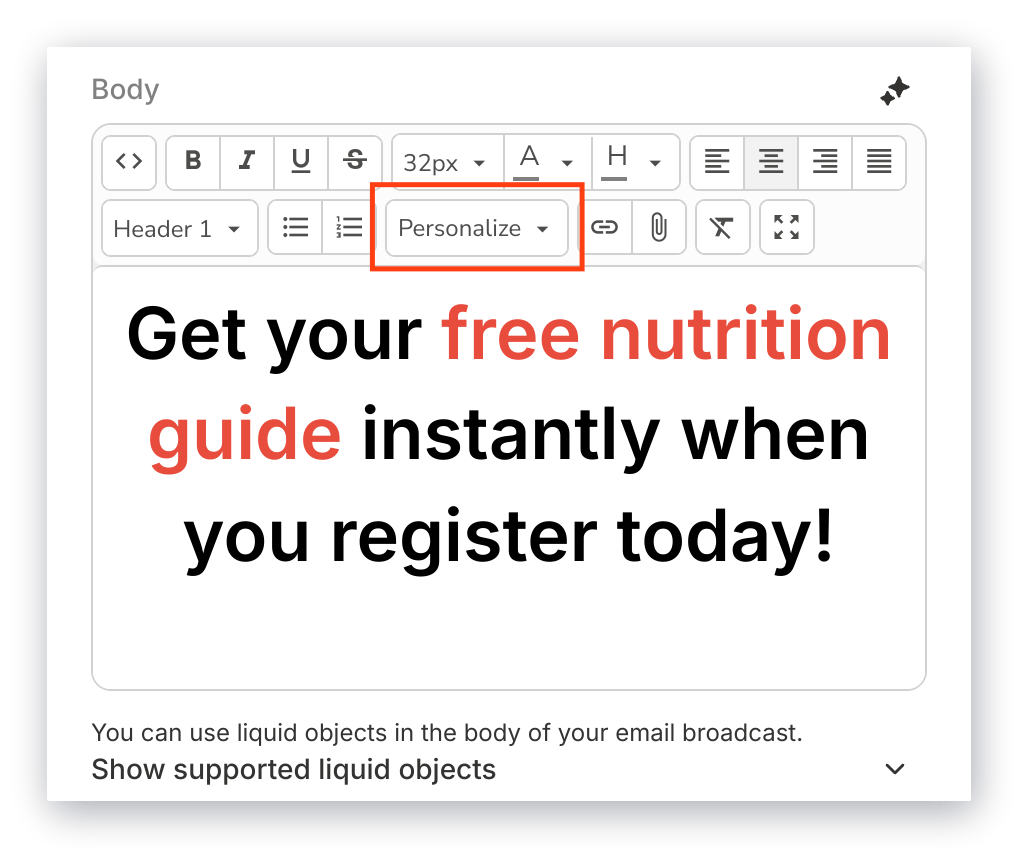
- Personalize your email with the customer information captured through your Forms and converted to Liquid Objects:
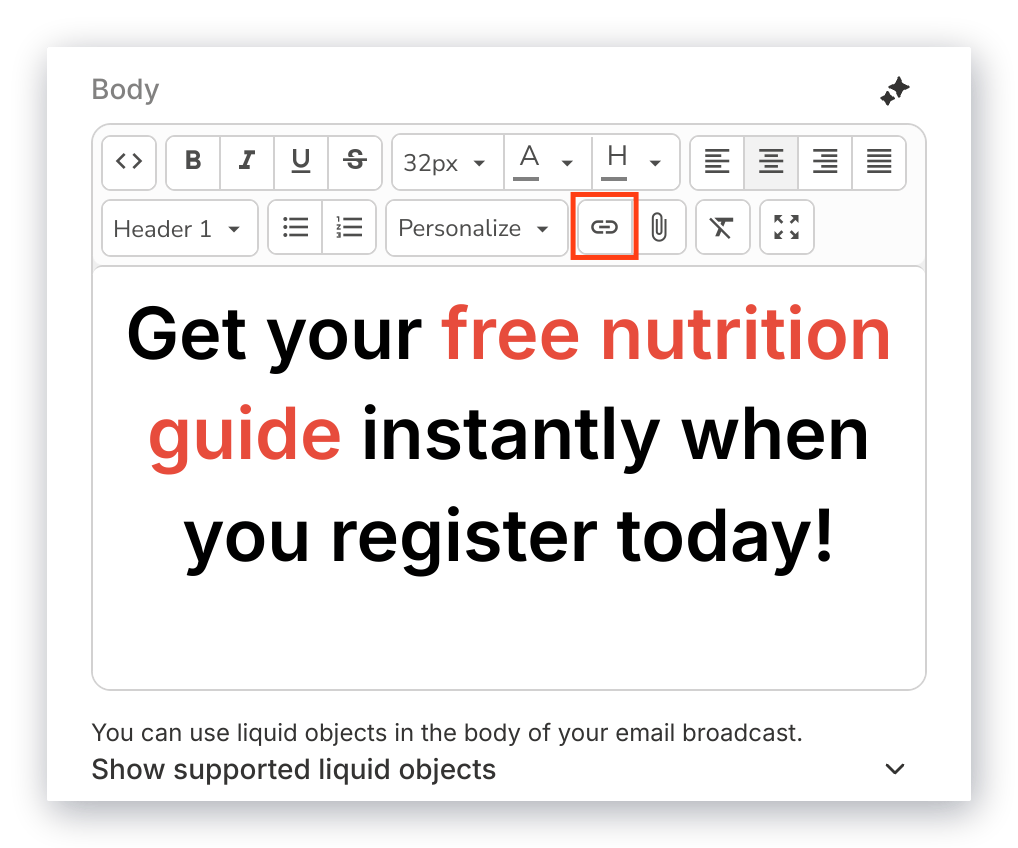
- Insert a clickable URL in your text to link out to a web page:
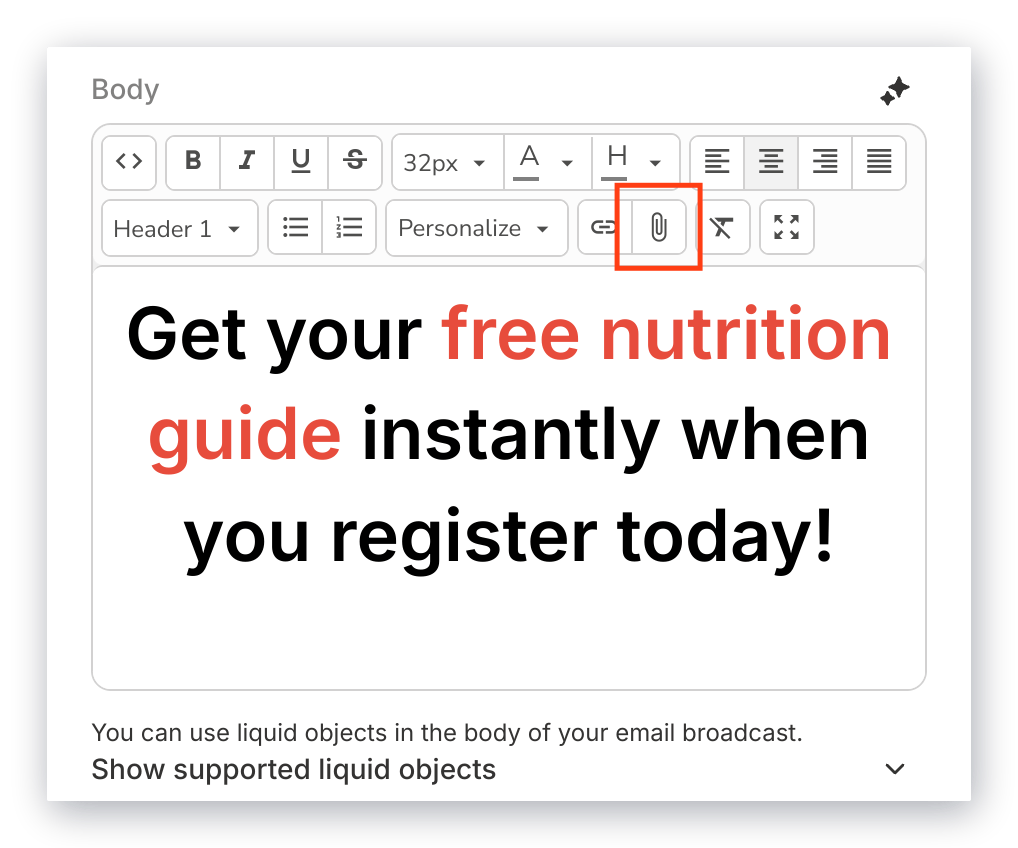
- Upload a file into the body of your email for your recipients to download:
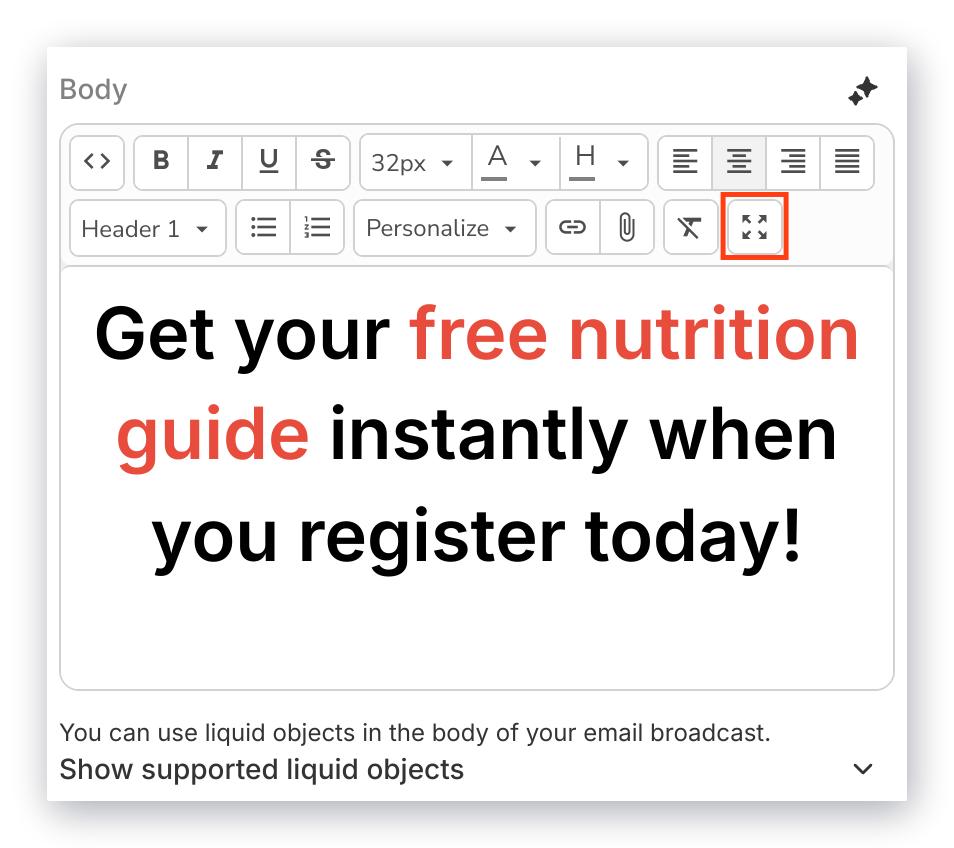
- Click Fullscreen to maximize the size of the Text Editor to better view your edits, then click again to minimize the Text Editor back to the sidebar: