

Documentation Index
Fetch the complete documentation index at: https://help.kajabi.com/llms.txt
Use this file to discover all available pages before exploring further.
Overview
Copy your Page URL to share, link, and connect your content like your emails, buttons, and more to your Page.Copying your landing page link
Link your landing pages with navigation menus or keep them separate and use various mediums such as marketing emails or social media accounts to drive traffic to your landing pages. To copy your landing page link:- Open the Website tab from the Dashboard.
- Click the Pages tab.
- Select the Landing tab.
- Locate the Page you wish to use and click
.... - From the dropdown menu, click Copy URL:
Copying your website page link
Your system website pages are built with the Website Builder. By default, your standard website pages are connected for you with various navigation menus to make up the foundation of your website: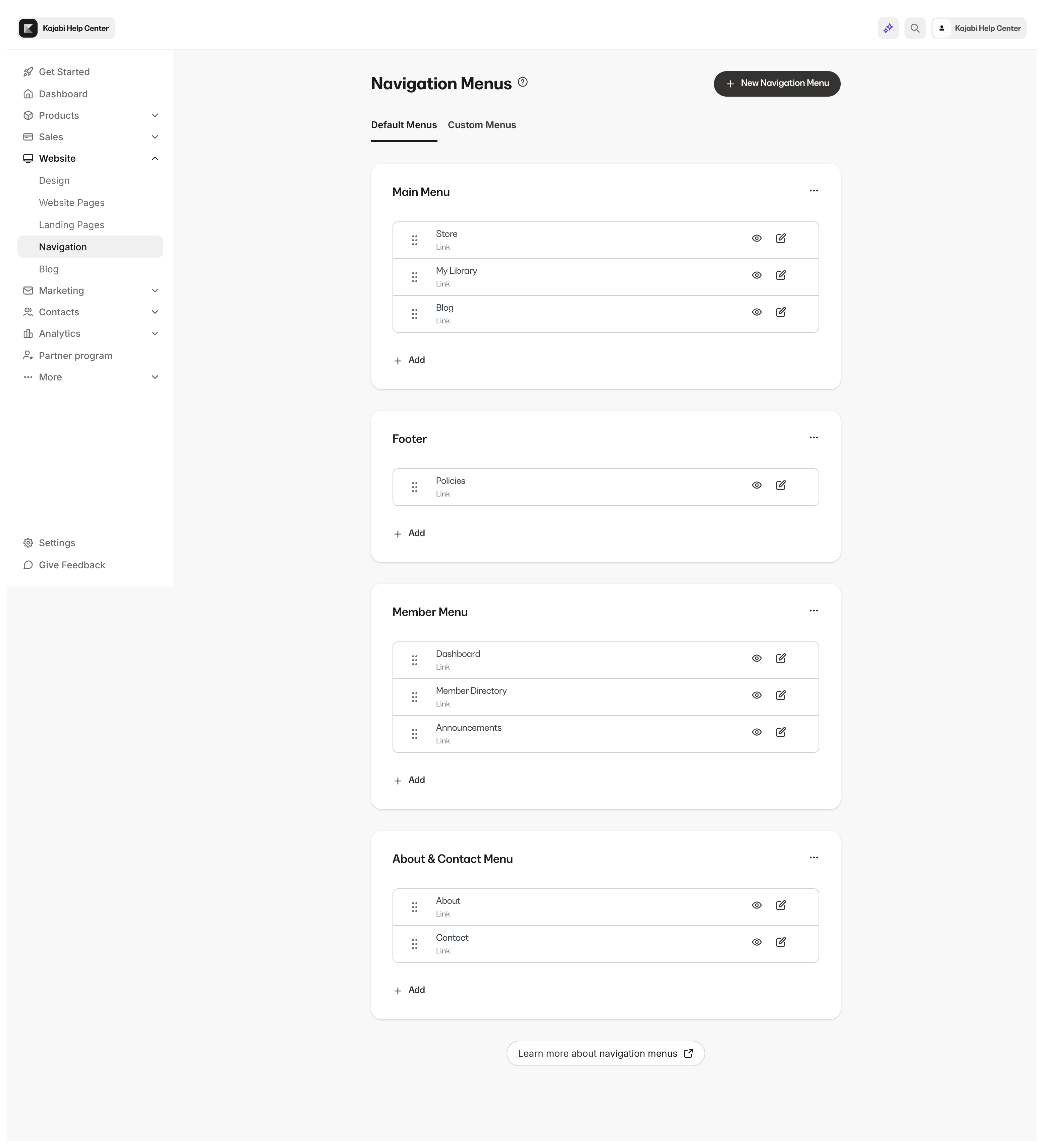
https://myamazingsite.mykajabi.com, then your About page (a system website page) link would be, https://myamazingsite.mykajabi.com/site/about:
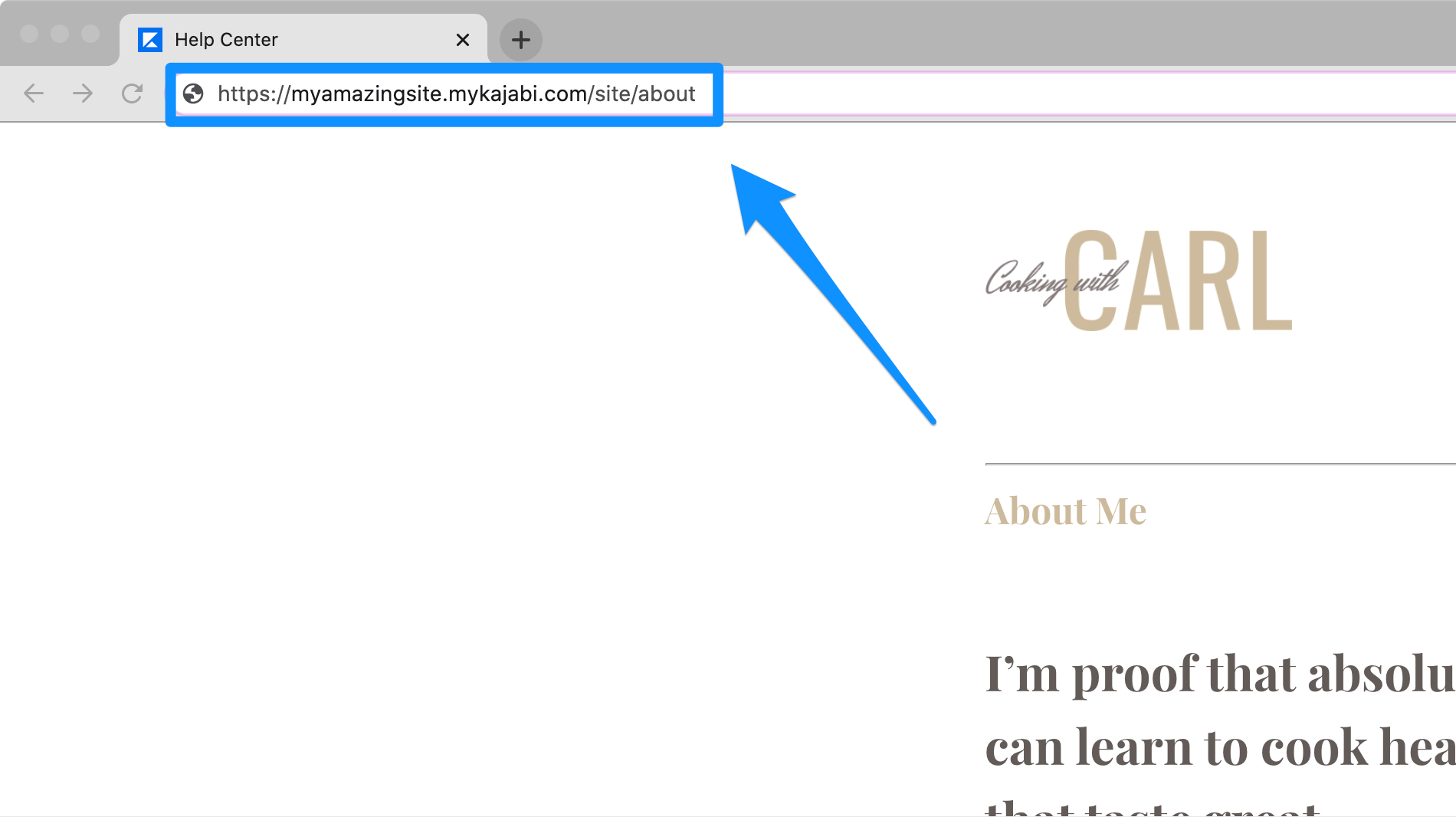
Standard website page paths
- About:
/site/about - Contact:
/site/contact - Library:
/library - Member Directory:
/member_dashboard/members - Announcements:
/member_dashboard/announcements - Blog:
/blog - Login:
/login - Store:
/store
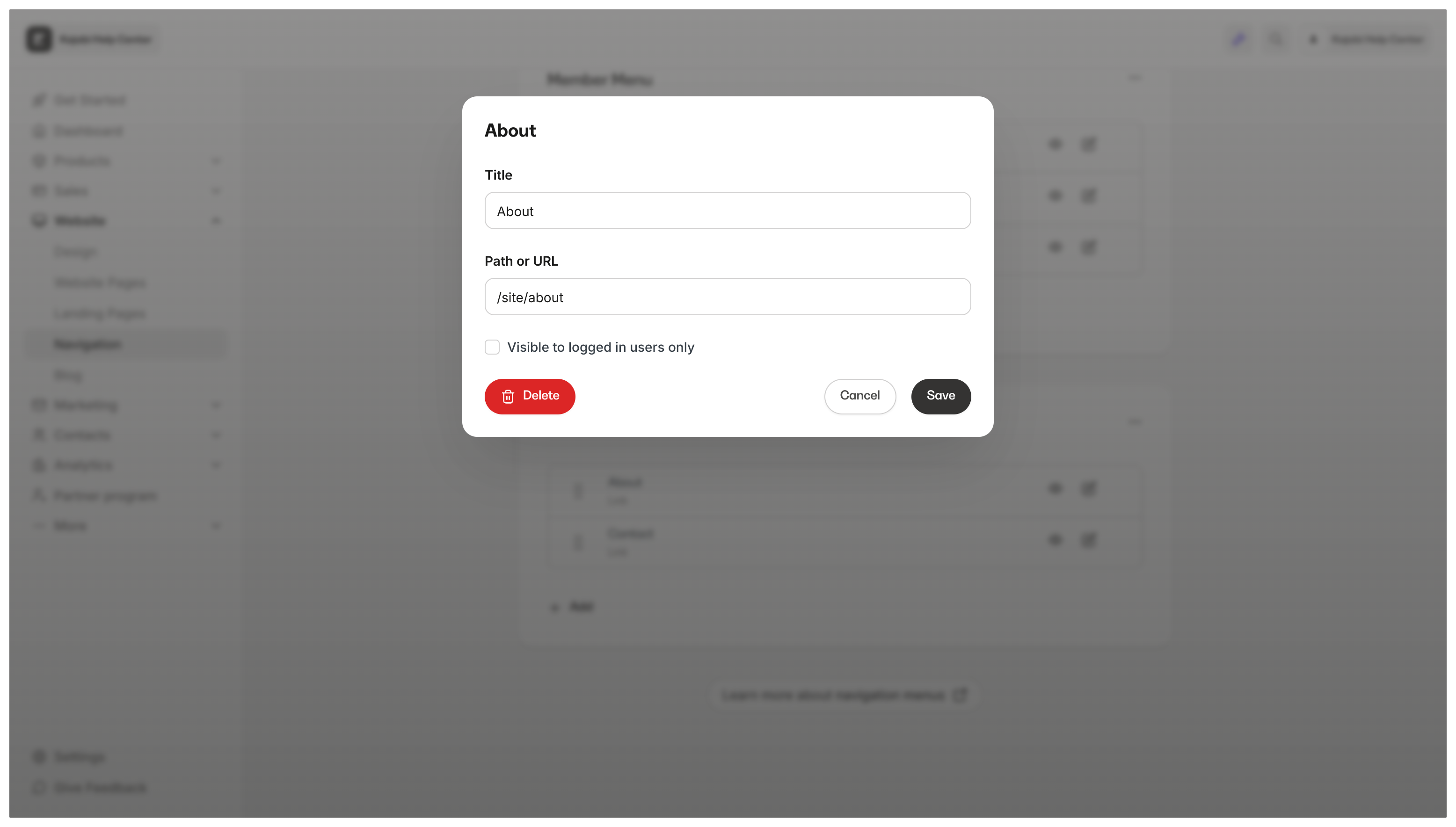
/site/about) as the link:
- Open the Website tab from the Dashboard.
- Click the Pages tab.
- Locate the Page you wish to use and click
.... - From the dropdown menu, click Copy URL: