Documentation Index
Fetch the complete documentation index at: https://help.kajabi.com/llms.txt
Use this file to discover all available pages before exploring further.
What is a custom section?
The Custom Section Category allows you to design a unique, one-of-a-kind Section from scratch. You can add a Custom Section to create a blank slate to pick and choose the Block Types you wish to display and/or add a Custom Code Section to enter custom code to a section of your page. Remember, each Preset Section can be customized to design a unique, one-of-a-kind section, but adding a Custom Section generates a blank Section to build Blocks into according to your vision.Adding a custom section
Design a Custom Section with various Block types to present and display your content:- Open the Website tab from your Dashboard
- Select the Pages tab
- Open the page editor for your Page. Learn more
- Navigate to the sidebar panel
- Click Add Section
- Select the Custom Section from the Custom category to Preview
- Click Add to generate the Preset Section to your Page:
Customizing the preset custom sections
Custom section
Adding a Custom Section to your page generates an empty Section to add your desired Block Types:- After adding the Custom Section, navigate to the sidebar editor
- Click Add Content
- Select a Block type and begin customizing your section
- Click Save to keep your changes:
Custom code section
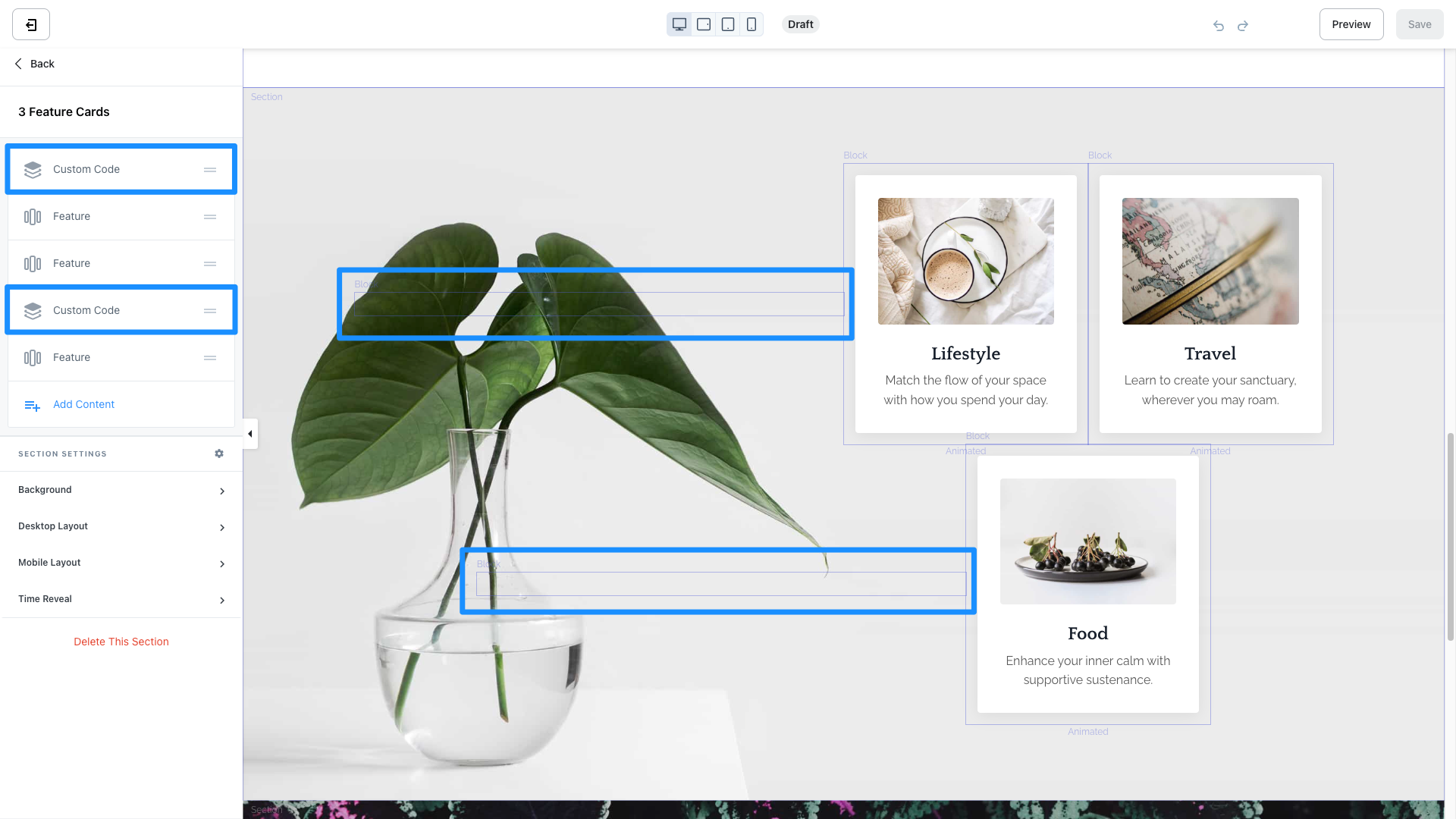
Creating a Custom Code Section generates a Custom Code Block to enter custom code or embed code onto your page. The Custom Code Section is a powerful tool for a variety of purposes, including:- Adding custom code (like embedding a calendar to your page) without requiring access to the Code Editor of your site
- Creating blank spaces on your page to design beautiful, unique landing page layouts (check out the Iris Template below for an example):