The most compatible image filetype with Kajabi is PNG. If your image is not uploading properly, try converting it to PNG format. Learn to convert an image into a PNG file type.Documentation Index
Fetch the complete documentation index at: https://help.kajabi.com/llms.txt
Use this file to discover all available pages before exploring further.
Using an online image converter tool
Step 1: Find an image converting tool
There are many image converting tools to choose from. We recommend researching and finding the tool that you prefer and that best fits your business needs. In this guide, we use the Online Converter Tool to PNG.Step 2: Start conversion
- Open your preferred image converter tool (to follow along with this guide, click here).
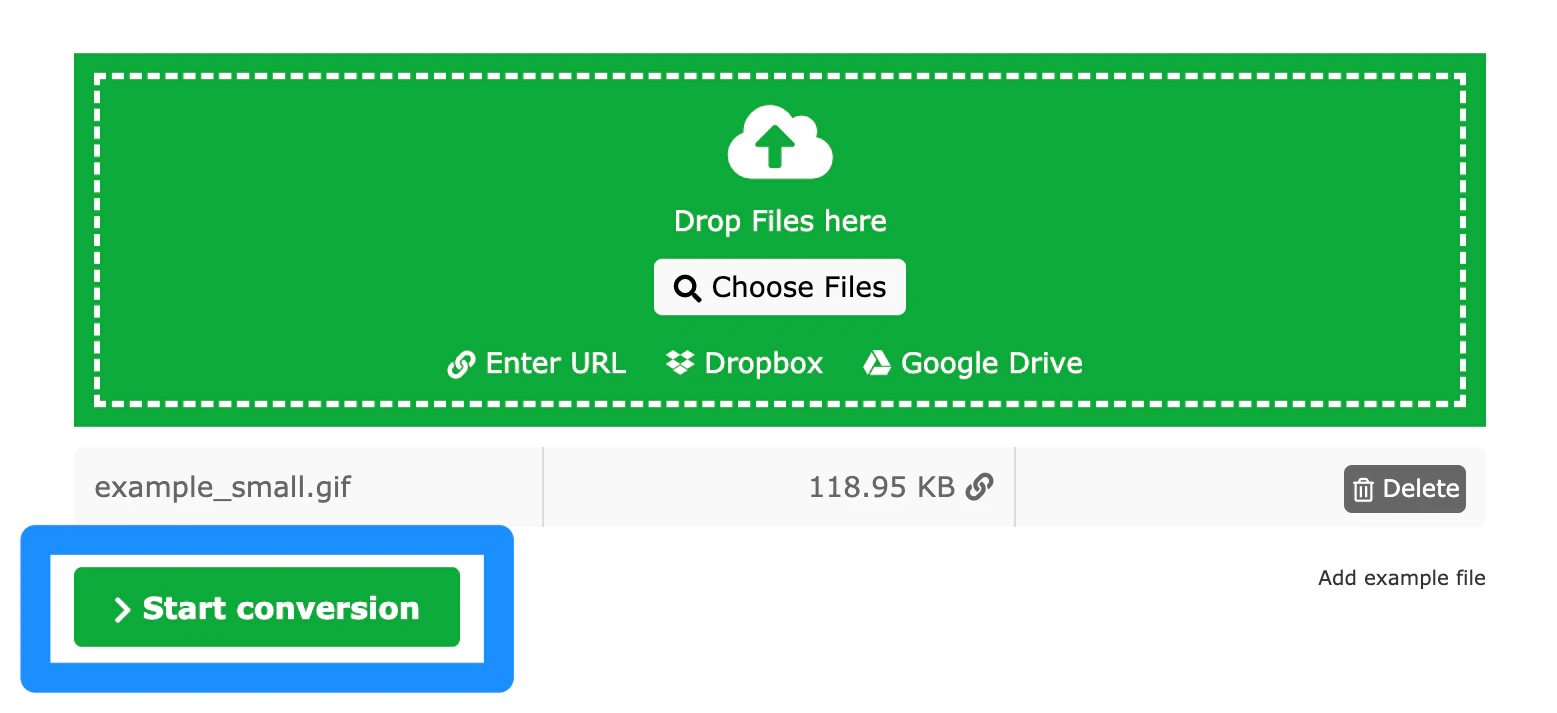
- Drag and Drop or Select your File:

- Click Start conversion:
Step 3: Download converted file
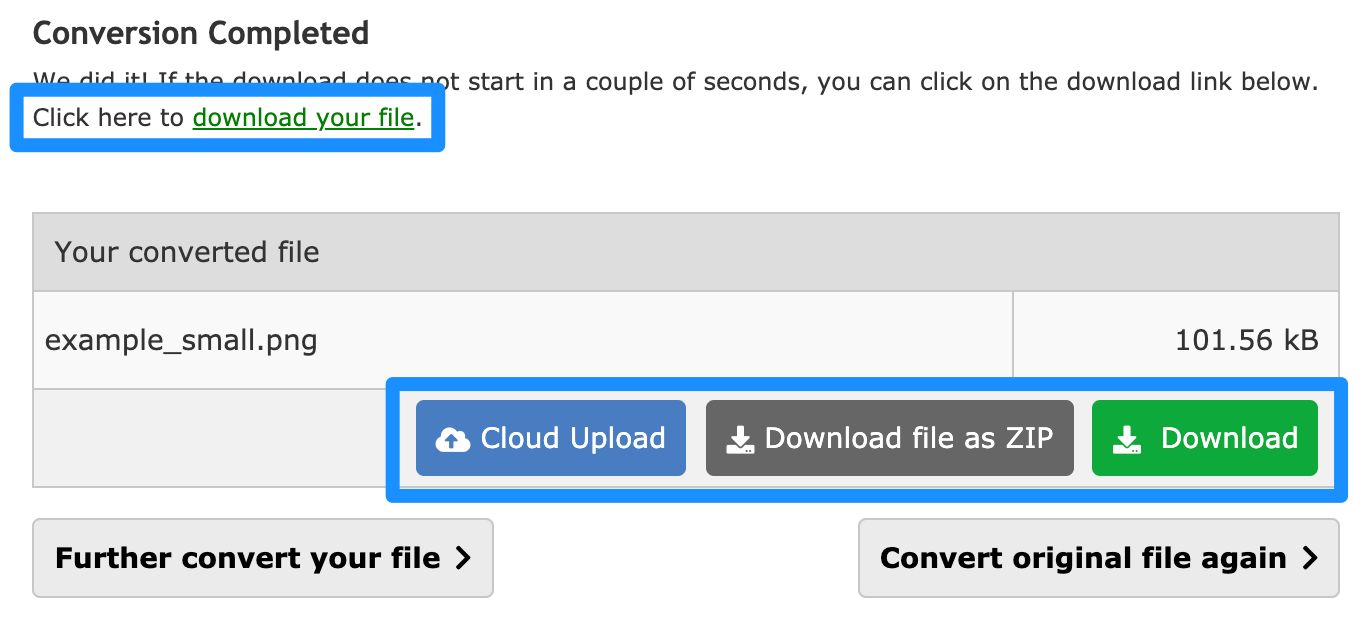
After converting your file to PNG, your file may download to your computer automatically. But if it doesn’t, click Download: